Account compromise doesn’t only happen to people who are careless online. Sophisticated attackers target everyone, and even people who consider themselves tech-savvy can be caught off guard. A handful of consistent habits genuinely make a real difference.
Below are seven cybersecurity best practices that will give you far stronger protection against the most common threats.
Why Account Compromise Happens to Careful People Too
Attackers rarely rely on brute force alone. They exploit psychology, urgency, and trust. A convincing email, a familiar-looking login page, or a reused password from an old breach can be enough to gain access.
Many breaches succeed not because the victim did something reckless, but because they had one small gap in their routine. Staying secure online means closing those gaps systematically, not just staying generally aware.
Habit 1: Use Strong, Unique Passwords for Every Account
Credential security starts with passwords that are actually hard to crack. Reusing the same password across accounts is one of the most common reasons people get compromised. When one site suffers a breach, attackers test those credentials everywhere else.
What Makes a Password Actually Strong in 2026
Length matters more than complexity. A passphrase, which is a string of several unrelated words, is both harder to crack and easier to remember than a short string of symbols and numbers. Aim for at least 16 characters. Unique passwords for every account are non-negotiable, since even a strong password becomes a liability when it’s repeated.
How a Password Manager Removes the Guesswork
Nobody can realistically memorize a unique, complex password for every account they use. That’s one of the main reasons password reuse remains so common—and why compromised credentials continue to be a leading cause of account takeovers. A password manager helps eliminate this problem by generating strong, unique passwords for every account and storing them securely in an encrypted vault.
Instead of relying on memory or predictable variations of the same password, users only need to remember a single master credential while the tool handles the rest. This not only improves password hygiene but also reduces the likelihood of falling back on weak or reused credentials when creating new accounts.
For individuals managing dozens—or even hundreds—of online logins, using a password manager is one of the most effective ways to strengthen account security and reduce the risk of credential-based attacks.
Habit 2: Enable Multi-Factor Authentication on Every Account That Offers It
Even the strongest password can be stolen. Multi-factor authentication (MFA) adds a second layer of verification so that a stolen password alone is not enough to break in. According to Microsoft, enabling MFA prevents more than 99.9% of account-compromise attempts, which makes it one of the most effective defenses available.
MFA Methods Ranked: Which Options Provide the Strongest Protection
Not all MFA is equal. Authenticator apps, such as Google Authenticator, generate time-sensitive codes that are far harder to intercept than SMS-based codes, which can be vulnerable to SIM-swapping attacks. Hardware security keys offer the strongest protection available. Biometric options like fingerprint or face recognition are also solid. Avoid relying on SMS codes alone if better options are available.
Accounts to Prioritize for MFA First
Start with the accounts that carry the most risk: email, banking, and social media. Email is especially worth securing first because it’s the recovery method for nearly everything else. Getting MFA active on your email account goes a long way toward preventing account compromise across the board.
Habit 3: Recognize and Avoid Phishing Attempts Before You Click
Phishing remains one of the most reliable entry points for attackers. According to the Verizon 2025 Data Breach Investigations Report, 22% of breaches used stolen credentials as the initial access vector, and the 2024 DBIR found that 68% of all breaches involved a non-malicious human element, most often someone falling for social engineering.
Attackers have gotten very good at crafting messages that look legitimate, which means instinct alone won’t always catch them.
What a Convincing Phishing Attempt Actually Looks Like
The 2020 Twitter breach illustrates how effective spear phishing can be. Attackers called Twitter employees posing as internal IT staff, convinced them to hand over credentials, and gained access to high-profile accounts within hours. The emails and calls weren’t crude. They were tailored, plausible, and urgent.
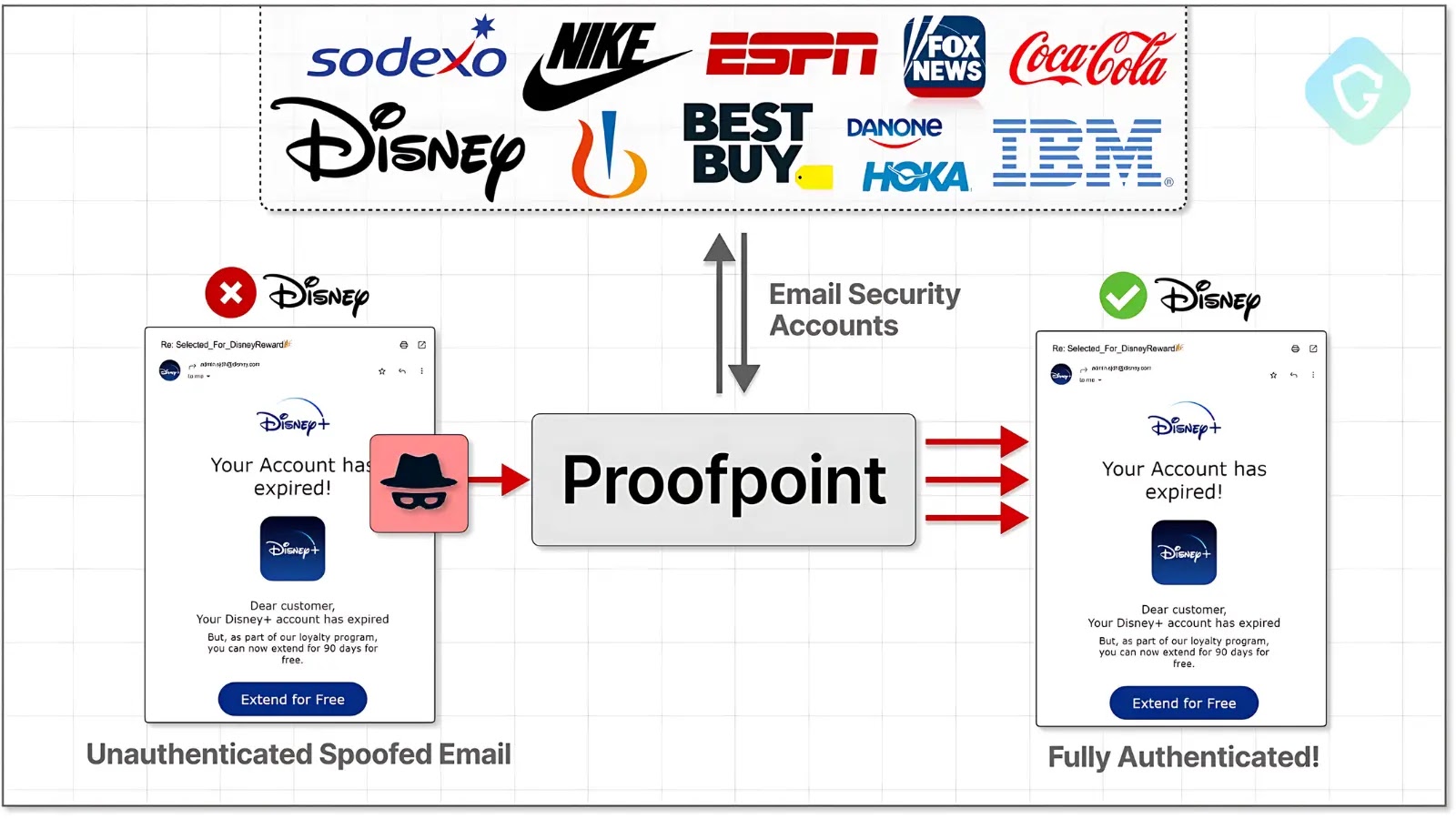
More commonly, people encounter phishing through fake PayPal or bank notifications warning of “suspicious activity” with a link that leads to a convincing but fraudulent login page. The red flags are there: urgent language, generic greetings, and URLs that look almost right but include an extra word or different domain suffix.
How to Verify a Request Before Taking Action
If a message asks you to confirm account details or click a link, verify it through a separate channel. Go directly to the official website by typing the address yourself, or call the company using a number from their official site. Hover over links before clicking to check where they actually lead. This simple step protects personal information online even when a phishing message looks convincing.
Habit 4: Keep Devices, Apps, and Browsers Updated
Software updates are easy to ignore, but they’re consistently among the most important security measures you can take. Most updates include patches for known vulnerabilities, and once a flaw becomes public knowledge, attackers move fast.
Unpatched devices are easy targets. Turn on automatic updates for your operating system, browser, and apps, then schedule them for overnight hours so they’re not interrupting your work.
Habit 5: Practice Safe Browsing and Be Cautious on Public Wi-Fi
Public Wi-Fi in cafes, airports, and hotels is often unsecured, meaning anyone else on the same network can potentially intercept your traffic. Checking your bank account, logging into email, or entering payment details over one of these connections puts that data at real risk.
A VPN encrypts your internet traffic and routes it through a secure server, so other people on the same connection can’t read what you’re sending. Use one any time you’re accessing something sensitive over public Wi-Fi.
Habit 6: Limit What You Share Online and Review App Permissions
Attackers piece together public information, things like your job, location, pet’s name, or birthday, to craft convincing phishing messages or guess security questions. The less personal detail you share publicly, the harder it is to build a targeted attack against you.
It’s also worth periodically checking which apps have access to your accounts and revoking anything you no longer use. A surprising number of people have dozens of forgotten third-party connections still holding access to their email or social accounts.
Habit 7: Monitor Your Accounts Regularly for Early Signs of Compromise
Even when you’ve taken every precaution, keeping an eye on your accounts helps limit damage if something slips through. Watch for login notifications from unfamiliar locations, unexpected password reset emails, messages you didn’t send, or transactions you don’t recognize.
If something looks off, change your password right away, enable MFA if it isn’t already active, and review recent account activity. For financial accounts, call your bank. Acting quickly is what limits how far an attacker can get.
Building These 7 Habits Into Your Daily Routine
You don’t need to overhaul everything at once. Start with the habits that address your biggest gaps, strong unique passwords and MFA, then work through the rest gradually. Staying secure online really comes down to consistency. Small, steady improvements to how you manage your cybersecurity add up to a much stronger defense against account compromise.