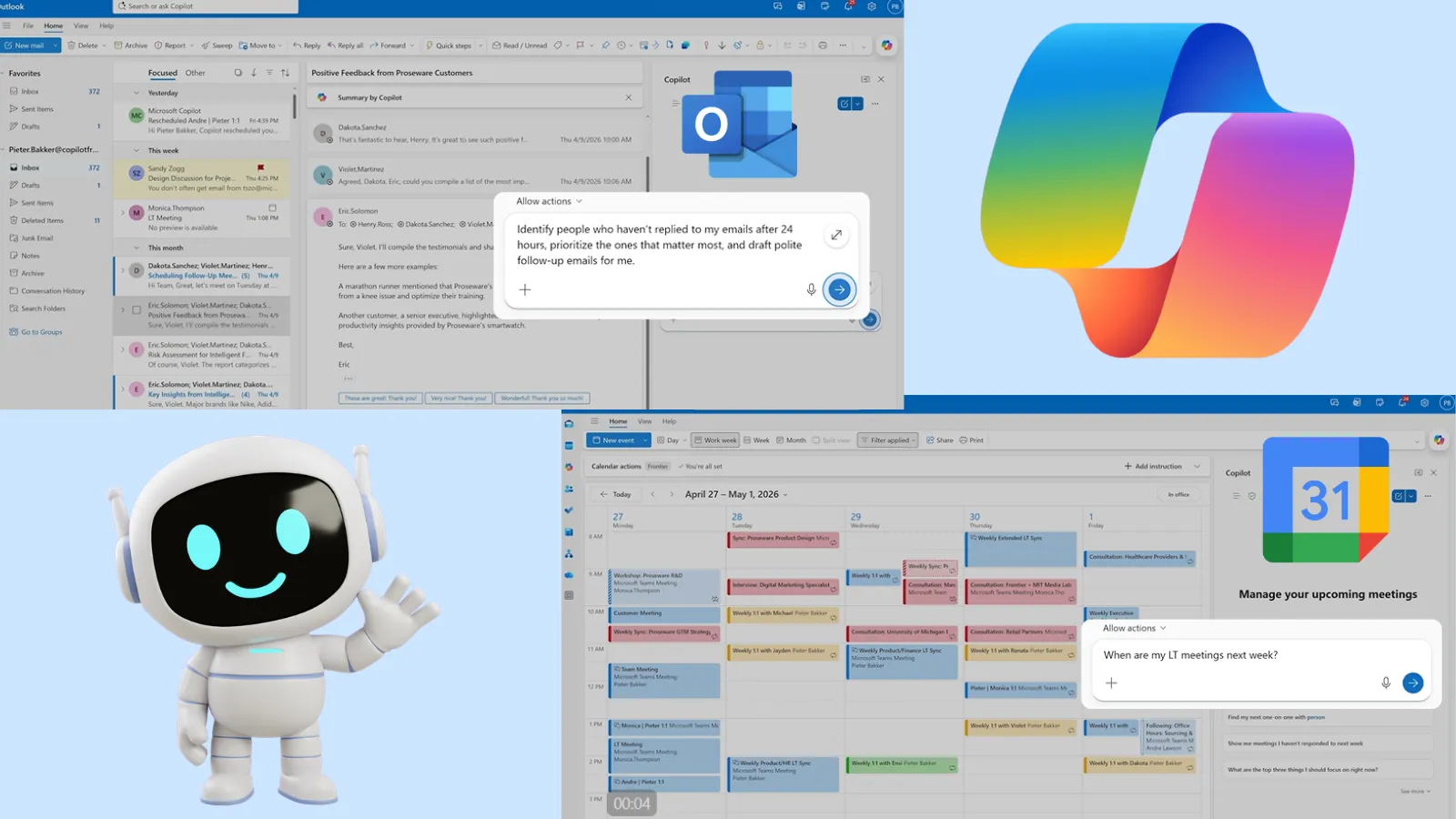
Microsoft has officially launched its new “agentic” capabilities for Copilot in Outlook, transforming the AI from a basic drafting assistant into an autonomous digital agent.
Announced on April 27, 2026, this major update enables Copilot to manage both your inbox and calendar proactively.
By automating complex, ongoing tasks, Microsoft aims to reduce digital fatigue and drastically streamline daily enterprise workflows.
For cybersecurity and IT professionals managing high volumes of alerts and communications, this autonomous triage could become a critical productivity tool.
Autonomous Inbox Management
Previously, Copilot in Outlook primarily assisted with single tasks, such as writing an email or summarizing a thread.
Now, the new agent mode works continuously in the background to keep operations moving.
Copilot actively prioritizes incoming messages, surfaces emails that require urgent responses, and automatically drafts follow-ups for unreturned messages.
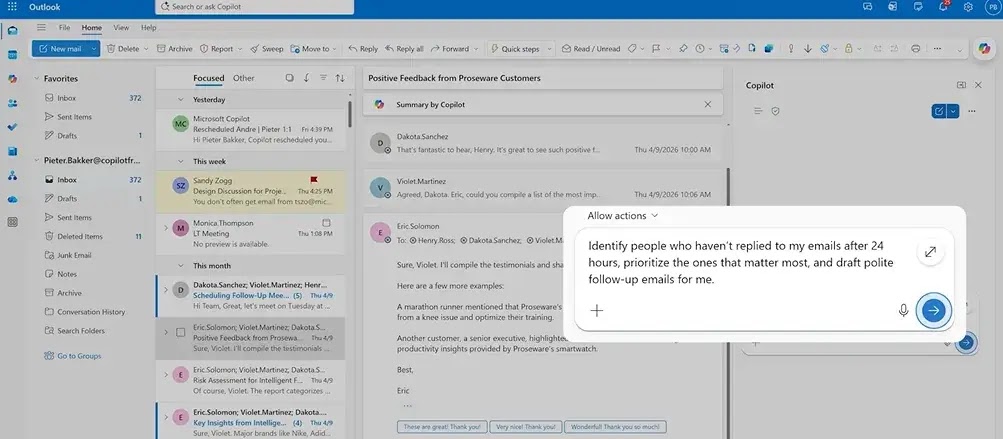
Users can also instruct the AI to create complex inbox rules, such as automatically tagging leadership emails as “High Priority” if the user is on the direct “To:” line.
For employees returning from leave, Copilot can summarize missed emails, highlight urgent items, draft brief update emails, and suggest messages to archive safely.
Importantly, the AI shows its workflow steps transparently. This allows users to review, adjust, or stop actions at any time, maintaining essential oversight over confidential data.
Intelligent Calendar Automation
Copilot’s new capabilities extend deeply into calendar management. Scheduling a meeting is simple, but resolving conflicts and reprioritizing tasks takes significant administrative effort.
Copilot now continuously monitors schedules to keep your day on track. It can automatically resolve booking conflicts, reschedule overlapping 1:1 meetings, rebook conference rooms, and proactively block out focus time.
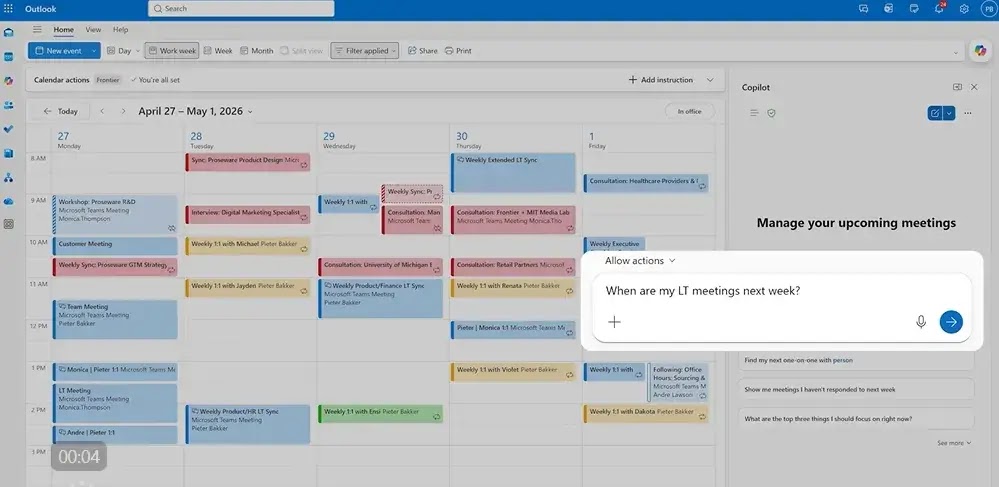
Users can prompt the AI to draft detailed meeting agendas based on specific goals, open blockers, and owner assignments.
It can also protect off-hours by automatically following large meetings outside the typical workday instead of accepting them.
Strategic Time Management Features
Beyond basic scheduling, Copilot helps users align their time with their actual corporate priorities.
Copilot can execute several advanced prompts:
- Tracks unreplied emails and drafts polite reminders after 24 hours.
- Pulls relevant project data from the past week to draft high-importance update emails.
- Analyzes upcoming calendars to recommend which meetings to decline, delegate, or convert to async updates.
- Gathers context and identifies potential risks to help users prepare for upcoming client meetings.
As AI takes on more autonomous roles, maintaining user control over sensitive corporate communications remains critical.
Microsoft has designed these agentic features to keep the human in the loop for final approvals.
The new Copilot agent capabilities are currently available for early access through Microsoft’s Frontier program for all Outlook platforms, including Windows and web environments.