A newly analyzed macOS backdoor called FlutterShell has been quietly targeting Mac users by disguising itself as legitimate productivity apps.
It abuses Google’s Flutter app development framework to blend in with real software, making it far harder to detect using traditional security tools.
The malware was active between December 2025 and March 2026, with researchers tracking three distinct generations of the threat.
The campaign, tracked under the name Operation FlutterBridge and the cluster identifier CL-CRI-1089, spread through malicious Google and YouTube advertisements.
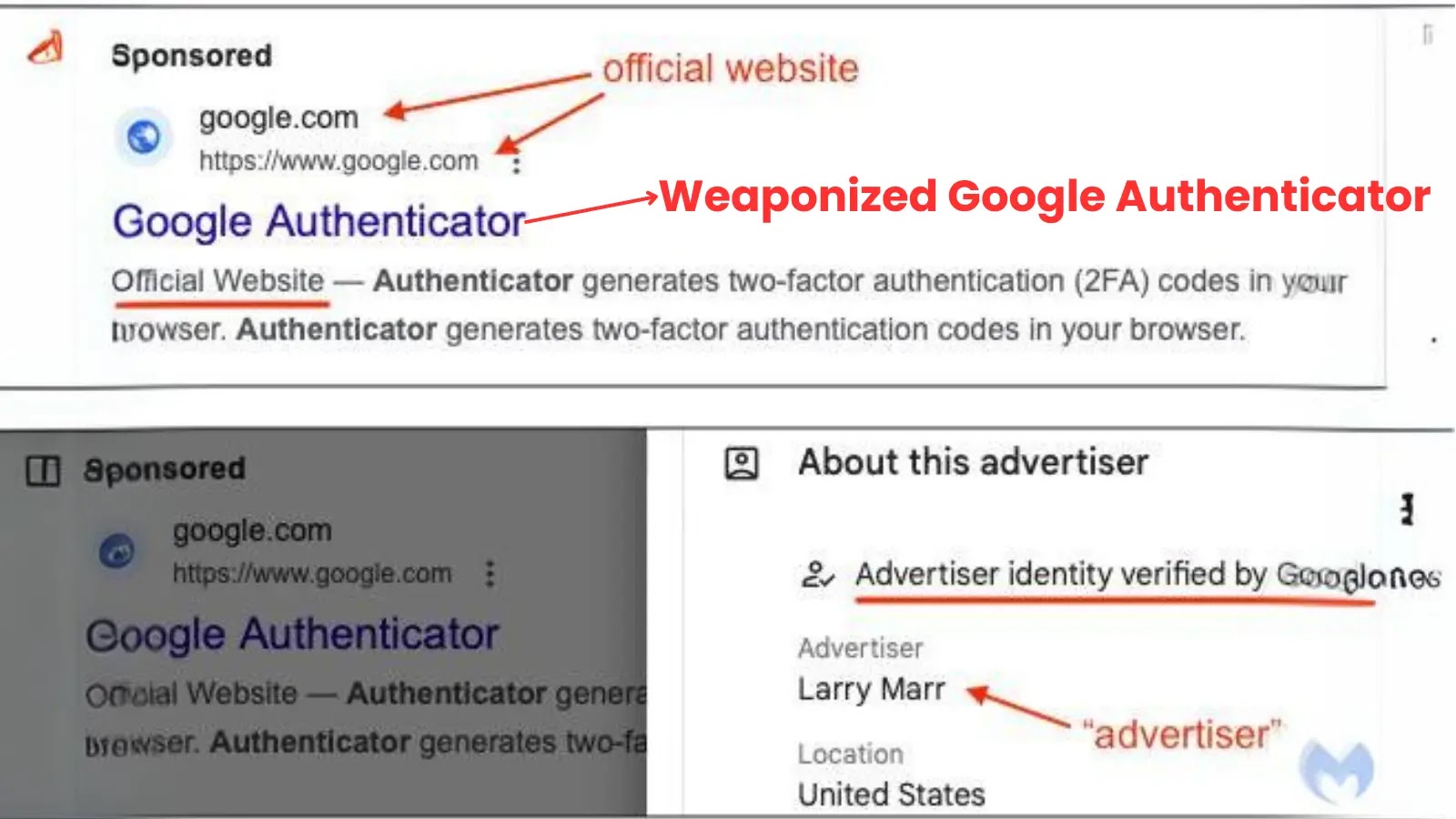
The ads targeted users searching for terms like “podcast app for Mac” or “free PDF converter,” redirecting them to fake sites hosting digitally signed app bundles.
Since the apps carried valid Apple Developer certificates at distribution time, macOS Gatekeeper passed them without raising any warning.
Analysts at LevelBlue, in a report shared with Cyber Security News (CSN), conducted an in-depth static analysis of ten Mach-O binary samples collected across all three generations.
Rather than re-examining the broader campaign, the team focused on what those binaries revealed about the malware’s design, its evolution, and how defenders can reliably detect it as the actor rotates its infrastructure.
At its core, FlutterShell splits its work across two components: a small stub launcher that initializes the Flutter runtime, and a large payload library containing the actual Dart code and attack logic.
The payload library weighs around 10 MB and carries the full Flutter framework alongside custom commands. This structure helps the malware pass basic inspection because the launcher looks nearly identical to any legitimate Flutter application.
What makes FlutterShell especially difficult to catch in automated sandboxes is its C2-conditional design. The malware only activates when it receives live instructions from an attacker-controlled server.
In every sandbox test, the binary launched cleanly, displayed a working app interface, and then produced no activity at all. Without a live server to respond, the malware sits idle and appears completely harmless.
FlutterShell macOS Backdoor Abuses Flutter Framework and WKWebView
The most notable aspect of FlutterShell is how it receives commands from its operators.
Rather than hardcoding instructions in the binary, the malware opens a hidden WKWebView window and loads a page from an attacker-controlled domain.
That page then delivers JavaScript to the app, which passes commands through a named message channel called flutterInvoke.
This design means operators can update what the malware does at any time by simply changing their server content, without touching the binary.
The bridge command was named exec_sync in the first generation, renamed pdf_sync in the second, and became renderPDF in the third, camouflaging activity as normal behavior from a PDF application.
Any detection rule tied to a specific command name will break the moment the actor pushes a server-side update.
Cross-Generation Evasion and Persistence Tactics
What stands out across all three generations is how deliberately the actor rotated its identity. Apple revoked the first developer certificate on December 31, 2025, and a new generation appeared twelve days later with a fresh one.
A second revocation followed on January 31, 2026, and a third generation arrived in March using a self-signed certificate, trading Gatekeeper clearance for independence from Apple’s certificate authority.
Once connected to a live server, FlutterShell is assessed to perform hardware fingerprinting by running a system command that harvests the Mac’s unique hardware identifier.
It then modifies Chrome’s settings to silently swap the default search engine for an attacker-controlled domain, kills Chrome, and relaunches it with flags that hide any crash warning from the user.
Persistence is achieved by staging a replacement bundle in a local cache folder through the Sparkle update mechanism and quietly installing it.
The LevelBlue team recommends prioritizing behavioral endpoint detection over static signatures, since Generation 3 evaded most pattern-based tools after certificate rotation and Dart symbol obfuscation.
Monitoring for non-browser processes making outbound HTTPS connections to unknown domains, unusual child processes harvesting hardware identifiers, and unexpected writes to Chrome’s profile directory are the most reliable detection signals available.
Indicators of Compromise (IoCs):-
| Type | Indicator | Description |
|---|---|---|
| Network Domain | atsheisdomestic.org | Gen 1 C2 domain |
| Network Domain | etoftheappyrince.org | Gen 2 C2 domain |
| Network Domain | healightejustb.org | Gen 3 C2 domain |
| Network Domain | sinterfumesco.com | Chrome search hijack target |
| SHA-256 | 363923500ce942bf1a953e8a4e943fbf1fb1b5ed6e5d247964c345b3ad5bfc34 | Stub Gen 0 |
| SHA-256 | 6c3f61d46d4de26b9cb16808bf17c33ae69f651a4b879e7b5612ff7f548e2a82 | Stub Gen 1 x86 |
| SHA-256 | fc091ddb4d845280aeb7745cfdb6b7cb0013abc35db9e634f055b8e8fb0b5b1e | Stub Gen 1 arm64 |
| SHA-256 | 134517796178a150a1585672be134169d6877082b598d840baa3f37b0222be26 | Dylib Gen 1 x86 |
| SHA-256 | cc4f048e66c5ab3c0f1d767bb8fc464d082641f4888ea3cd14ea3775077c4bf2 | Dylib Gen 1 arm64 |
| SHA-256 | bf90fb31e6024d7e6616f5acd0e8aa28738a9095a508c1a986e1e974cb9e79a0 | Dylib Gen 2 x86 |
| SHA-256 | 32da1437a2734224406c7e5e8d756f0c0cd58c0c959478571cbfc0cd564d018a | Dylib Gen 2 arm64 |
| SHA-256 | 2c5bc9e95e1e9b73e3ba8870a008802899866a2c0e2e10112aefddf7a96af04e | Dylib Gen 3 x86 |
| SHA-256 | f544bfab72d380cc20692d8ec9d31ea666785fe225dccd55beab29a3c0fdfad2 | Dylib Gen 3 arm64 |
| Team ID | UBZDAAV97Y | Revoked Apple Developer certificate, Gen 0–1 |
| Team ID | FW9NHQ8922 | Revoked Apple Developer certificate, Gen 2 |
| Team ID | B73CHZ24Y8 | External attribution, Gen 3 |
| Bundle ID | com.app.podcastsLounge | Gen 1 masquerade app identity |
| Bundle ID | com.app.pdfBrain | Gen 2 masquerade app identity |
| Bundle ID | com.pdfninja.app | Gen 3 masquerade app identity |
Note: IP addresses and domains are intentionally defanged (e.g., [.]) to prevent accidental resolution or hyperlinking. Re-fang only within controlled threat intelligence platforms such as MISP, VirusTotal, or your SIEM.