
Indicators of Compromise (IOCs) are critical forensic artifacts that cybersecurity researchers use to “detect,” “investigate,” and “mitigate” security threats.
As these digital clues contain “suspicious IP addresses,” “malware signatures,” or “unusual system behavior patterns.”
So, all these elements are used by researchers to identify and respond to cyberattacks.
This analysis environment allows users to safely execute “suspicious files” or “URLs,” by observing their behavior in “real-time” and gathering valuable “threat intelligence.”

Technical Analysis
The sandbox captures various types of IOCs like “network communications,” “file system changes,” “registry modifications,” and “process behaviors,” enabling thorough threat assessment.
Not only that even it also facilitates the creation of robust defense strategies against evolving cyber threats.
The Main Object is the primary file that is under investigation is accessible via the upper-right corner of the interface, offering essential IOCs like “file paths” and “hashes.”
In the bottom panel under “Files,” analysts can track “Dropped Executable Files,” revealing the malware’s “propagation” across the system.
”Network Indicators” are equally vital, as the DNS Requests, found under “Network → DNS Requests,” that expose domains and the malware attempts to access, not only that even it often unveils C2 infrastructure as well.
“Active Connections,” viewable under “Network → Connections,” which allows monitoring of the malware’s communication channels with “suspicious IP addresses.”
These components collectively offer a “comprehensive view” of the “malware’s behavior,” from its “initial execution” to its interaction with “external servers.”
By examining these indicators security analysts can do the following things:-
-
Trace the activities of the malware.
-
Understand its propagation methods.
-
Identify potential threats.
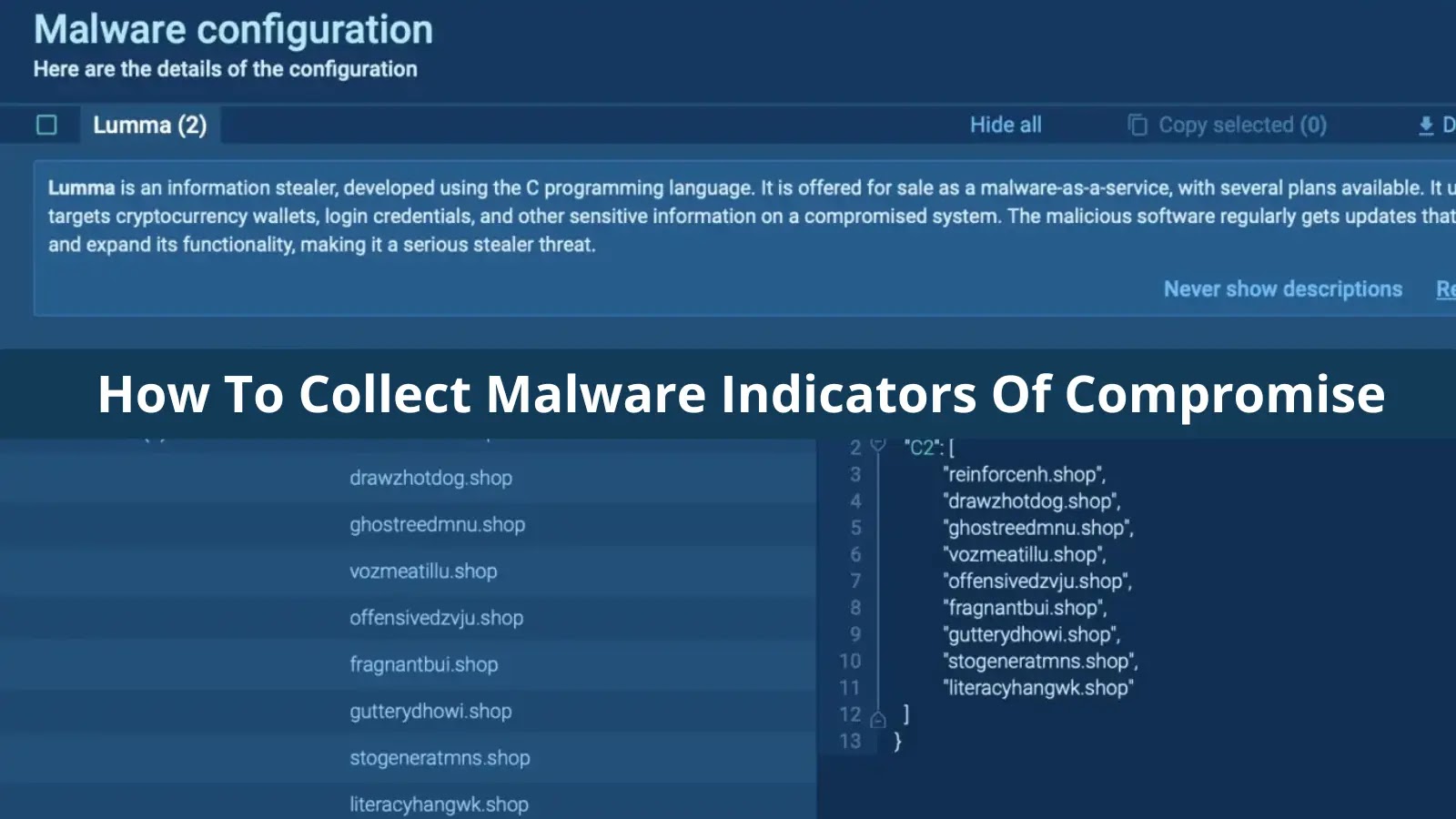
The platform’s sophisticated “MalConf” (Malware Configuration) feature is accessible via the top-right button.
This automatically extracts crucial IOCs like “C2 server URLs,” “MD5/SHA file hashes,” “malicious domains,” and “IP addresses” from the malware’s internal configuration files.
All these critical indicators are reduced in a centralized IOC window, which can be quickly accessed through the IOC button in the interface’s top-right corner.
This window aggregates intelligence from both the “Static Analysis” and “Dynamic Analysis” phases, presenting a “unified view of network artifacts,” “file system modifications,” and “runtime behaviors.”
The interface incorporates an ‘intuitive dropdown menu system’ for filtering and categorizing different types of IOCs.
It also offers ‘one-click’ export functionality that simplifies the further incorporation process.