A new wave of cyberattacks is putting macOS users in the crosshairs, and this time the bait looks almost too familiar. Attackers are disguising their malware as helpful disk cleanup tools and system utilities, tricking people into running dangerous commands directly on their own computers.
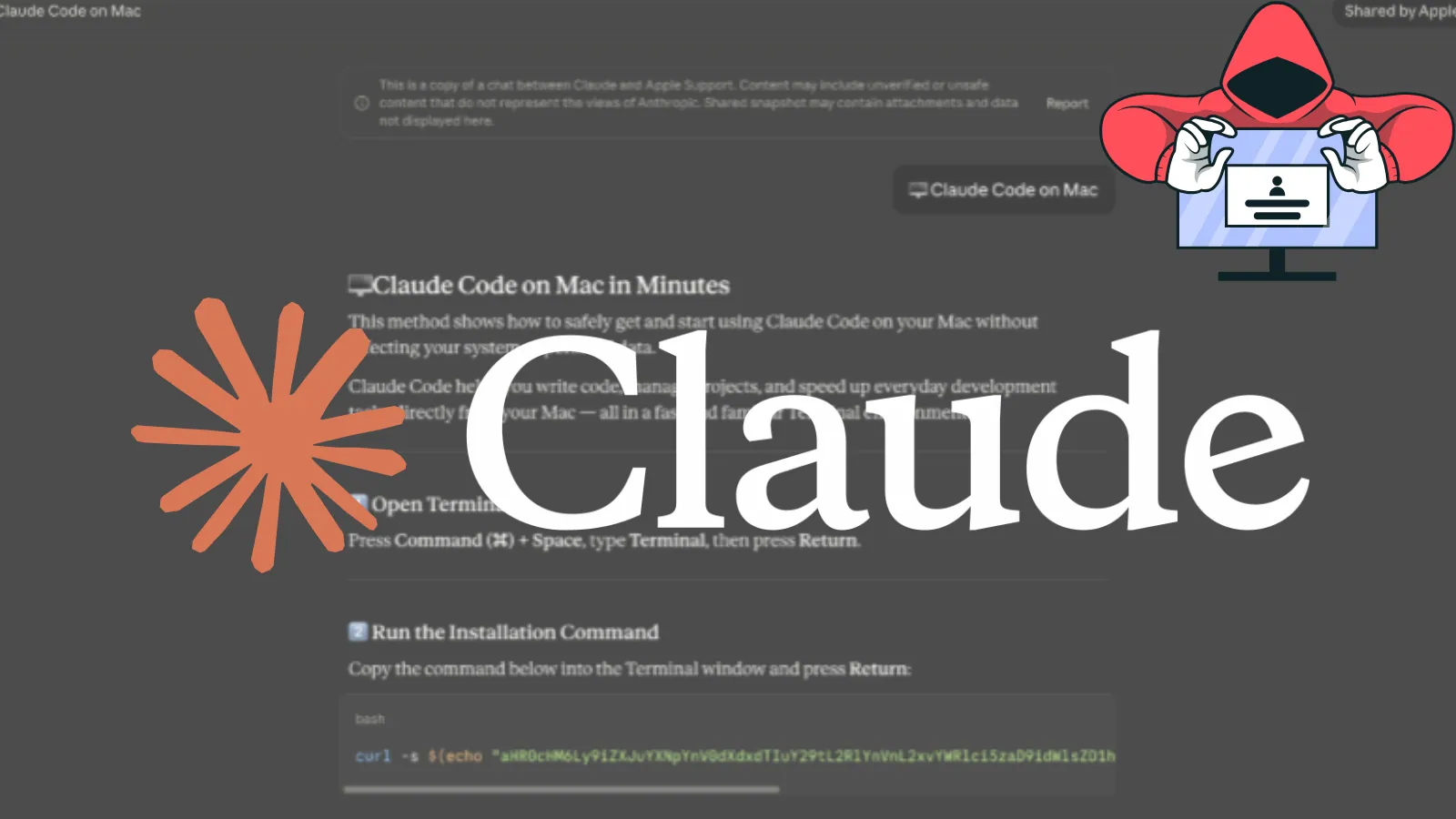
The campaign, known as ClickFix, works by placing fake troubleshooting posts on trusted platforms like Medium and Craft. These posts promise to solve common macOS problems, such as running out of disk space, but they instruct users to open Terminal and paste in a command.
Once that command runs, it quietly downloads and executes an infostealer in the background, without the user ever realizing what happened.
Microsoft researchers identified this threat and have been closely tracking its evolution since at least January 2026. They observed three distinct campaign types, all sharing the same core goal: steal sensitive data, maintain persistent access to infected systems, and exfiltrate everything from saved passwords and browser credentials to cryptocurrency wallet keys and iCloud data.
What makes this campaign especially dangerous is how it bypasses Apple’s built-in security checks. Normally, macOS uses a verification process called Gatekeeper to review applications before they run.
![ClickFix instruction hosted on macclean[.]craft[.]me (Source - Microsoft)](https://blog.shomoysoft.com/storage/blog-images/clickfix20instruction20hosted20on20macclean5b5dcraft5b5dme20source20-20microsoft-fb69b761.webp)
But when a command is pasted directly into Terminal, that review process does not apply at all, giving attackers a clean and reliable path onto the device with minimal friction or resistance.
The stolen data is extensive and deeply personal. Depending on which campaign version infects the system, attackers can walk away with iCloud data, saved browser passwords, Keychain entries, media files, Telegram data, and cryptocurrency wallet information.

In some cases, the malware goes further by replacing legitimate crypto wallet apps like Trezor Suite, Ledger Live, and Exodus with fake, attacker-controlled versions designed to silently intercept every future transaction.
How the Fake Utility Lures Work
The lures in this campaign are carefully crafted to look like genuine help content. Fake blog posts on Medium mimicked legitimate macOS support guides, with sites like macos-disk-space[.]medium[.]com telling users to paste a command to “fix” their storage issue. Similar pages appeared on Craft, a popular note-taking platform, and on standalone websites carrying names that sounded official and trustworthy.
Once the Terminal command runs, it decodes a hidden script and begins a chain reaction. In the loader campaign, a shell script fingerprints the system by collecting details like keyboard locale and operating system version, then reaches out to an attacker-controlled server.
In the script campaign, the malware searches for a live command-and-control server, and if none respond, it falls back to a Telegram bot to locate one dynamically. The helper campaign deploys a hidden executable named helper or update that sets up a persistent backdoor, running silently every time the device restarts.
Infostealer Payloads and Persistence
Three infostealer families were confirmed active in this campaign: Macsync, Shub Stealer, and AMOS. Each one follows a similar playbook once inside a system. The malware prompts the user to enter their macOS password, pretending it needs permission to complete a utility installation. After capturing and verifying the password, it begins harvesting data from across the machine.
For persistence, the campaigns use LaunchAgents and LaunchDaemons, which are background processes that start automatically on every boot. One campaign disguises its persistence component as a Google software update agent, using a plist file named com.google.keystone.agent.plist to stay hidden in plain sight.
The helper campaign goes even further, deploying a hidden backdoor named .mainhelper alongside a supervisor script called .agent that automatically relaunches it whenever the process stops.
Apple has since updated XProtect signatures to detect this threat, and macOS 26.4 introduced a paste-blocking prompt that warns users when a potentially malicious Terminal command is about to run.
Security teams are advised to monitor for unusual curl activity, flag command sequences involving osascript, Base64, and Gunzip, and detect unauthorized access to Keychain data and browser credential stores. Most importantly, users should never paste instructions copied from online sources into Terminal, no matter how trustworthy the page appears.
Indicators of Compromise (IoCs)
| Type | Indicator | Description |
|---|---|---|
| Domain | cleanmymacos[.]org | Distribution of ClickFix instructions |
| Domain | mac-storage-guide.squarespace[.]com | Distribution of ClickFix instructions |
| Domain | claudecodedoc[.]squarespace[.]com | Distribution of ClickFix instructions |
| Domain | domenpozh[.]net | Distribution of ClickFix instructions |
| Domain | macos-disk-space[.]medium[.]com | Distribution of ClickFix instructions |
| Domain | macclean[.]craft[.]me | Distribution of ClickFix instructions |
| Domain | apple-mac-fix-hidden[.]medium[.]com | Distribution of ClickFix instructions |
| Domain | rapidfilevault4[.]sbs | Loader campaign payload delivery and C2 |
| Domain | coco-fun2[.]com | Loader campaign payload delivery and C2 |
| Domain | nitlebuf[.]com | Loader campaign payload delivery and C2 |
| Domain | yablochnisok[.]com | Loader campaign payload delivery and C2 |
| Domain | mentaorb[.]com | Loader campaign payload delivery and C2 |
| Domain | seagalnssteavens[.]com | Loader campaign payload delivery and C2 |
| Domain | filefastdata[.]com | Loader campaign payload delivery and C2 |
| Domain | metramon[.]com | Loader campaign payload delivery and C2 |
| Domain | octopixeldate[.]com | Loader campaign payload delivery and C2 |
| Domain | datasphere[.]us[.]com | Loader campaign payload delivery and C2 |
| Domain | rapidfilevault5[.]sbs | Loader campaign payload delivery and C2 |
| Domain | dialerformac[.]com | Loader campaign payload delivery and C2 |
| Domain | swift-sh[.]com | Loader campaign payload delivery and C2 |
| Domain | 0x666[.]info | Script campaign C2 and exfiltration |
| Domain | honestly[.]ink | Script campaign C2 and exfiltration |
| Domain | pla7ina[.]cfd | Script campaign C2 and exfiltration |
| Domain | play67[.]cc | Script campaign C2 and exfiltration |
| IP Address | 95.85.251[.]177 | Script campaign payload delivery, C2, and exfiltration |
| URL | hxxps://cauterizespray[.]icu/script[.]sh | Script campaign payload delivery |
| URL | hxxps://enslaveculprit[.]digital/script[.]sh | Script campaign payload delivery |
| URL | hxxps://resilientlimb[.]icu/script[.]sh | Script campaign payload delivery |
| URL | hxxps://t[.]me/ax03bot | Script campaign fallback C2 Telegram bot |
| Domain | rvdownloads[.]com | Helper campaign payload delivery |
| Domain | famiode[.]com | Helper campaign payload delivery |
| Domain | contatoplus[.]com | Helper campaign payload delivery |
| Domain | woupp[.]com | Helper campaign payload delivery |
| Domain | octopox[.]com | Helper campaign payload delivery |
| URL | hxxp://138.124.93[.]32/contact | Helper campaign exfiltration endpoint |
| URL | hxxp://168.100.9[.]122/contact | Helper campaign exfiltration endpoint |
| URL | hxxp://199.217.98[.]33/contact | Helper campaign exfiltration endpoint |
| URL | hxxp://38.244.158[.]103/contact | Helper campaign exfiltration endpoint |
| URL | hxxps://avipstudios[.]com/contact | Helper campaign exfiltration endpoint |
| URL | hxxps://joytion[.]com/contact | Helper campaign exfiltration endpoint |
| URL | hxxps://laislivon[.]com/contact | Helper campaign exfiltration endpoint |
| Domain | reachnv[.]com | Update install variant delivery |
| Domain | vagturk[.]com | Update install variant delivery |
| Domain | futampako[.]com | Update install variant delivery |
| Domain | joeyapple[.]com | Update install variant delivery |
| IP Address | 45.94.47[.]204 | Bot communication IP address |
| Domain | wusetail[.]com | Hosting bot payload |
| Domain | aforvm[.]com | Hosting bot payload |
| Domain | ouilov[.]com | Hosting bot payload |
| Domain | malext[.]com | Hosting bot payload |
| Domain | rebidy[.]com | Hosting bot payload |
| SHA-256 | 9d2da07aa6e7db3fbc36b36f0cfd74f78d5815f5ba55d0f0405cdd668bd13767 | Payload hash |
| SHA-256 | 7ca42f1f23dbdc9427c9f135815bb74708a7494ea78df1fbc0fc348ba2a161ae | Payload hash |
| SHA-256 | 241a50befcf5c1aa6dab79664e2ba9cb373cc351cb9de9c3699fd2ecb2afab05 | Payload hash |
| SHA-256 | 522fdfaff44797b9180f36c654f77baf5cdeaab861bbf372ccfc1a5bd920d62e | Payload hash |
| File Path | /tmp/helper | Malware staging folder |
| File Path | /tmp/starter | Malware plist staging folder |
| File Path | ~/Library/Application Support/Google/GoogleUpdate.app/Contents/MacOS/GoogleUpdate | Malicious file masquerading as Google Update |
| Plist Name | ~/LaunchAgents/com.google.keystone.agent.plist | Staged plist running malicious executable |
| Plist Name | ~/Library/LaunchAgents/com.<random value>.plist | Staged plist running malicious executable |
Note: IP addresses and domains are intentionally defanged (e.g., [.]) to prevent accidental resolution or hyperlinking. Re-fang only within controlled threat intelligence platforms such as MISP, VirusTotal, or your SIEM.