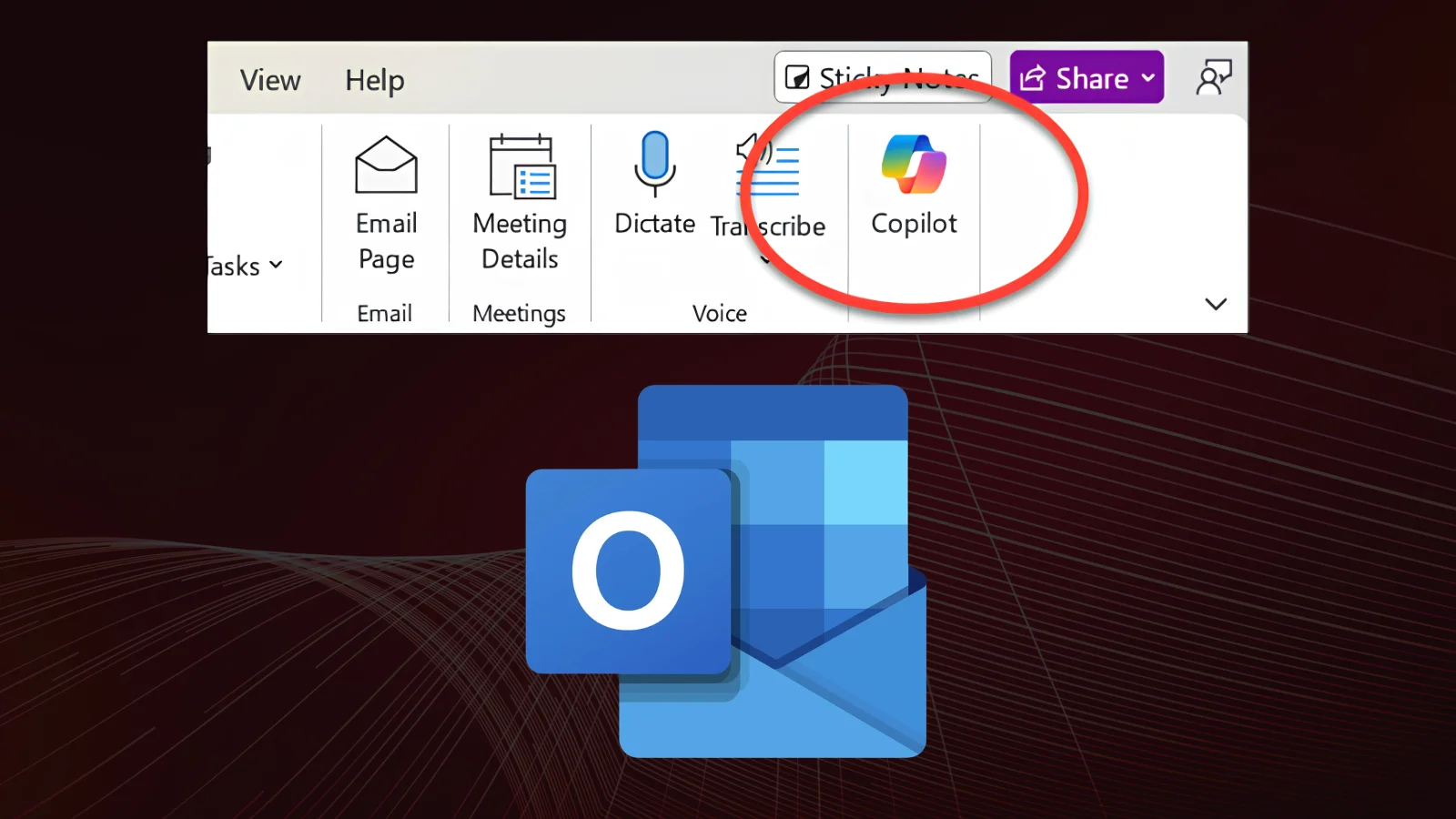
A software defect in classic Outlook for Windows caused Copilot Chat and Copilot entry points to vanish for affected users, with Microsoft confirming the issue was tied to specific Basic-tier Copilot licenses.
The bug has since been resolved through a server-side fix, but it disrupted workflows for users relying on AI-assisted email management.
After classic Outlook for Windows updated to build 20026.20182 and higher, users with a Copilot Chat (Basic) license lost access to Copilot Chat and all Copilot entry points within the application.
Notably, this issue did not affect users holding the full M365 paid Copilot (Premium) license, suggesting a licensing validation flaw introduced in that specific build rather than a broader platform failure.
Outlook Bug Removes Copilot Button
The bug manifested across multiple UI touchpoints in classic Outlook, making it difficult for affected users to miss:
- The Copilot button disappeared from the top-right area above the ribbon.
- The Copilot icon vanished from the left app bar and the More Apps area.
- In Add Apps, Copilot appeared listed but selecting “Open” produced no response.
- Attempting to add Copilot via ribbon customization showed the command grayed out and unavailable.
Interestingly, Copilot access remained fully functional through alternate channels during the outage, including Outlook on the web and the standalone Microsoft 365 Copilot app or web experience.
This selective breakage suggested the fault was isolated to how classic Outlook’s desktop client validated Basic-tier licenses against the new build, rather than a server-side Copilot outage.
The Outlook Team pushed a fix from the service side on June 29, 2026, resolving the licensing-validation issue without requiring a client-side patch.
Users who did not see the change take effect immediately were advised to restart Outlook to pick up the server-side correction. Community reports corroborate that the issue was resolved through this update, with affected users confirming Copilot functionality returned to normal.
For users still on outdated builds, Microsoft recommended checking for the latest update via File > Office Account > Update Options > Update Now to ensure the fix propagated correctly.
Before the official fix rolled out, Microsoft and community troubleshooting guides offered interim workarounds for administrators needing immediate Copilot access:
- Switch to new Outlook or Outlook Web Access (OWA), where Copilot remained fully operational
- Revert the Current Channel to the pre-issue build (16.0.20026.20168) using an administrator Command Prompt with the officec2rclient.exe update command
- Temporarily disable automatic updates via File > Office Account > Update Options > Disable Updates to prevent reverting back to the buggy build
- Set a reminder to re-enable updates around mid-August or check back on Microsoft’s Known Issues page for confirmation the fix has stuck
Broader troubleshooting resources also flagged related root causes worth checking in similar Copilot-visibility issues: confirming the Office update channel supports Copilot (Semi-Annual Enterprise Channel does not), verifying tenant privacy settings for “Experiences that analyze your content” and “All connected experiences” are enabled, and ensuring Shared Computer Activation environments which block Copilot entirely aren’t in play.
While this specific incident was a licensing-display bug rather than a security vulnerability, it underscores the fragility of feature-gating logic tied to tiered SaaS licensing in widely deployed productivity suites.
Organizations managing mixed Copilot license tiers (Basic vs. Premium) should treat the sudden disappearance of features as a signal to check Microsoft’s Known Issues page before assuming misconfiguration, malware interference, or a licensing revocation on their end.