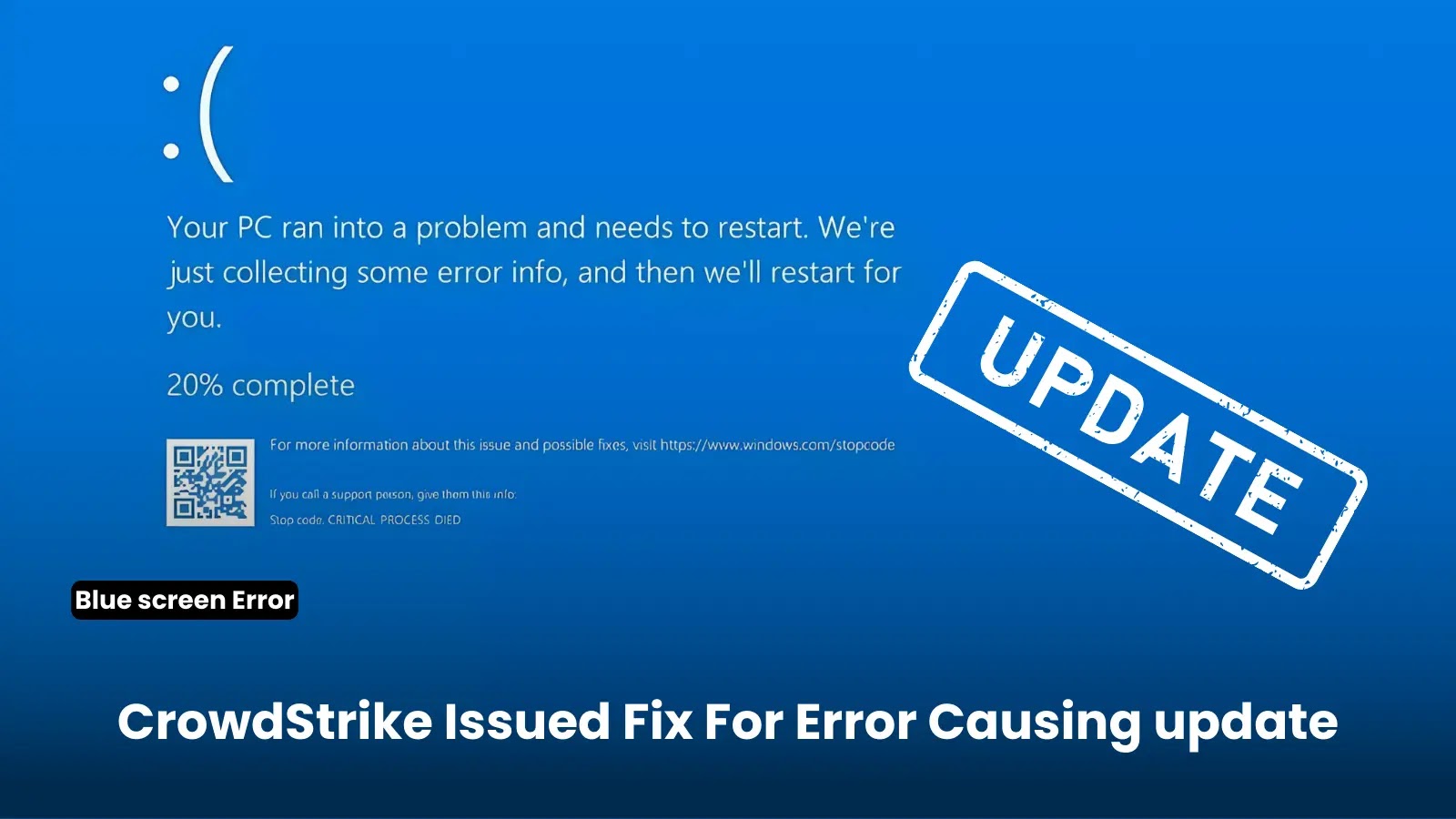

CrowdStrike has issued a fix for a problematic update that caused numerous Windows systems to experience the Blue Screen of Death (BSOD), rendering them inoperable.
This issue, which did not affect Mac or Linux hosts, was not a result of a security incident or cyberattack but stemmed from a defect in a single content update for Windows hosts.
Fixes Released for CrowdStrike Update Error
The problem was traced to the Falcon Sensor update, specifically the channel file “C-00000291*.sys,” with a timestamp of 0409 UTC, which caused systems to crash with a BSOD error.
Protect Your Business Emails From Spoofing, Phishing & BEC with AI-Powered Security | Free Demo
CrowdStrike’s engineering team quickly identified and isolated the issue, reverting the changes and deploying a fix. The updated channel file, now with “C-00000291*.sys” with the timestamp of 0527 UTC or later, should prevent further occurrences of the error.
Systems that have not been impacted do not require any action, and those brought online after 0527 UTC will also not be affected.

Impact and Mitigation Steps
The faulty update significantly impacted various sectors, including banks, airlines, supermarkets, and television broadcasters, causing widespread disruption.
Today was not a security or cyber incident. Our customers remain fully protected.We understand the gravity of the situation and are deeply sorry for the inconvenience and disruption. We are working with all impacted customers to ensure that systems are back up and they can…
— George Kurtz (@George_Kurtz) July 19, 2024
IT administrators were advised to manually boot affected systems into Safe Mode or the Windows Recovery Environment to delete the problematic driver file. This workaround, while effective, often required physical access to the machines and could be complicated by disk encryption tools like BitLocker.
For Individual hosts, CrowdStrike provided the following steps:
-
Boot Windows into Safe Mode or the Windows Recovery Environment.
-
Navigate to the C:\Windows\System32\drivers\CrowdStrike directory.
-
Locate and delete the file matching “C-00000291*.sys”.
-
Boot the host normally.
@The_Cyber_News || Numerous Microsoft Windows users globally are encountering Blue Screen of Death (BSOD) errors after a recent update from CrowdStrike.Recommended Mitigations1) Boot Windows into Safe Mode2) Navigate to the directory C:WindowsSystem32driversCrowdStrike… pic.twitter.com/m6mQewR8Fu
— Cyber Security News (@The_Cyber_News) July 19, 2024
Workaround for Public Cloud Environments
Option 1:
-
Detach the operating system disk volume from the impacted virtual server
-
Create a snapshot or backup of the disk volume before proceeding further as a precaution against unintended changes
-
Attach/mount the volume to to a new virtual server
-
Navigate to the %WINDIR%\System32\drivers\CrowdStrike directory
-
Locate the file matching “C-00000291*.sys”, and delete it.
-
Detach the volume from the new virtual server
-
Reattach the fixed volume to the impacted virtual server
Option 2:
- Roll back to a snapshot before 0409 UTC.
CrowdStrike has also provided solutions for addressing AWS, Azure, and Bitlocker recovery issues.
The incident underscores the risks associated with automatic updates for security software and highlights the need for rigorous testing and staged rollout policies.