The digital world offers massive opportunities for work, study, and communication, but it also carries serious threats to personal and corporate security. Every day, malicious actors create thousands of new phishing websites, distribute dangerous malware, and attempt to breach the databases of major online services.
Under these conditions, basic digital hygiene skills cease to be just a helpful recommendation. Today, the concept of online safety determines how successfully users can protect their finances, confidential information, and the digital peace of mind of their families.
IT administrators and information security specialists regularly face the consequences of a careless attitude toward data protection. Hackers often use the personal accounts of employees as a convenient entry point into secure corporate infrastructure.
In this article, we will examine in detail the practical steps that will help you build a reliable digital barrier and protect your loved ones from modern cyber threats.
Account Protection and Data Breach Prevention
The first line of defense for any user is their accounts. Experts recommend paying special attention to personal data protection to minimize the risks of digital identity theft. Apply the set of measures that specialists refer to as personal data breach prevention. This will prevent the leakage of confidential information from your profiles.
Integrate the following password management rules into your daily routine:
- Create unique combinations of characters for each individual internet resource;
- Avoid using simple words, birth dates, names of relatives, or sequences of numbers;
- Study and implement password manager best practices by using reliable software for generating and securely storing credentials;
- Regularly check your email addresses using specialized leak-monitoring services.
Database leaks occur regularly. When attackers gain access to the database of an online store or a forum, they extract password hashes. Automated utilities then use these credentials to attempt logins on other popular services (a method known as credential stuffing). To protect your profiles from such threats, a modern user needs to implement two-factor authentication.
Properly configuring security, or a multi-factor authentication setup, significantly reduces the risk of successful attacks. Experts recommend avoiding SMS confirmations in favor of hardware security keys or dedicated apps that generate time-based one-time passwords (TOTP).
Even if an attacker discovers your password, they will not be able to log in to the system without the second factor of protection. This step strengthens the overall online identity protection system for every member of the family.
Recognizing Cyber Threats and Combating Malware
Attackers constantly refine social engineering methods, playing on human emotions such as fear, curiosity, or urgency. To steal confidential data, bad actors most frequently use phishing. To avoid falling victim to fraudsters, develop skills that experts call phishing attack recognition.
When you receive an email, a message in a messenger, or an SMS, look out for the following warning signs:
- An unusual sender address that mimics a well-known brand with minimal changes to the domain name;
- Urgent calls to immediate action, such as threats of bank account suspension or promises of rapid compensation payouts;
- Suspicious attachments, especially archives or executable files;
- Links that lead to unofficial or unsecured web resources.
Alongside developing vigilance, ensure reliable technical protection for your devices. To do this, implement a set of malware and ransomware protection measures.
Install reliable antivirus software with a proactive behavioral analysis feature. Ransomware can encrypt all your personal files in a matter of minutes and demand a ransom for the decryption key. To protect valuable documents and family photos, regularly create backups on external physical drives or in secure cloud storage.
Also, timely update your operating system and all the programs you have installed on your computer or smartphone. Developers constantly patch critical vulnerabilities that hackers can exploit to gain access to your system.
Network Connection Security and Traffic Privacy
Local device protection loses its effectiveness if attackers intercept your internet traffic. Public wireless networks in cafes, airports, and hotels present a serious danger. Hackers can set up fake access points with similar names to intercept unencrypted user data.
To protect your network connection, specialists recommend developing strict secure browsing habits. Avoid logging into online banking or entering personal data when connected to public Wi-Fi. If you must urgently perform an important financial transaction, use mobile data or a secure communication channel.
The arsenal of a modern user should definitely include various privacy-focused network tools. One effective solution for masking traffic and protecting privacy is a proxy server. Today, many specialists and regular users prefer to buy proxy to hide their real IP address and secure their network activity from prying eyes.
When choosing a suitable tool, pay attention to an anonymous proxy. This type of proxy effectively conceals the use of an intermediary server from the destination web resource. The website sees the proxy server’s IP address but cannot determine your real IP address or detect that the traffic is being redirected.
This allows you to freely bypass the geographical restrictions of web resources and reliably protect personal data from the analytical algorithms of search engines and ad trackers.
Configure a reliable and safe proxy server to ensure a stable and secure internet connection across all home devices. This solution acts as a gateway that filters incoming requests, protects your local network from external unauthorized scanning, and reduces the risk of data interception on the way to the destination server.
Family Digital Safety and Device Protection
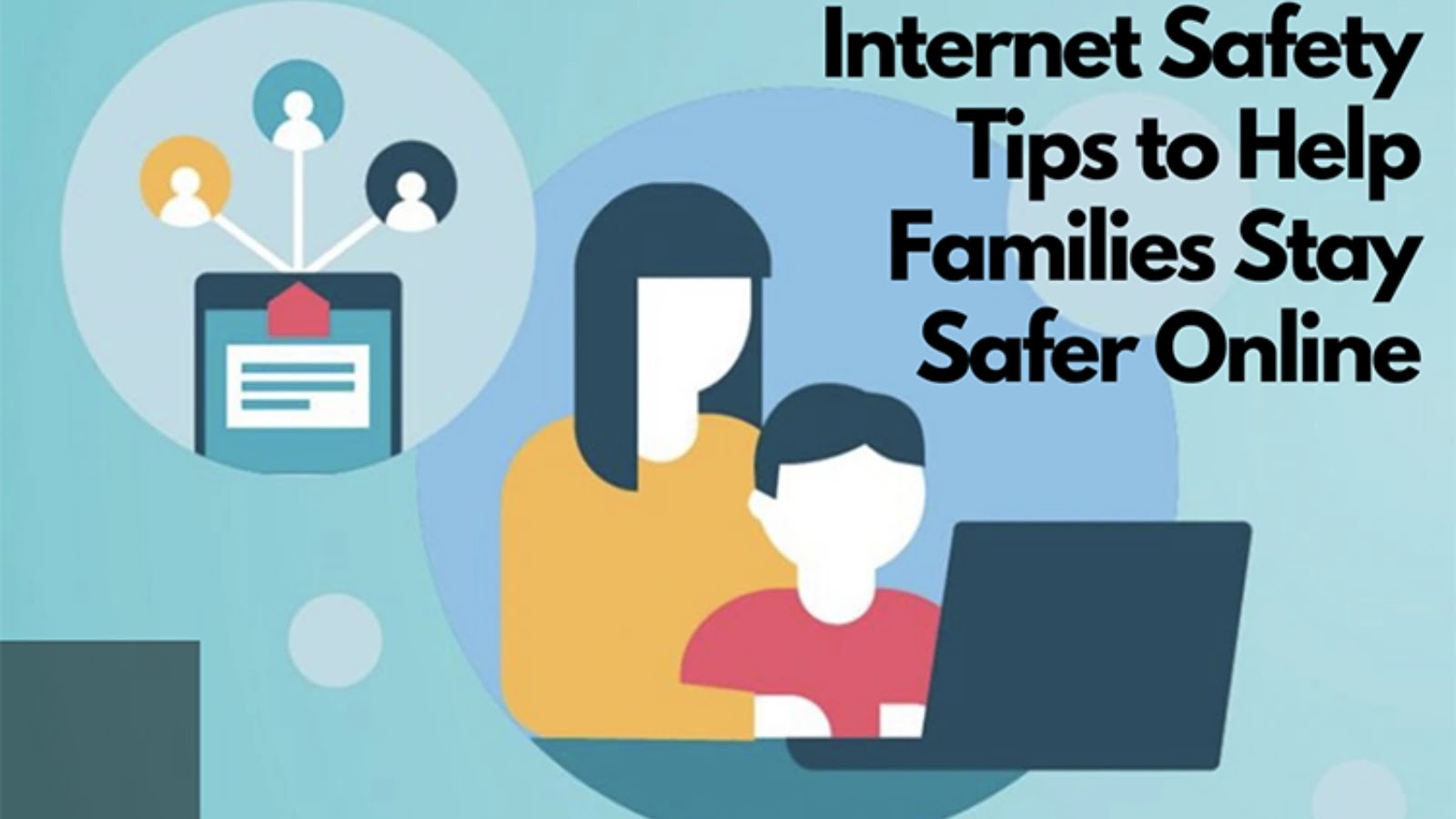
Protecting an individual workstation is only half the battle. A modern family uses dozens of internet-connected devices, ranging from smartphones and tablets to smart TVs, security cameras, and gaming consoles. Therefore, it is critically important to implement comprehensive family digital safety practices.
Children and elderly relatives often become easy targets for cybercriminals due to a lack of technical experience or excessive trust. To protect them, apply the following recommendations:
- Configure parental control features on children’s gadgets to restrict access to potentially harmful content;
- Set up safe search options in web browsers and block the ability to make purchases without adult confirmation;
- Talk with family members about the importance of maintaining privacy and explain why they should never publicly post their home address, phone number, daily schedule, or photos of documents;
- Replace default factory passwords on all home smart devices and routers to prevent them from being combined into hacker botnets.
Pay special attention to communication channels. To exchange confidential information, personal documents, and family photos, use exclusively encrypted communication tools. Modern messengers with end-to-end encryption guarantee that third parties, including internet service providers and the owners of the services themselves, cannot access your correspondence.
Online Payment Security and Finance Protection
To secure your family savings, apply a few simple rules when conducting any online payments.
Use the following protective measures to ensure safe transactions:
- Set up a separate virtual card exclusively for online shopping;
- Set a strict daily spending limit on your payment card or keep only the amount of money required for a specific order on the balance;
- Check for a secure encryption protocol in the browser’s address bar before entering any data;
- Make purchases only on well-known online marketplaces, avoiding suspicious websites offering abnormally low prices.
Whenever possible, give preference to verified electronic payment systems and intermediaries. Such services do not pass the actual credentials of your plastic card to the end merchant. Additionally, enable transaction confirmation services with your bank.
This technology requires entering a one-time code for each transaction, which the financial institution sends to your trusted phone number. Also, regularly review bank account statements in your mobile app to discover suspicious charges in a timely manner and quickly block the card at the first sign of a threat. These measures will protect your family budget from financial fraudsters.