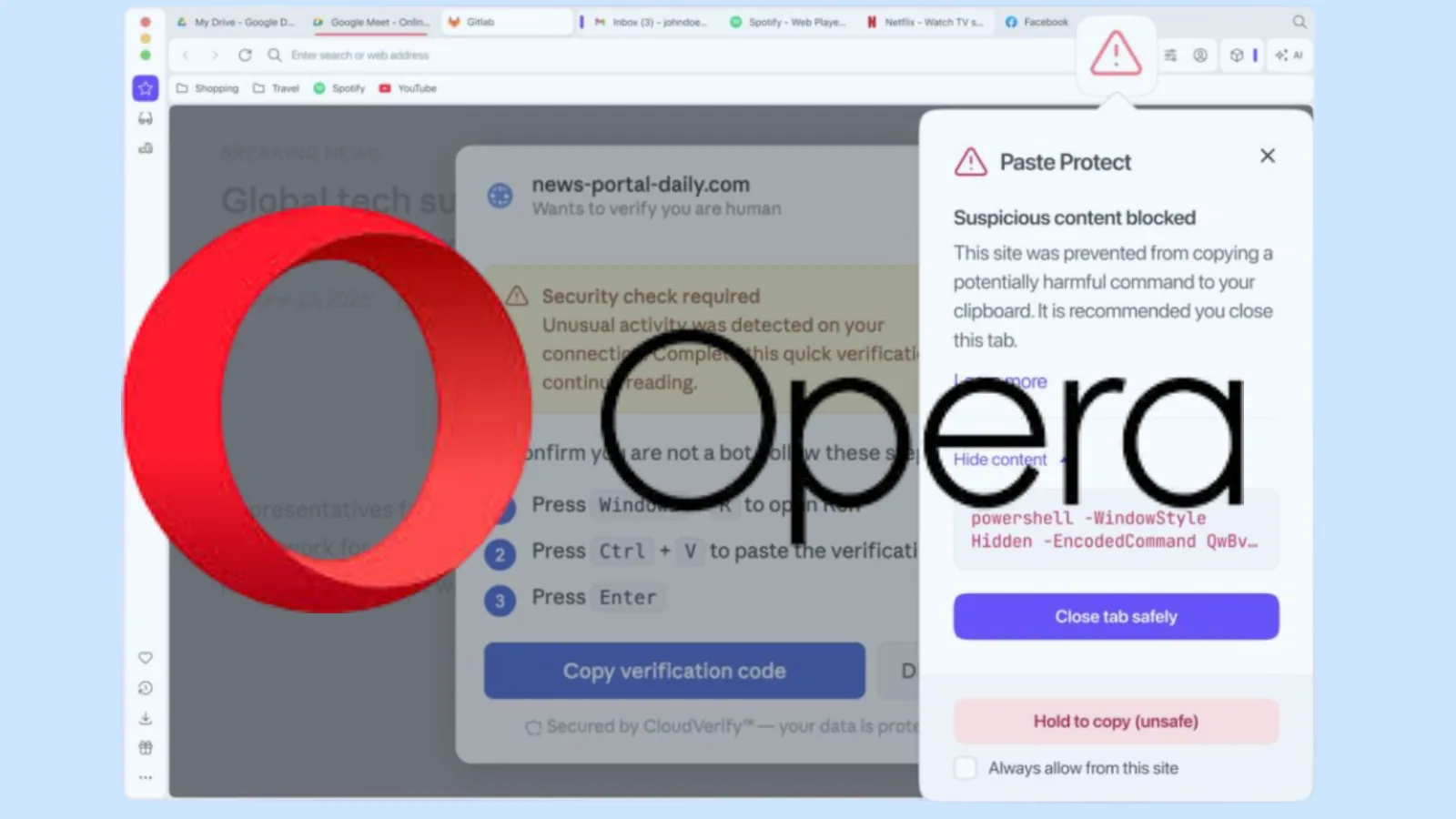
Opera has introduced a new built-in security feature called Paste Protect, designed to defend users against clipboard-based cyberattacks, including the increasingly common ClickFix technique.
The feature is now integrated directly into the Opera browser. It is enabled by default, providing proactive protection without requiring user configuration.
Clipboard attacks have become a growing concern in recent years, as threat actors exploit the clipboard to inject malicious content or replace legitimate data. Opera’s Paste Protect aims to stop these attacks at the browser level before they can cause harm.
Opera Blocks Clipboard Attacks
Clipboard manipulation attacks silently alter copied content, with the ClickFix variant using social engineering to trick users into executing malicious commands on their own systems.
In a typical ClickFix scenario, a user encounters a fake alert on a website that claims an issue, such as a failed CAPTCHA, a video playback error, or a system warning.
The page then instructs the user to copy and paste a command into a terminal to “fix” the issue. In reality, this command installs malware, steals credentials, or grants attackers remote access.
According to Huntress’ 2026 Cyber Threat Report, ClickFix attacks accounted for over 53% of malware loader activity in 2025, highlighting the rapid adoption of this technique by cybercriminals.
Opera’s Paste Protect combines two key components:
Hijack Protection: Prevents unauthorized modification of copied content. For example, it detects when copied data, such as cryptocurrency wallet addresses or bank account numbers, is replaced with attacker-controlled values.
Injection Protection: A new capability that blocks malicious commands from being copied to the clipboard, especially those used in ClickFix attacks.
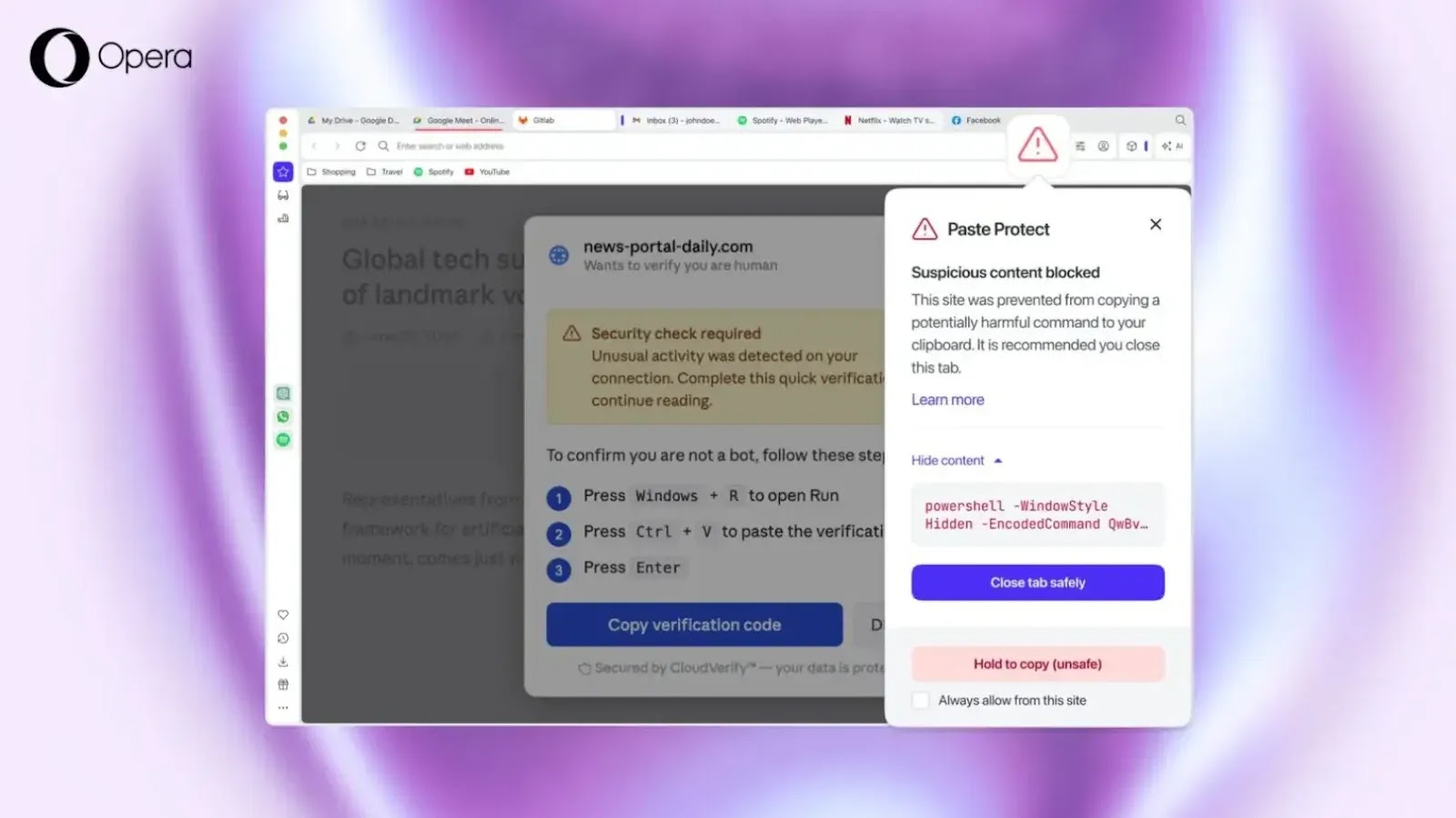
Injection Protection monitors clipboard activity in real time. When a user or website attempts to copy potentially harmful commands, the browser analyzes the content using platform-specific detection techniques across Windows, macOS, and Linux.
If a suspicious command is detected, the action is blocked immediately. Opera displays a warning popup and flags the page with a security indicator in the address bar.
Users can review a truncated preview of the blocked content (up to 120 characters) before deciding whether to proceed.
A user visits a compromised website displaying a fake error message prompting them to fix a browser issue. The page instructs them to copy a command and paste it into their system terminal.
With Paste Protect enabled, Opera intercepts the copied command before it reaches the clipboard. The browser blocks the action and warns the user that the content may be harmful, effectively stopping the attack chain before execution.
Unlike third-party extensions, Paste Protect is embedded directly into the browser, making it the first line of defense against clipboard-based threats. The feature is enabled by default and can be managed under Settings > Privacy & Security.
Advanced users can override protections using a “Hold to Copy” option, or allowlist trusted websites, such as developer platforms, where copying scripts is expected.
Opera introduced Paste Protect to address a critical gap in traditional security tools, which often fail to detect clipboard-based attacks because they rely on user interaction.
This browser-level defense ensures malicious commands are intercepted before execution. As attackers continue to evolve their techniques, features like Paste Protect represent a shift toward proactive, user-centric security.
However, Opera emphasizes that users remain the final line of defense and should avoid copying and executing commands they do not fully understand.