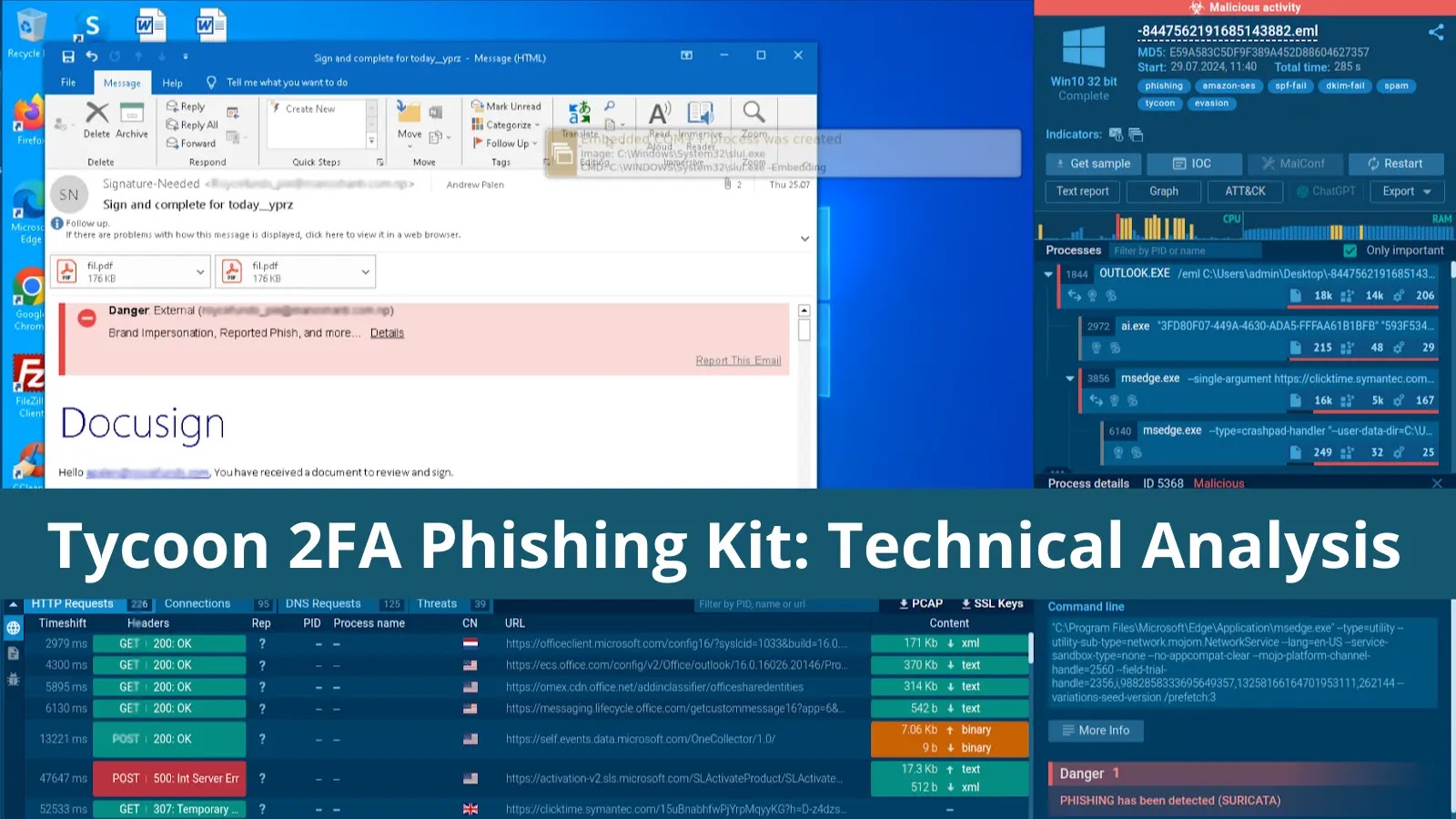

If your company is using Microsoft products, you are at risk of falling victim to a Tycoon 2FA phishing attack. The adoption of this phishing kit in attacks is steadily increasing with new campaigns emerging almost every week. Let’s learn more about how it works and see analysis of actual examples of Tycoon 2FA attacks.
What is Tycoon 2FA?
Tycoon 2FA is a type of phishing kit, a pre-packaged set of tools and templates designed to simplify the deployment of phishing attacks. It operates as a Phishing-as-a-Service (PhaaS) platform, making it accessible to a wide range of cybercriminals.
The target of each Tycoon attack is the session cookie, a digital token that represents the user’s authenticated session. By stealing it, the attacker can bypass Multi-Factor Authentication (MFA) for subsequent login attempts, as the cookie proves the user has already been authenticated.
By providing an easy-to-use interface and powerful capabilities, Tycoon 2FA has become a go-to choice for many malicious actors looking to compromise user accounts protected by MFA.
How Tycoon 2FA Works
The core functionality of Tycoon 2FA revolves around its “adversary-in-the-middle” (AitM) technique. This means it intercepts the communication between the user and the legitimate service, positioning itself as a man-in-the-middle to capture sensitive information.
Let’s take a closer look at how a typical attack unfolds.

Phishing Email
The initial stage of a Tycoon 2FA attack is a carefully crafted phishing email.
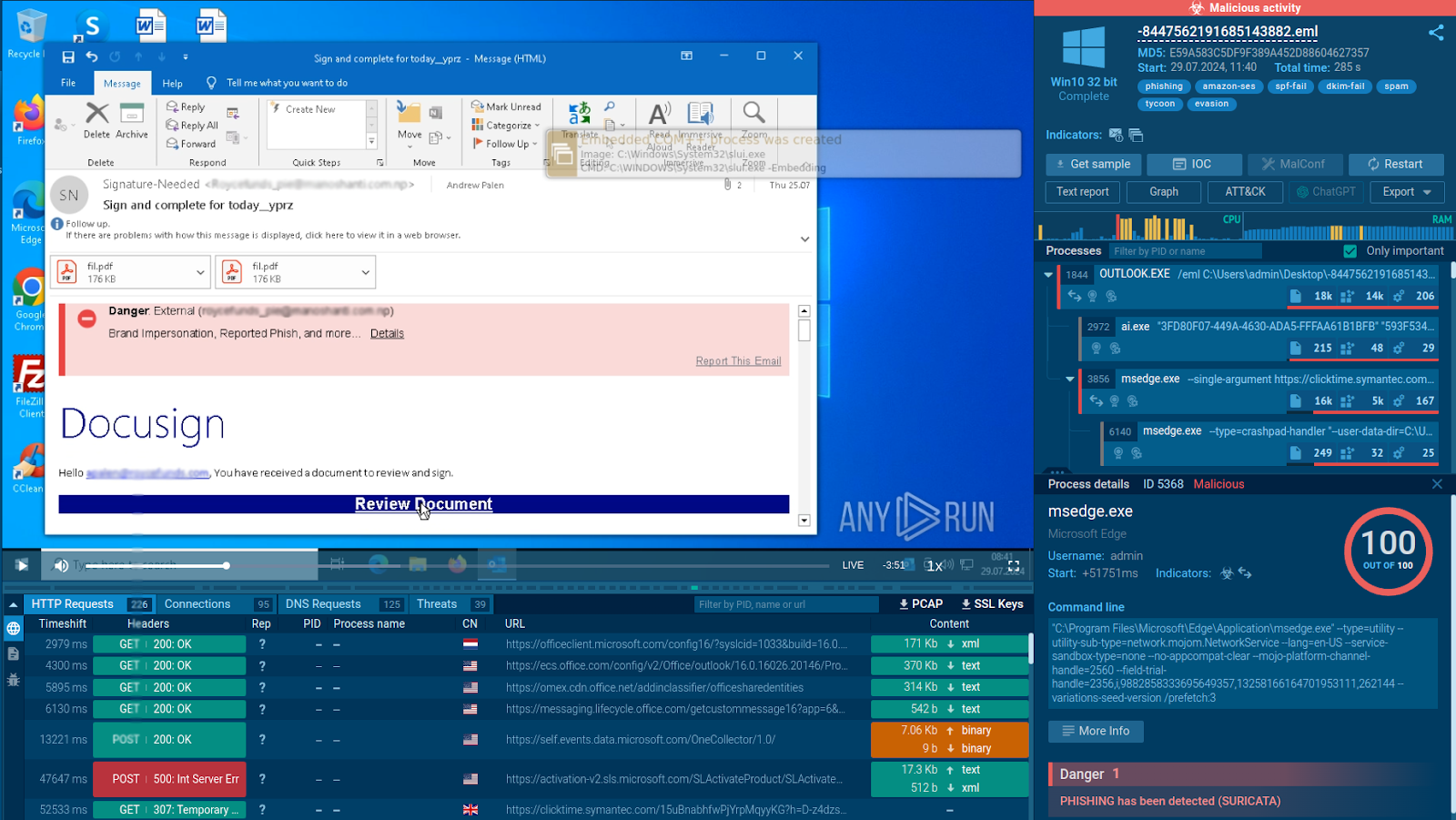
Inside, the user is met with a link leading to the next stage of the attack.
Chain of Redirects
Once a user clicks the malicious link, they are typically redirected through multiple pages before reaching the final phishing website.
This layering of redirects serves several purposes:
-
Masking the true destination of the malicious link.
-
Filtering out bots, avoiding detection by automated solutions, and increasing the likelihood of human interaction.
-
Collecting additional user information, such as device details or IP address.
Tycoon 2FA attacks often feature a CAPTCHA challenge as one of the means of avoiding detection.
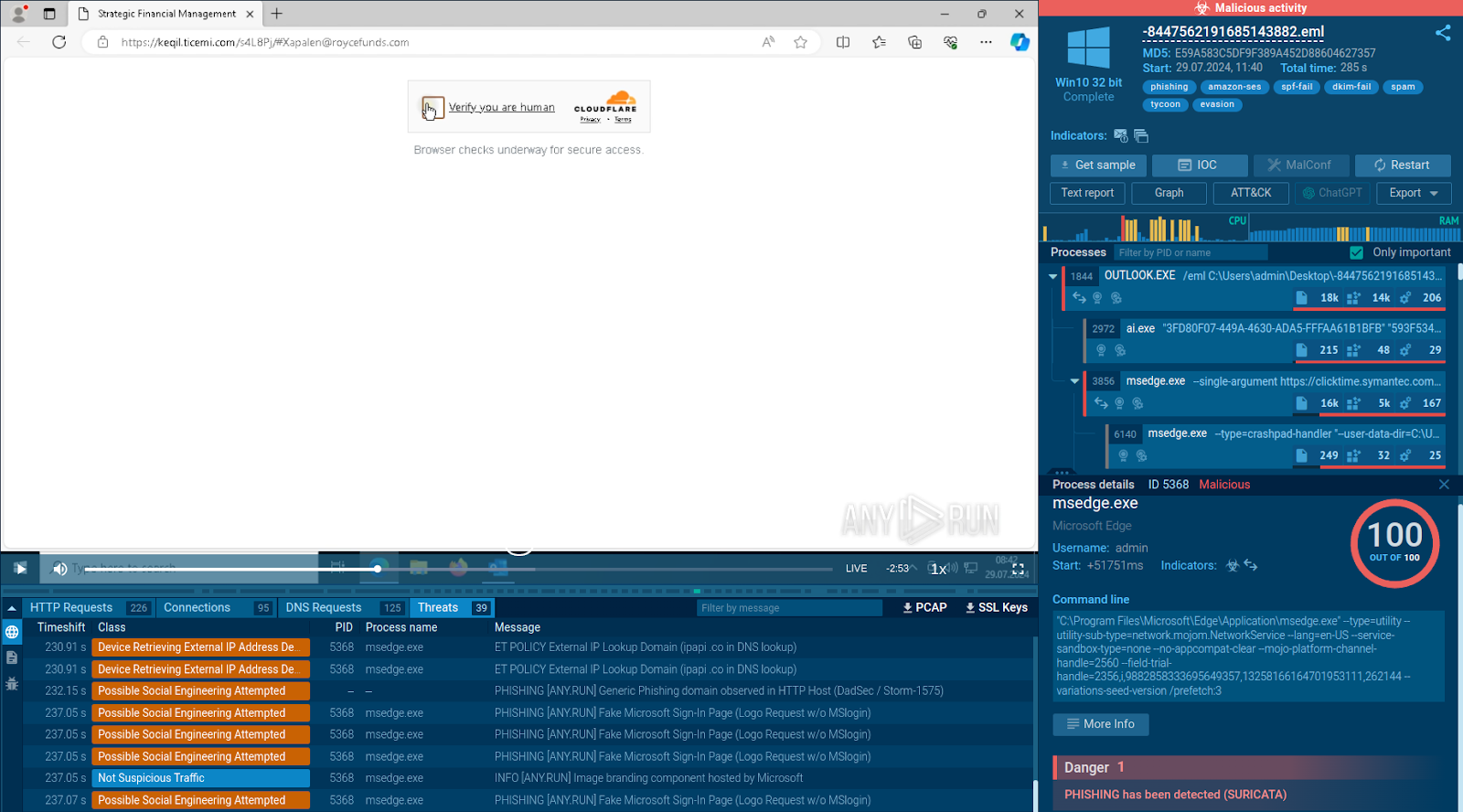
Cloudflare CAPTCHA makes the entire process look more trustworthy
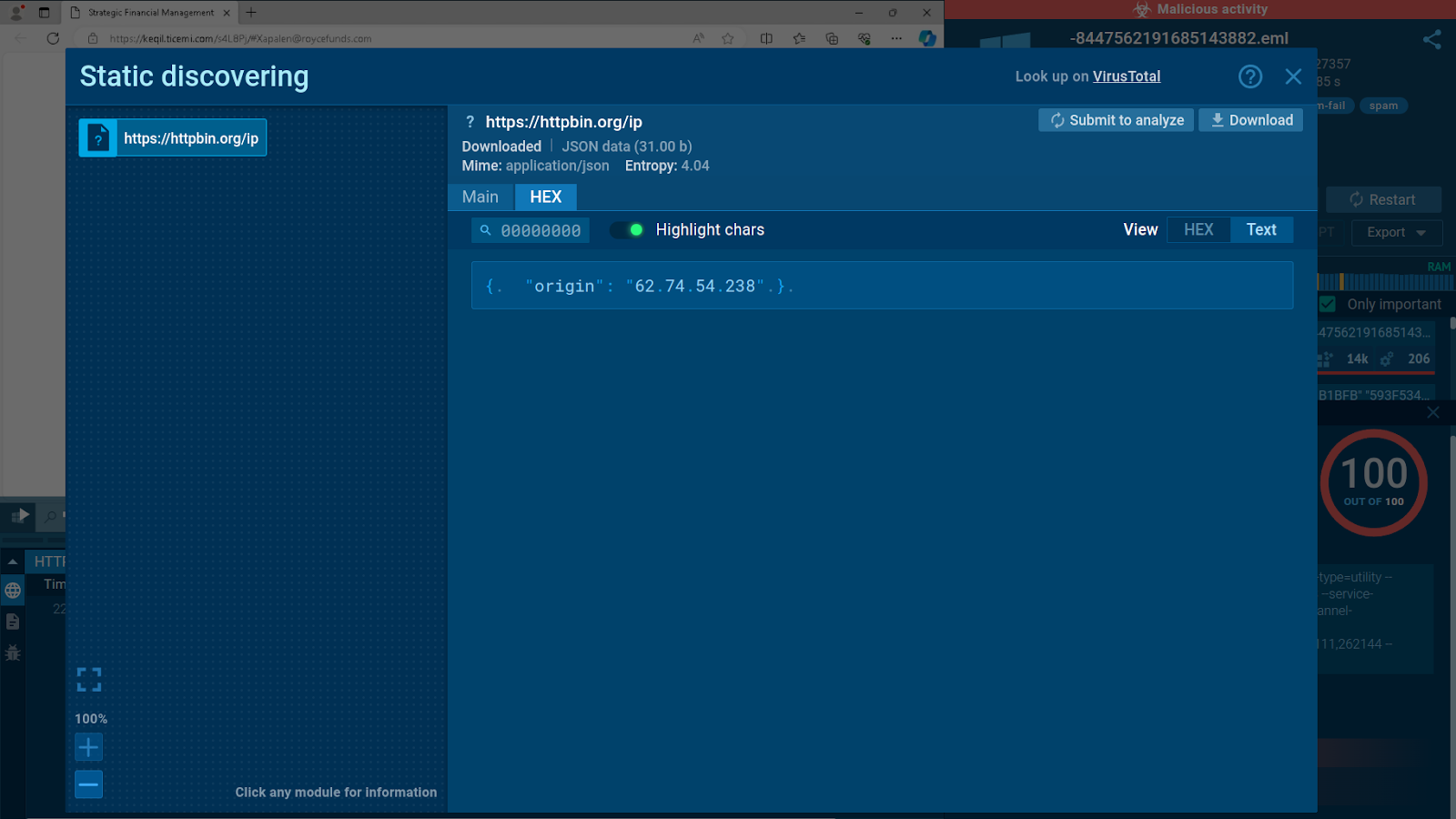
Sandbox detects response to Tycoon 2FA’s request to verify the victim’s IP address
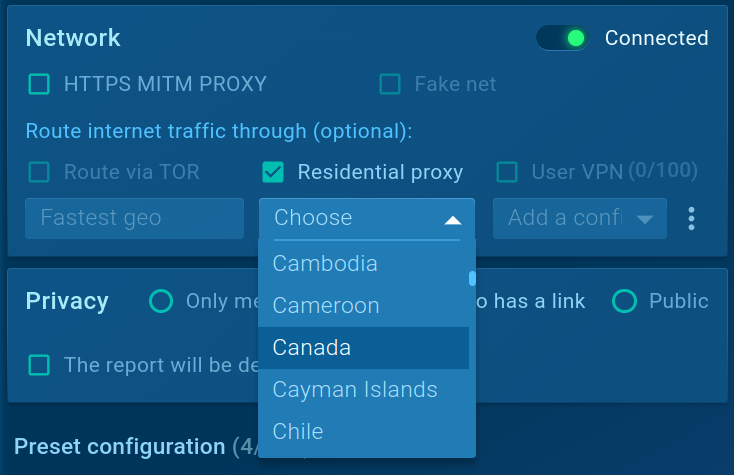
It is important to note that during the redirections stage, the threat also attempts to detect hosting-based traffic coming from a sandbox or other security solutions. It does this via the service like httpbin[.]org by checking the target’s IP.
In case Tycoon 2FA detects hosting traffic, it redirects the user to a legitimate page.
Final Phishing Page
One of the key features of Tycoon 2FA is convincing phishing pages mimicking those of Microsoft.
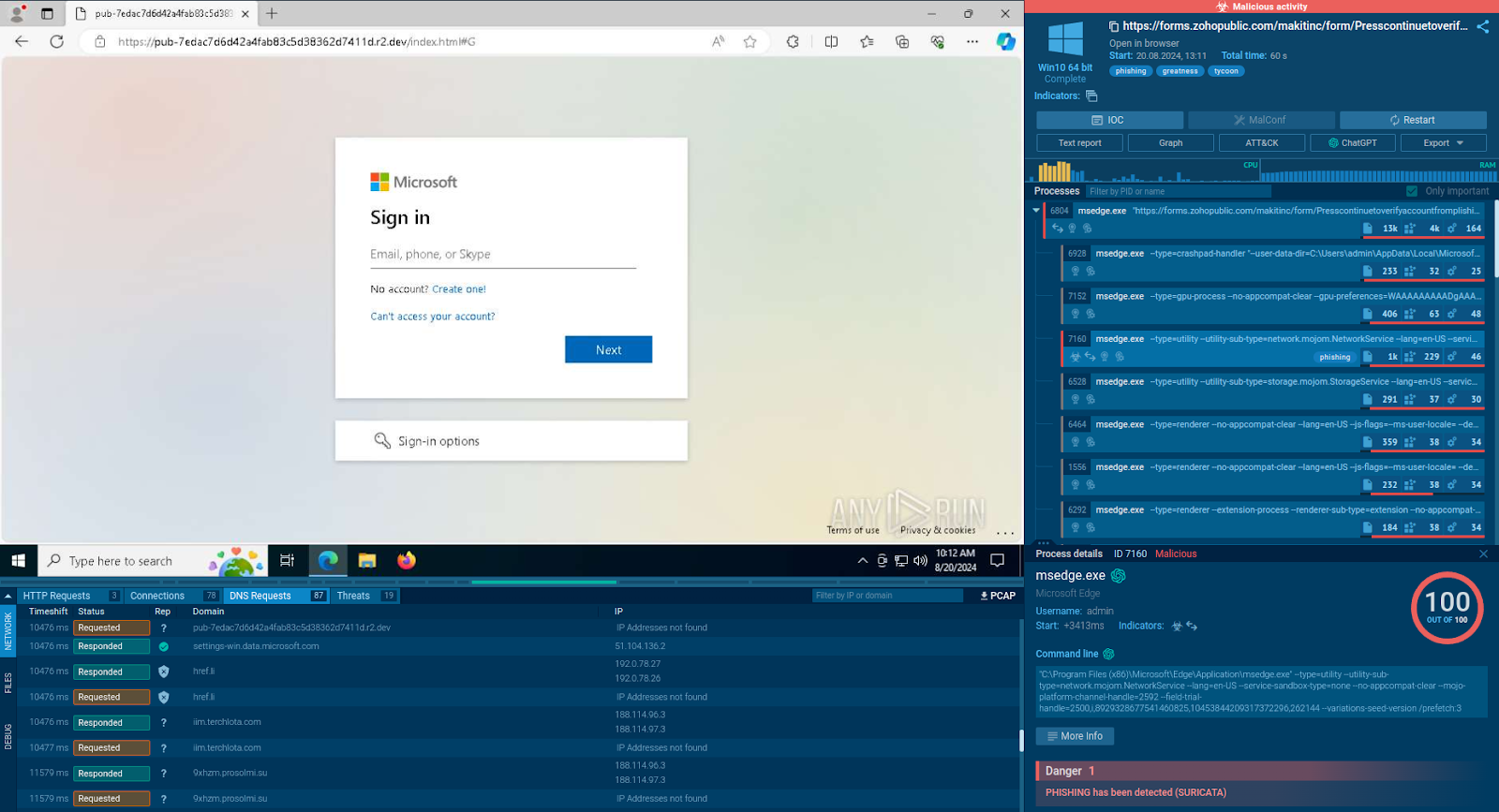
Fake Microsoft login page inviting the victim to enter their credentials
Pages are designed to look and feel exactly like the real login page, making it difficult for users to distinguish between the fake and the genuine.
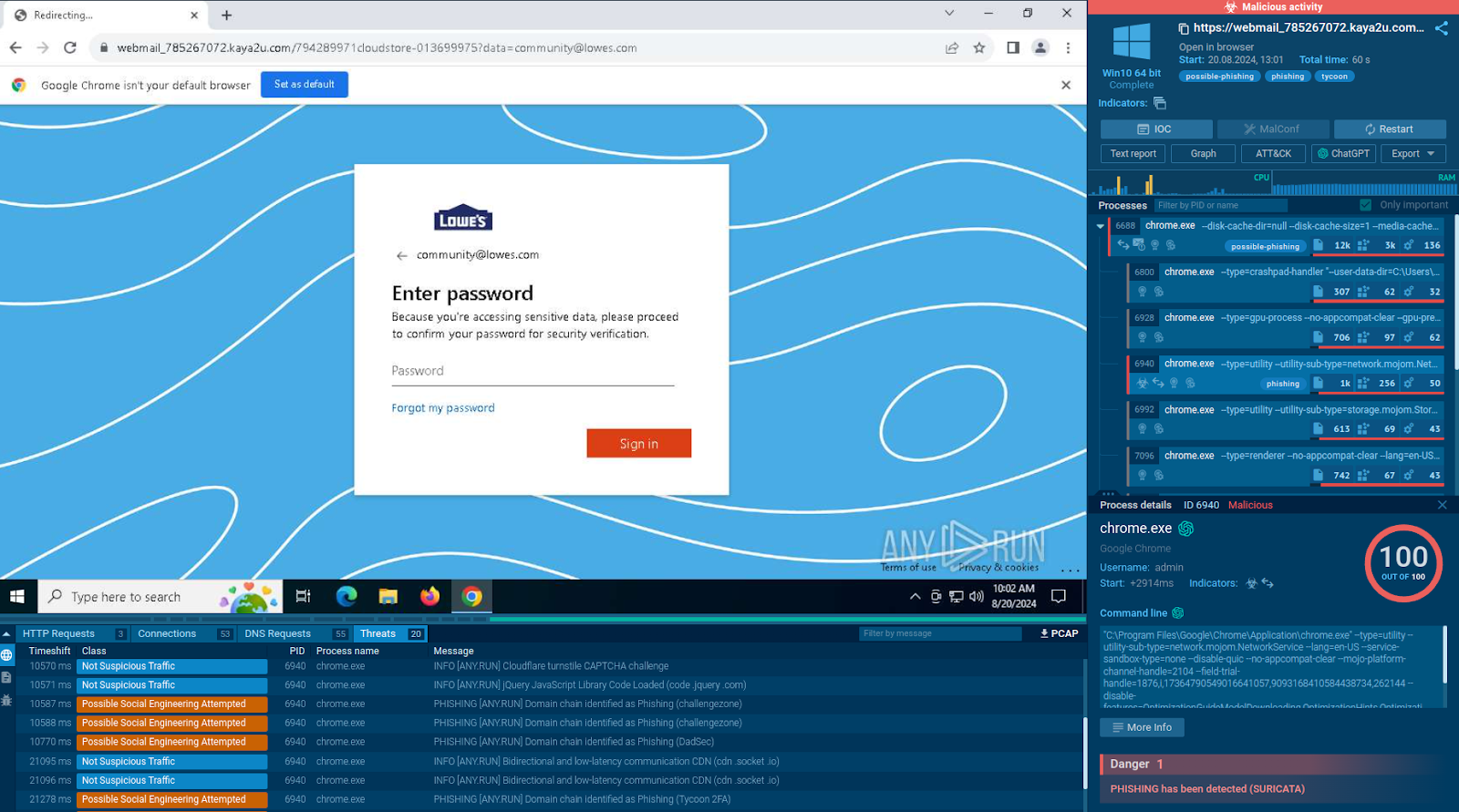
After registering the victim’s organization’s domain, Tycoon adds the company’s logo to the password form
Instead of simply stealing credentials, this phishing kit actively relays the captured information to the legitimate Microsoft service.
If the credentials and 2FA code are correct, Microsoft generates and returns a valid session cookie.
Tycoon 2FA intercepts the session cookie, allowing the attackers to control the victim’s account.
Tracking Tycoon 2FA Campaigns
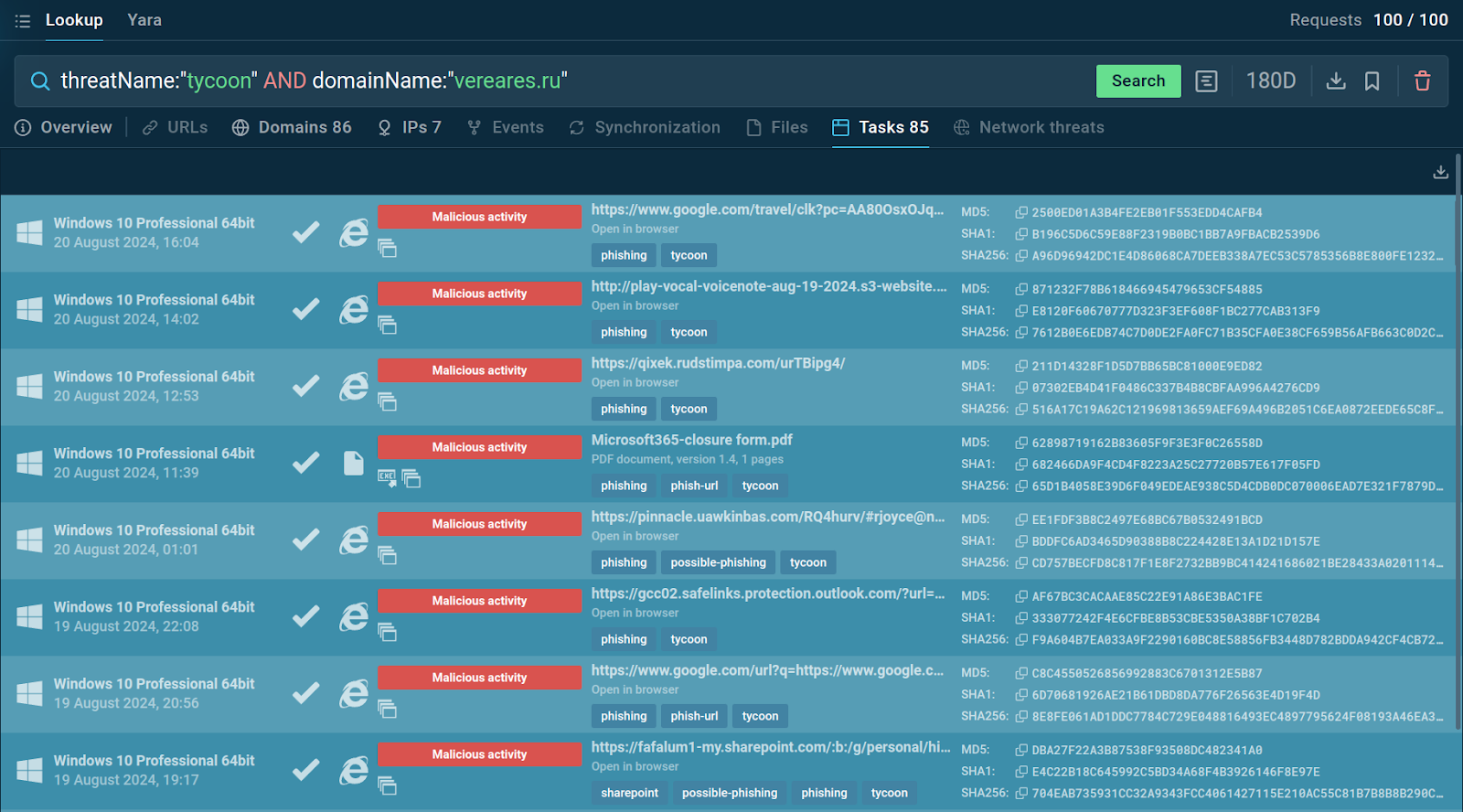
You can navigate to the sandbox to explore each session in detail