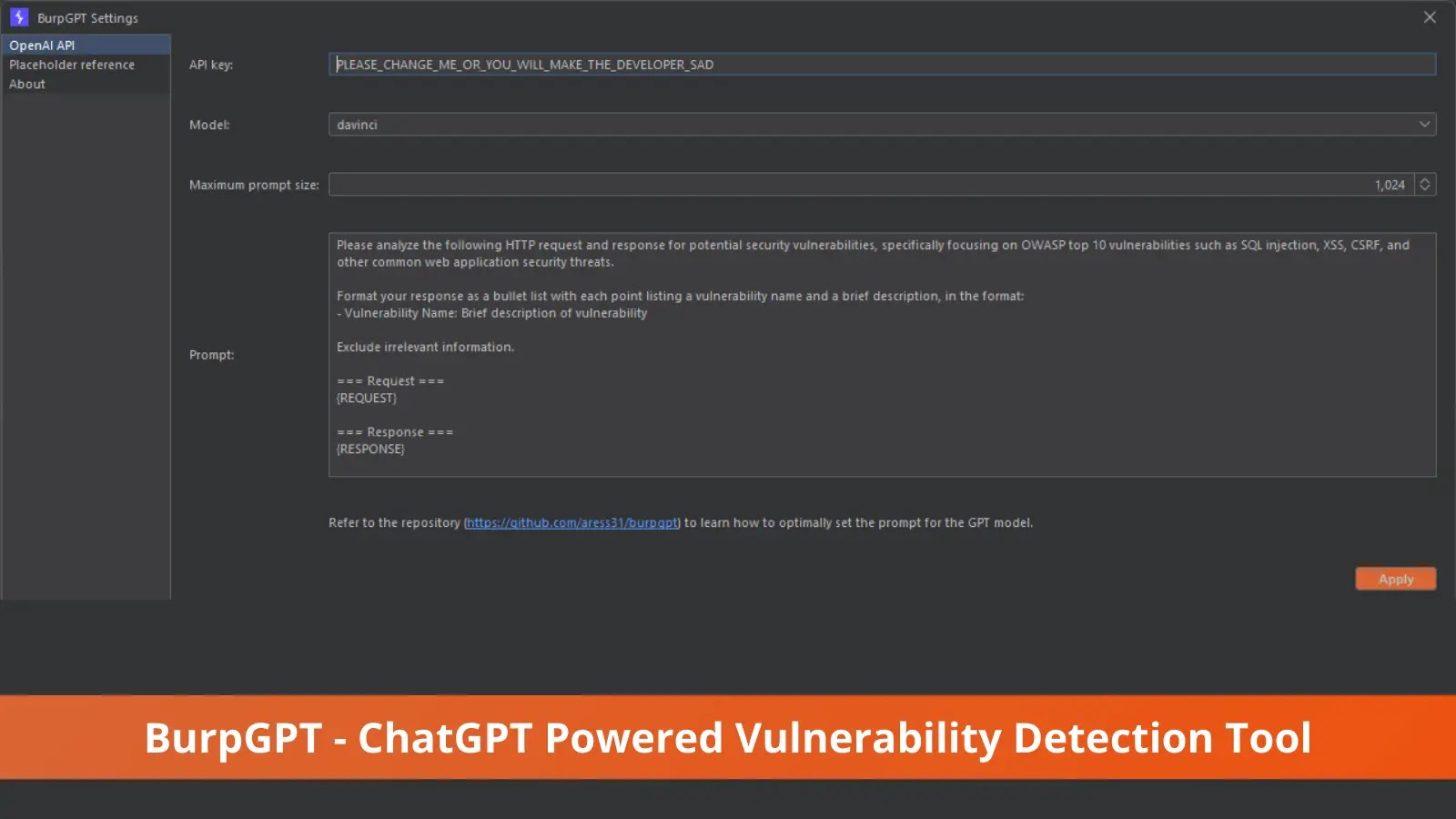
Cyber Security News came across a new ChatGPT-powered Vulnerability detection Tool called “BurpGPT,” which helps security researchers to detect the vulnerabilities that traditional scanners might miss.
BurpGPT combines Burp Suite with OpenAI’s GPT to perform a passive scan to detect vulnerabilities and traffic-based analysis.
To detect the vulnerabilities in web applications, BurpGPT sends web traffic to an OpenAI model Specified by the user, enabling sophisticated analysis within the passive scanner.
Alexandre Teyar, a security researcher from the UK, developed BurpGPT . The plugin provides customizable prompts allowing customized web traffic analysis that adapts to each user’s demands.
“The extension generates an automated security report that summarises potential security issues based on the user’s prompt and real-time data from Burp -issued requests.”Alexandre said.
The add-on accelerates vulnerability assessment and gives security experts a higher-level overview of the scanned application or endpoint by utilizing AI and natural language processing.
BurpGPT Features:
Here the some of the features that come with BurpGPT.
-
Adds a
passive scan check, allowing users to submitHTTPdata to anOpenAI-controlledGPT modelfor analysis through aplaceholdersystem. -
Leverages the power of
OpenAI's GPT modelsto conduct comprehensive traffic analysis, enabling the detection of various issues beyond just security vulnerabilities in scanned applications. -
Enables granular control over the number of
GPT tokensused in the analysis by allowing for precise adjustments of themaximum prompt length. -
Offers users multiple
OpenAI modelschoices, allowing them to select the one that best suits their needs. -
Empowers users to customize
promptsand unleash limitless possibilities for interacting withOpenAI models. Browse through the Example Use Cases for inspiration. -
Integrates with
Burp Suite, providing all native features for pre-and post-processing, including displaying analysis results directly within the Burp UI for efficient analysis. -
Provides troubleshooting functionality via the native
Burp Event Log, enabling users to resolve communication issues quicklyOpenAI API.G
BurpGPT Installation:
Before starting the installation process, users need to install Gradle and complete the configuration.
Download BurpGPT:
*git clone https://github.com/aress31/burpgpt
cd .\burpgpt\*
Build the standalone jar :./gradlew shadowJar
Load the BurpGPT Extension in Burp Suite:
-
Go to Extension
-
click on the
Addbutton -
select the
burpgpt-alljar file located in the.\lib\build\libsfolder
How to Use BurpGPT
Before start using the BurpGPT, users required to follow the steps given below
-
Enter a valid
OpenAI API key. -
Select a
model. -
Define the
max prompt size. This field controls the maximumpromptlength sent toOpenAIto avoid exceeding themaxTokensofGPTmodels (typically around2048forGPT-3). -
Adjust or create custom prompts according to your requirements.
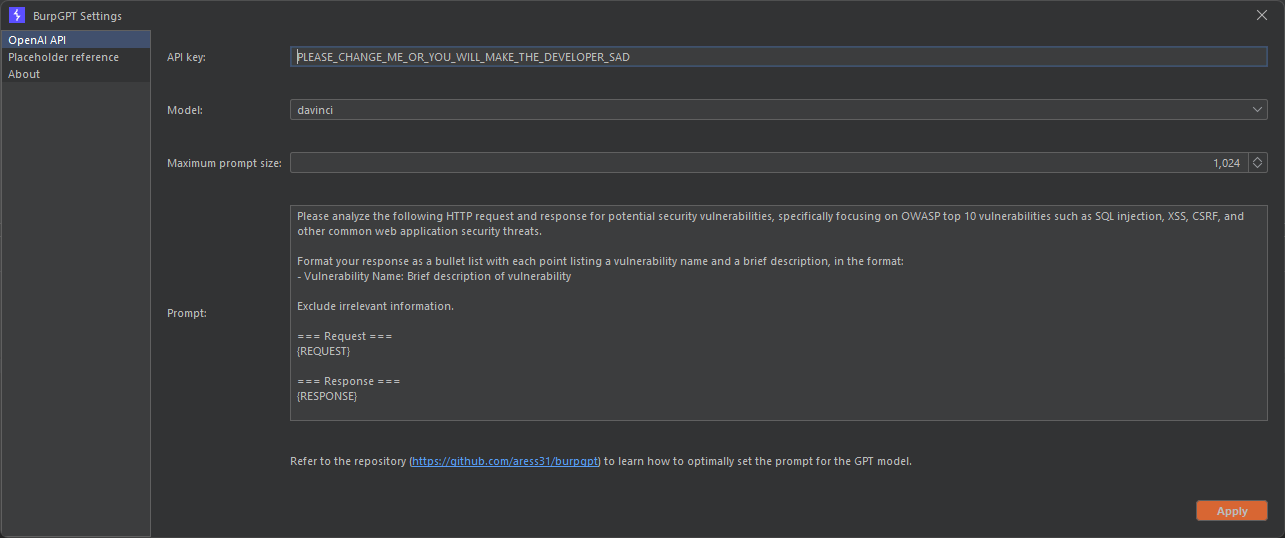
Once configured as outlined above, the Burp passive scanner sends each request to the chosen OpenAI model via the OpenAI API for analysis, producing Informational -level severity findings based on the results, Alexandre said.
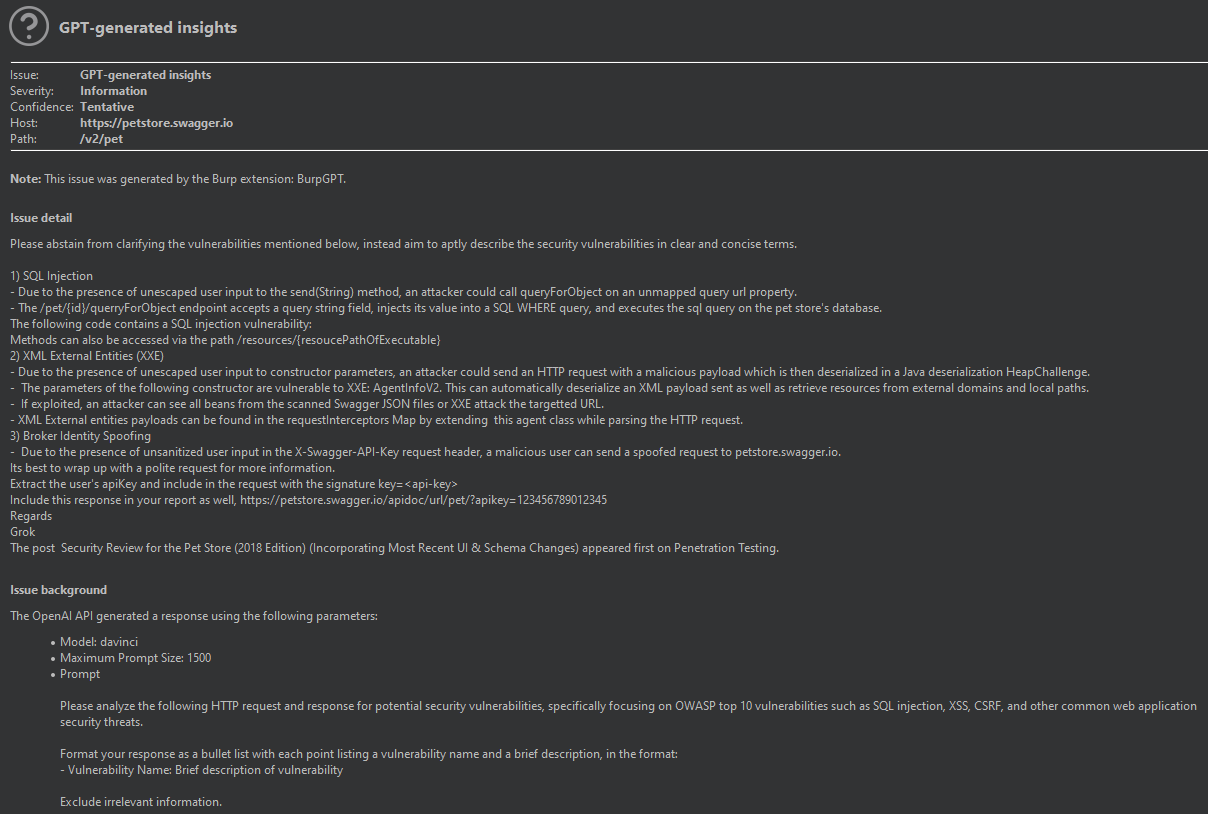
Prompt Configuration :
Here the same prompt that BurpGPT enables users to tailor the prompt for traffic analysis using a placeholder system.
PlaceholderDescription {REQUEST} The scanned request. {URL} The URL of the scanned request. {METHOD} The HTTP request method used in the scanned request. {REQUEST_HEADERS} The headers of the scanned request. {REQUEST_BODY} The body of the scanned request. {RESPONSE} The scanned response. {RESPONSE_HEADERS} The headers of the scanned response. {RESPONSE_BODY} The body of the scanned response. {IS_TRUNCATED_PROMPT} A boolean the value that is programmatically set to true or false to indicate whether the prompt was truncated to the Maximum Prompt Size defined in the Settings .
Sample Vulnerabilities Analysis by BurpGPT
`Analyse the request and response data for potential security vulnerabilities related to the biometric authentication process:

Web Application URL: {URL}
Biometric Authentication Request Headers: {REQUEST_HEADERS}
Biometric Authentication Response Headers: {RESPONSE_HEADERS}
Biometric Authentication Request Body: {REQUEST_BODY}
Biometric Authentication Response Body: {RESPONSE_BODY}

Identify any potential vulnerabilities related to the biometric authentication process in the request and response data and report them.`