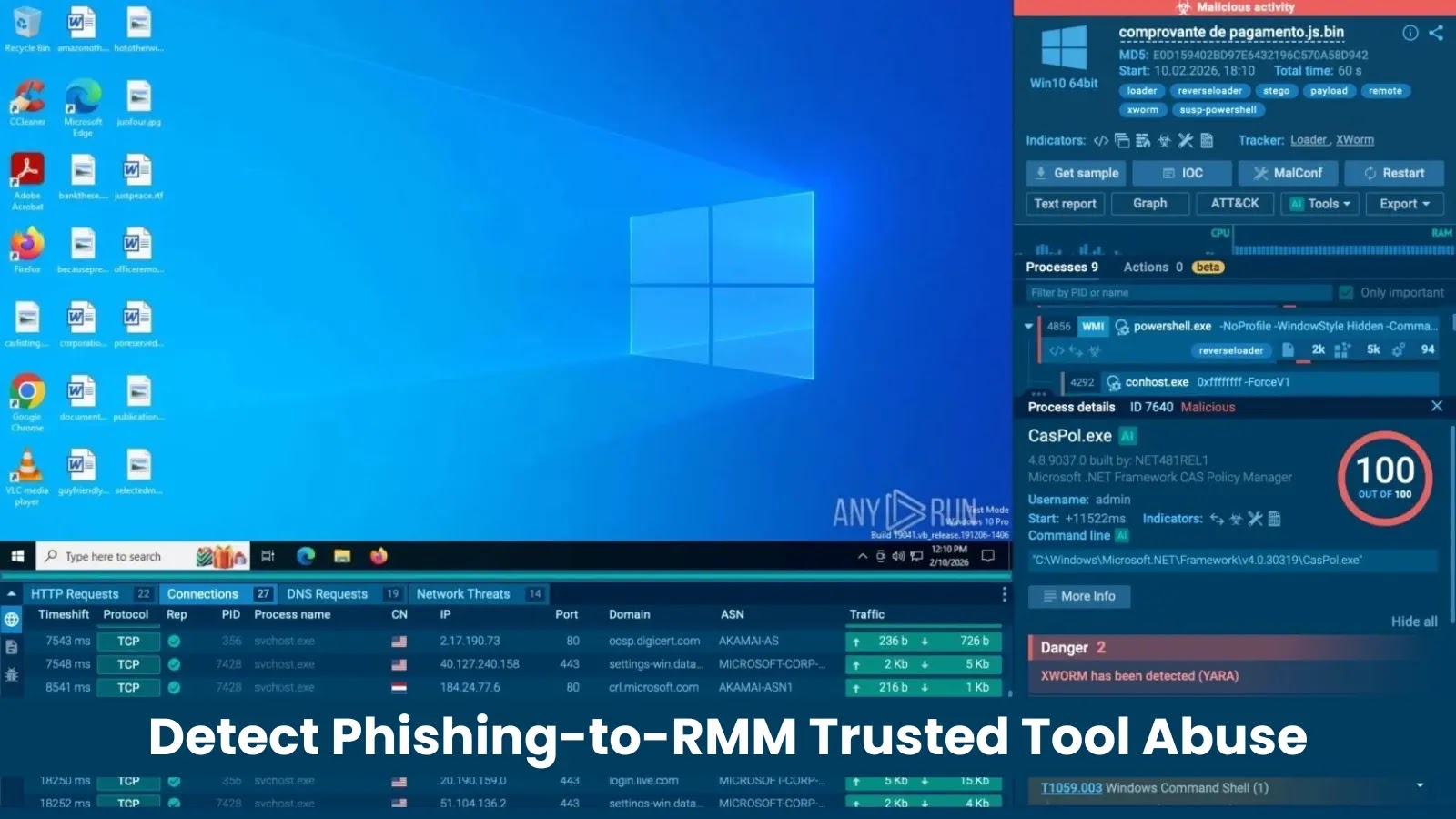
Detection is difficult because the payload and infrastructure can look legitimate in isolation. Analysts need to connect the full chain, from phishing lure to RMM execution and outbound connections, to catch the abuse before damage is done.
Targeted Regions and Industries
The most affected industries include Education, Technology, Banking, Government, Manufacturing, and Finance. These sectors often rely on remote administration for IT support, distributed teams, endpoint maintenance, and user assistance, which makes RMM activity harder to judge at first glance.
For analysts, that means triage should not stop at the tool name. A ScreenConnect or LogMeIn Rescue installer may be legitimate, but the surrounding context matters: where it was downloaded from, what page delivered it, what the user expected to receive, and which connections appeared after execution
How the Attack Moves from Fake Page to Remote Access
Case 1: Fake Microsoft Store Page Delivers ScreenConnect

The user is prompted to download Adobesetup.exe, but behind that name is ScreenConnect; an RMM tool attackers can use to establish remote access to the system.
Case 2: Fake OneDrive Download Leads to ScreenConnect
Another chain uses a protected Microsoft OneDrive download lure. The page at vmail.app.n8n.cloud shows a “Verify to Download” prompt for what appears to be a PDF document. After the click, the user receives ScreenConnect.ClientSetup.exe.
This makes triage harder because the landing page is hosted on the legitimate n8n.cloud platform, while the RMM download and connection happen through legitimate ScreenConnect infrastructure.
In cases like this, detection cannot rely on domain reputation alone. Analysts need to look at download context, execution behavior, and RMM-related connections.
Case 3: VBS Script Installs LogMeIn Rescue
In one analysis, the user is shown a phishing page with an Adobe document download lure. Instead of the expected file, the page delivers a VBS script.
Once executed, the script attempts to elevate privileges through UAC, disable SmartScreen, and weaken Microsoft Defender protections. It then silently downloads the LogMeIn Rescue installer, removes the Mark-of-the-Web, and runs a quiet installation via msiexec, leaving the endpoint with unattended RMM access.
Turning RMM Ambiguity into Actionable Evidence
Phishing-to-RMM attacks are hard to validate with traditional detection alone because the final payload may be a legitimate remote access tool. A hash check, domain reputation lookup, or static verdict may not show the real risk.
The malicious signal appears in the chain: the phishing page, the misleading download, the execution flow, and the connection that follows.
Behavioral analysis inside an interactive sandbox makes that chain visible. Instead of judging the RMM installer in isolation, analysts can see how it was delivered, what the user was shown, what was executed on the system, whether protections were weakened, and which remote access connections appeared after launch.
For analysts, this means:
- Faster triage with clear URL-to-execution visibility
- Stronger validation of suspicious RMM activity
- Less time lost on “legitimate tool or attack?” uncertainty
- Better threat hunting with behavior, network activity, and related indicators
- Easier handoff with reports that show screenshots, process activity, network connections, and IOCs
- Clearer escalation when RMM activity needs containment or deeper investigation
Reduce Triage Load With Earlier Threat Clarity
For teams dealing with gray-zone attacks like phishing-to-RMM, speed depends on context. Analysts need to see how the threat started, what was executed, which connections appeared, and whether a trusted tool is being abused before they can make the right call.
- Up to 20% decrease in Tier 1 workload
- 30% reduction in Tier 1 to Tier 2 escalations
- 21-minute reduction in MTTR per case
- 94% of users report faster triage
By moving analysis to a cloud-based environment, teams can also reduce hardware setup costs, get faster threat insights, and make more informed response decisions before suspicious activity turns into a business impact.