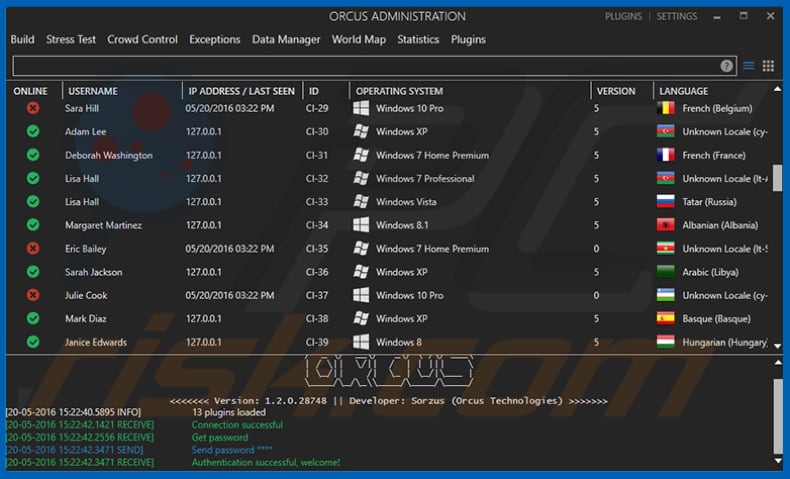
Alert fatigue is no longer just an analyst problem. It has become a business problem.
Every unnecessary investigation, delayed escalation, or manual validation consumes valuable SOC resources and extends the time real threats remain active. As organizations face growing alert volumes without proportional team growth, reducing investigation time has become just as important as improving detection.
Let’s find out how organizations can reduce alert fatigue by helping analysts make faster, more confident investigation decisions.
The Hidden Cost of Alert Fatigue
Alert fatigue is not only about having too many alerts. It is about how much time teams lose trying to understand which alerts actually matter.
When analysts do not have enough context, the impact quickly spreads across the SOC:
- Benign alerts take time away from real threats
- Tier 1 teams escalate more cases because the evidence is unclear
- Senior analysts spend time on routine investigations
- Response decisions take longer than they should
- Real threats can stay active while teams are still validating the alert
For security leaders, the goal is to help teams make faster decisions, use analyst time better, and prevent investigation delays from becoming business risk.
5 Ways to Reduce Alert Fatigue Without Adding Headcount
Reducing alert fatigue does not always require more analysts or new detection rules. In many cases, the biggest improvements come from helping security teams investigate alerts faster, make more confident decisions, and spend less time on manual validation.
1. Give Analysts the Full Context from the Start
Many security tools stop at static indicators, leaving analysts to manually piece together what a suspicious URL actually does. That missing context is one of the biggest drivers of alert fatigue.
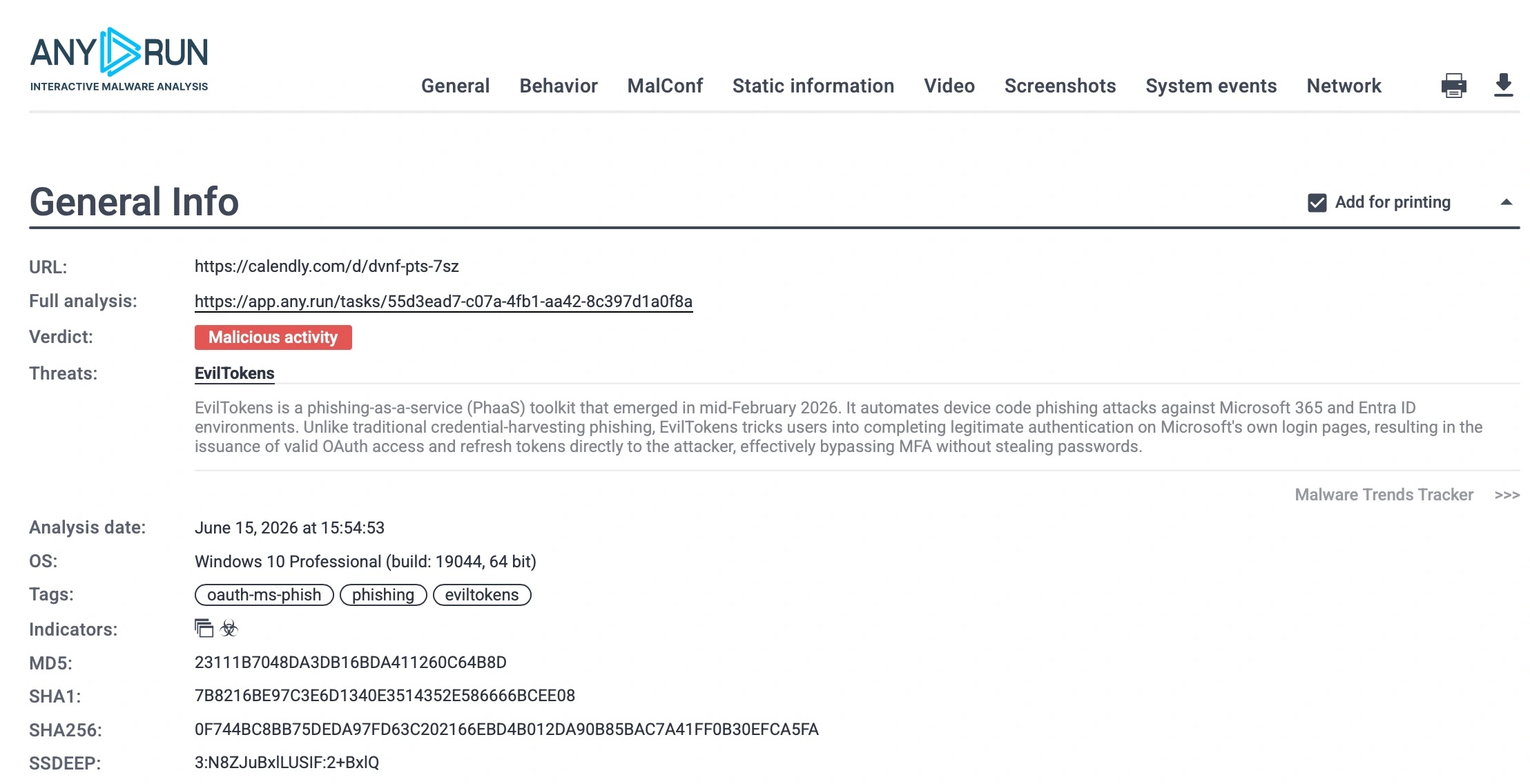
For example, in this recent EvilTokens analysis, browser-level visibility exposed the complete phishing workflow in about a minute, revealing the hidden phishing page, OAuth device-code activity, and attack behavior that static URL analysis alone could not show.
By giving analysts the evidence they need from the start, organizations can reduce manual validation, avoid unnecessary escalations, shorten investigation time, and help teams focus on alerts that pose real business risk.
2. Combine Automation with Interactive Analysis
Automation can eliminate repetitive tasks, but it cannot replace analyst judgment. When every alert follows the same automated path, important context can still be missed, forcing teams to spend additional time validating suspicious activity.
The most effective approach combines automation with interactive analysis. Automated processes can quickly extract initial evidence, while analysts can immediately continue the investigation in a dynamic environment to answer questions automation cannot.
3. Automate Investigation Reporting
Reporting is an essential part of every investigation, but it should not become another manual task that slows analysts down.
Automatically generated investigation reports help teams summarize findings, document evidence, and share results without spending additional time writing reports from scratch. This speeds up handoffs, keeps investigations consistent, and allows analysts to focus on responding to threats instead of administrative work.
4. Standardize Triage Workflows
When every analyst handles alerts in a different way, investigations become harder to compare, repeat, and escalate. This creates delays, inconsistent decisions, and more back-and-forth between Tier 1 and senior teams.
A standardized triage workflow helps analysts follow the same process for collecting evidence, validating behavior, documenting findings, and deciding whether to close, escalate, or contain a case.
5. Bring Threat Context into Existing Workflows
Alert fatigue increases when analysts have to leave their existing tools to gather additional context for every alert. Constantly switching between platforms slows investigations and adds unnecessary manual work.
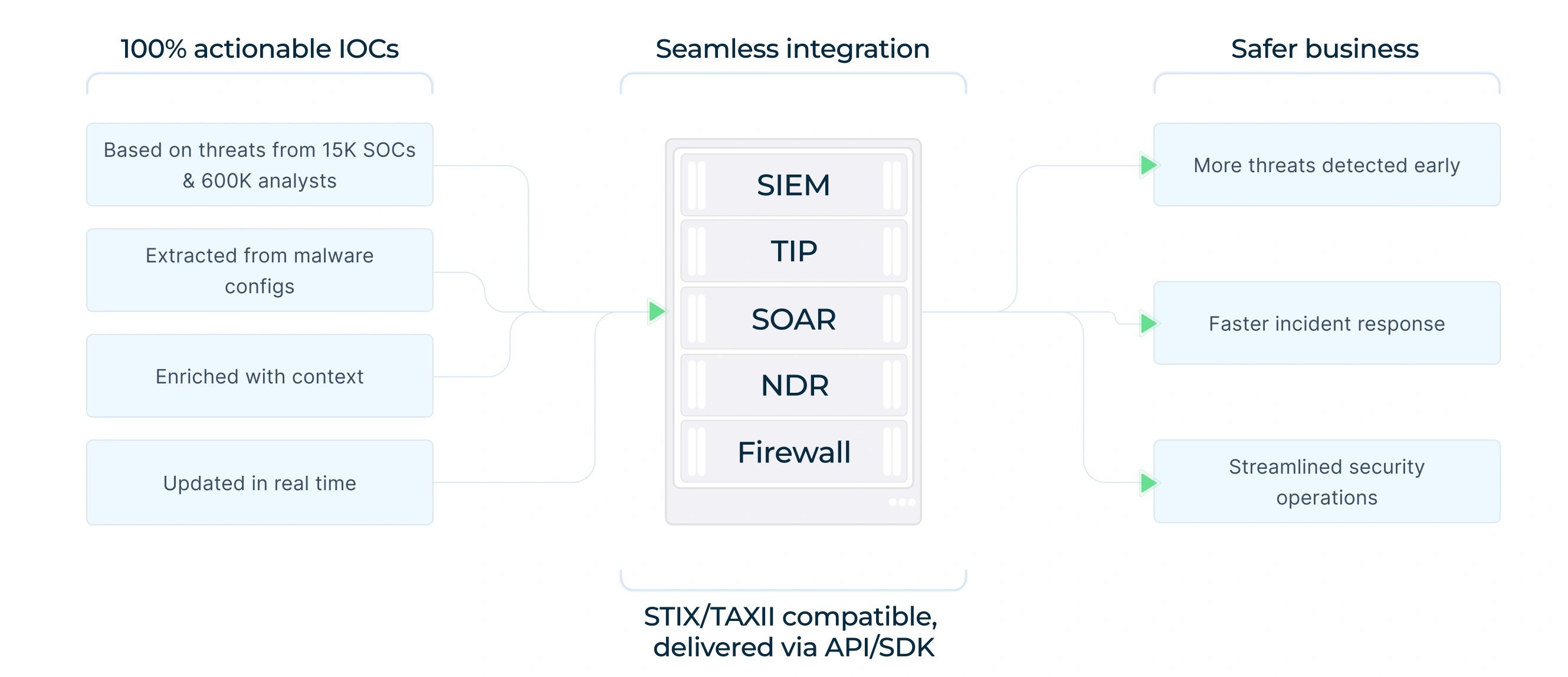
Bringing threat context directly into SIEM, SOAR, EDR, and other security workflows helps analysts make faster decisions without disrupting the way they already work. Instead of searching for information across multiple sources, they receive the intelligence they need alongside the alert.
Reduce Alert Fatigue by Helping Analysts Decide Faster
Alert fatigue cannot be solved by adding more alerts or expecting analysts to work faster. It is reduced by giving teams the context, automation, and workflows they need to reach confident decisions with less effort.
For security leaders, this directly affects cost. Every unclear alert can consume analyst time, create unnecessary escalations, delay response, and increase the chance that real threats stay active longer than they should.
- MTTD as low as 15 seconds, helping analysts identify real threats sooner.
- Up to 21 minutes lower MTTR per case, reducing investigation and response time.
- Fewer unnecessary escalations, helping protect senior analyst capacity.
- Less manual investigation, reducing repetitive work and operational overhead.
- Higher SOC efficiency, helping teams handle more risk without simply adding headcount.
When analysts spend less time searching for context and more time acting on evidence, organizations can lower the cost of triage, improve response speed, and reduce the business risk created by delayed investigations.