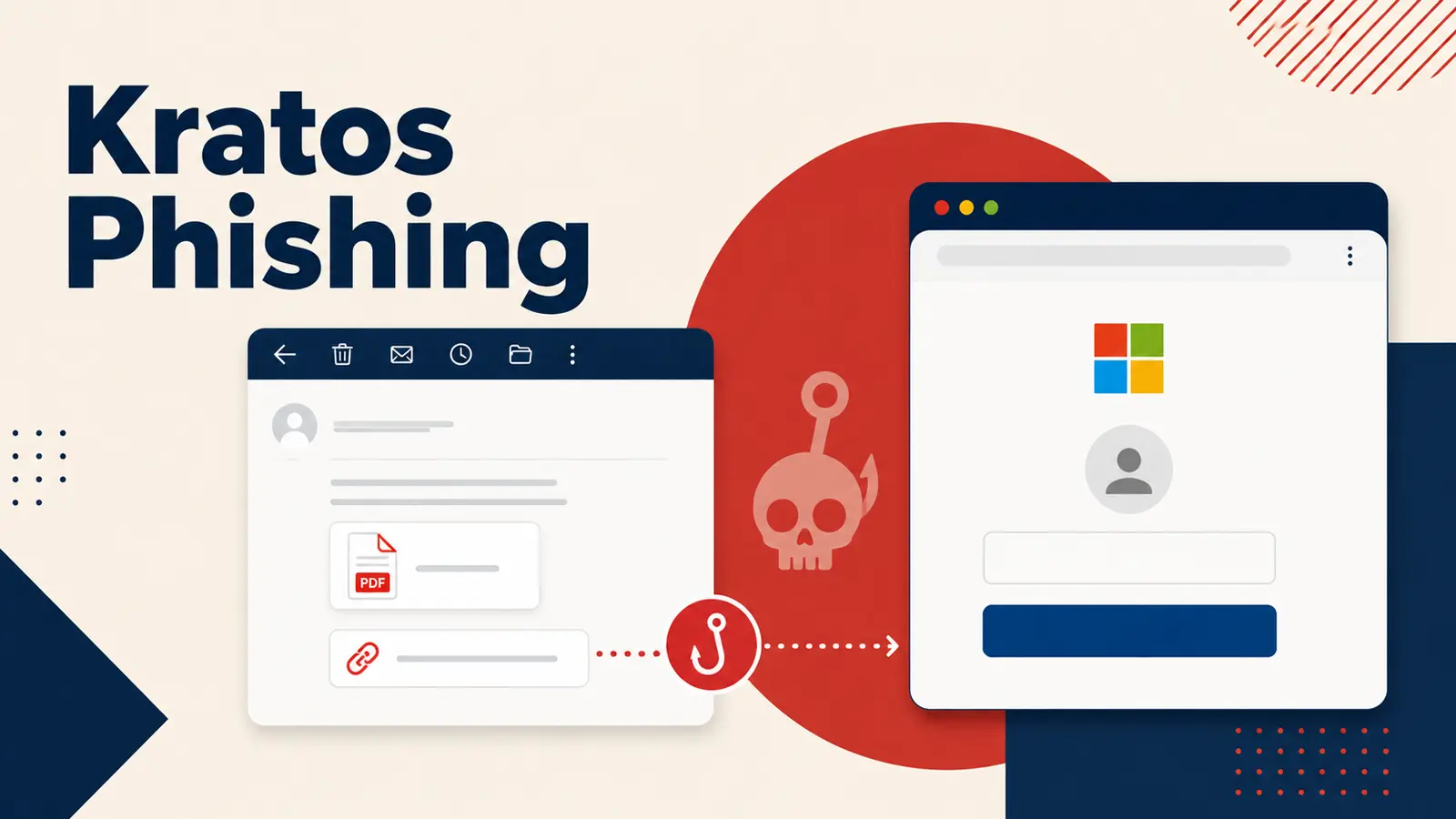
Kratos is a phishing service built to steal Microsoft 365 credentials at scale. It evolved from the Sneaky2FA kit and gave affiliates ready-made login pages, hosting options, and evasion features that made fraudulent sign-ins harder to detect.
The operation relied on phishing emails that led targets through trusted-looking services before showing a fake login page.
By placing itself between the victim and Microsoft’s real authentication system, Kratos could capture passwords and active session tokens, a technique also seen in AiTM phishing attack methods that can weaken the protection offered by multi-factor authentication.
The reported disruption of Kratos during Operation Olympus Blade in July 2026 did not remove the wider risk.
The service had reportedly supported more than 1,800 subscribers and about 15,000 phishing campaigns each month, while other kits can quickly reuse the same methods to target organizations that depend on Microsoft 365 for daily work.
Dismantled Kratos Phishing Kits Acting as Blueprint
Kratos was designed as a reusable criminal toolkit rather than a one-off campaign.
Its affiliates could imitate familiar services such as document-sharing and creative-software platforms, then send emails that routed victims through SharePoint, OneDrive, Microsoft Forms, Canva, or other legitimate web services before reaching the final trap.
That layered delivery model helps criminals evade email filters because the initial link does not always appear to point to a phishing site.
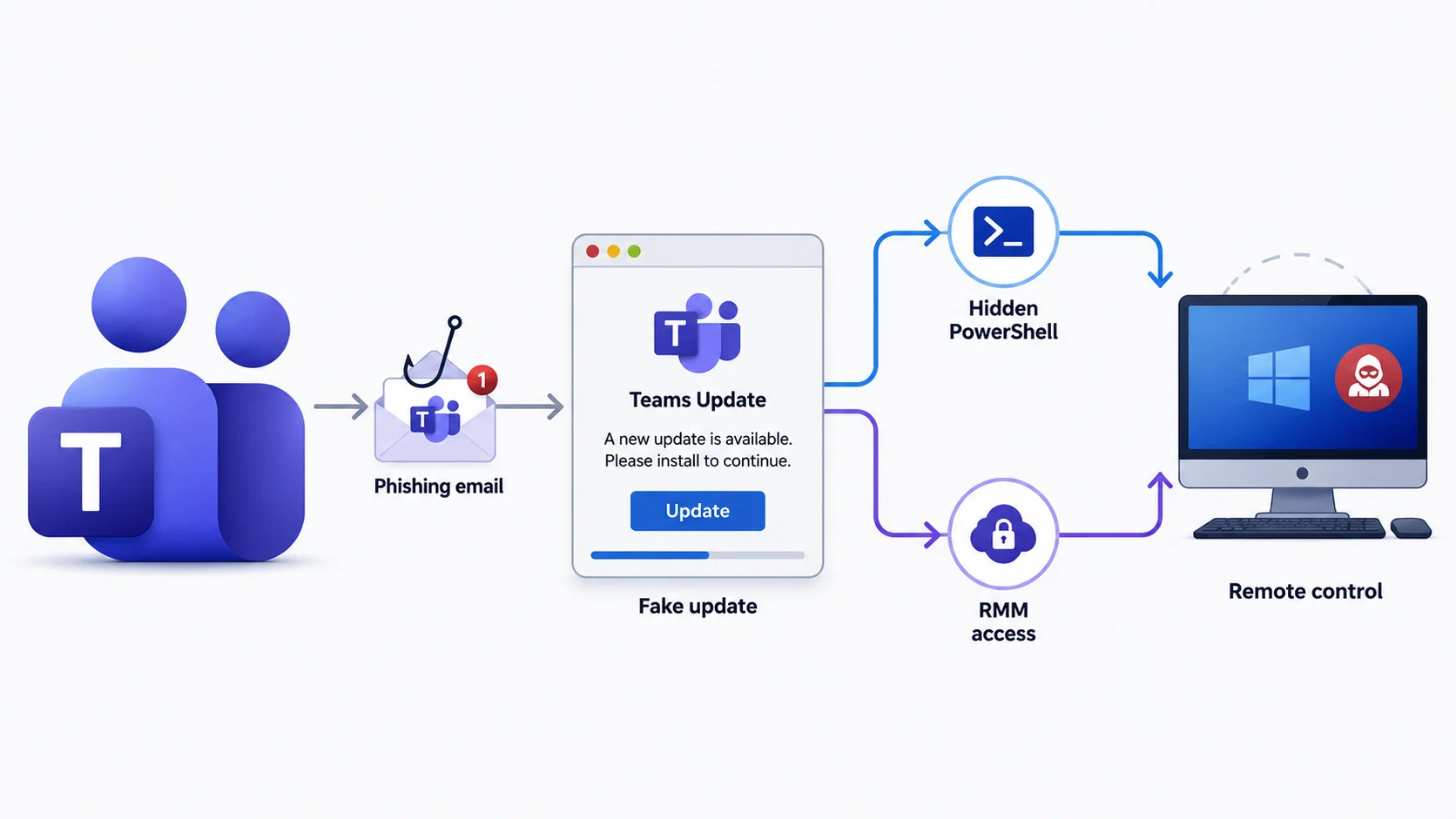
Similar social-engineering tactics have recently appeared in fake Teams update campaigns, where a routine business message is used to make a malicious action seem normal.
Before loading a fake Microsoft sign-in form, Kratos could present a CAPTCHA or browser check to screen out automated scanners.
Victims then saw a blurred document or invoice with a loading animation, followed by a convincing authentication request intended to create urgency and trust.
When a user entered credentials and completed multi-factor authentication, the kit relayed the live session and collected the authentication token.
This allowed operators to access the account as an already verified user, meaning a password reset alone might not end the intrusion if active sessions and refresh tokens remain valid.
The impact can extend well beyond one mailbox. Attackers with Microsoft 365 access may read business conversations, change payment instructions, steal files from SharePoint, Teams, and OneDrive, or use a trusted account to send new phishing messages to colleagues, customers, and suppliers.
Defending Microsoft 365 Accounts
Organizations should treat unexpected document-share notices and login prompts as high-risk, especially when they arrive through email, chat, or a link from an unfamiliar website.
Users should open Microsoft 365 directly instead of signing in through unsolicited links, while security teams should verify suspicious messages before employees interact with them.
Defenders should monitor sign-in records for unusual locations, rapid logins from distant places, unfamiliar devices, and signs of token replay.
Monitoring mailbox rules is also important because compromised accounts can be used to quietly redirect financial messages or hide security alerts, as covered in hidden Microsoft 365 mailbox rules.
Password resets should be paired with revocation of active sessions and refresh tokens after a suspected account takeover.
Security teams should also apply conditional-access controls, use phishing-resistant authentication where possible, and review web logs for unusual redirects or authentication activity.
Threat hunting should focus on the reusable pieces left behind by phishing infrastructure, not only on one domain that may disappear quickly. This approach is increasingly important as phishing kit service operations make advanced account theft available to more criminals.
Indicators of Compromise (IoCs):-
| Type | Indicator | Description |
|---|---|---|
| Domain | eimex.com.mx | Observed malicious activity associated with Kratos |
| Domain | ttressoluciones-my.sharepoint.com | Observed malicious activity associated with Kratos |
| Domain | grupohuertassa-my.sharepoint.com | Observed malicious activity associated with Kratos |
| Domain | generlabeton.info | Observed malicious activity associated with Kratos |
| Domain | feunizar-my.sharepoint.com | Observed malicious activity associated with Kratos |
| Domain | geoplugin.net | Service cited for victim geolocation and filtering |
| File name | barr.svg | Kratos family-identification asset |
| File name | lg.svg | Kratos V1 family-identification asset |
| File name | dsa.svg | Kratos V2 family-identification asset |
| File name | sid.gif | Kratos V2 family-identification asset |
| File name | styles.css | Static asset used for campaign linking |
| File name | next.php | Kratos V1 data-submission endpoint |
| File name | save.php | Kratos V2 data-submission endpoint |
| File name | mini.php | Kratos V0 data-submission endpoint |
| SHA-256 | c447e75f1029ed7a5882add16bcd13ad44be3bd47c93c830ff39185e23d25ebb | lg.svg hash |
| SHA-256 | cd231b895bbcd7154b81df1e065bf02f1ec667b920c8b6d23308cd509833b5ea | styles.css hash |
Note: IP addresses and domains are intentionally defanged (e.g., [.]) to prevent accidental resolution or hyperlinking. Re-fang only within controlled threat intelligence platforms such as MISP, VirusTotal, or your SIEM.