
Digital forensic tools are specialized software designed to analyze, recover, and investigate data from digital devices. They help uncover crucial evidence in cybercrime investigations and legal proceedings.
These tools can extract data from various sources, including computers, smartphones, and storage devices, ensuring comprehensive digital footprints and activities analysis.
They offer features like data carving, metadata analysis, and file recovery, enabling investigators to reconstruct events and gather proof of malicious activities or breaches.
Digital forensic tools are essential for law enforcement, corporate security teams, and legal professionals to maintain the integrity of digital evidence and support thorough investigations.
Here Are Our Picks For The 20 Best Digital Forensic Tools And Their Feature:
- IBM Security QRadar SIEM: Advanced threat detection and incident response with real-time security intelligence and analytics.
- SandBlast Threat Extraction: Removes malicious content from documents to prevent zero-day exploits and unknown threats.
- Magnet Forensics: Comprehensive digital evidence recovery from computers, mobile devices, and cloud services.
- FTK Forensic Toolkit: In-depth data analysis and indexing with powerful searching and visualization capabilities.
- ExtraHop: Real-time network traffic analysis for detecting and investigating cyber threats.
- Wireshark: A network protocol analyzer that captures and inspects data packets in real-time.
- EnCase Forensic: Robust evidence collection and analysis with comprehensive file system support.
- Maltego: Data mining and link analysis tool for visualizing relationships and connections.
- FireEye Network Security and Forensics: Advanced network traffic analysis for identifying and mitigating sophisticated cyber threats.
- FTK Imager: Efficient data preview and imaging with support for various file formats and storage media.
- Belkasoft Evidence Center: Unified evidence analysis from multiple digital sources with powerful search and indexing.
- DEFT: Linux-based live system for digital forensics, offering a range of tools for evidence analysis.
- Change Auditor: Perform real-time auditing and alerts for changes in the Active Directory, file servers, and other systems.
- NETSCOUT Cyber Investigator: High-speed packet capture and analysis for deep forensic investigations.
- Autopsy – Digital Forensics: Open-source digital forensics platform for analyzing hard drives and smartphones.
- Cado Cloud Collector: Automated evidence collection from cloud environments for thorough forensic analysis.
- Registry Recon: Detailed Windows registry analysis and reconstruction for forensic investigations.
- E-fence: Provides tools for securely wiping data and investigating digital evidence.
- CAINE: Comprehensive forensic environment with data acquisition and analysis tools.
- PlainSight: Live forensic analysis toolset for examining digital media and extracting evidence.
| 20 Best Digital Forensic Tools 2026 | Features | Stand Alone Feature | Pricing | Free Trial / Demo |
|---|---|---|---|---|
| 1. IBM Security QRadar SIEM | 1. Log and Event Collection 2. Real-Time Event Correlation 3. Threat Intelligence Integration 4. User Behavior Analytics (UBA) | Real-time threat detection and response | Contact for pricing | Yes |
| 2. SandBlast Threat Extraction | 1. File Sanitization 2. Zero-Day Threat Prevention 3. Active Content Disarm and Reconstruction (CDR) 4. Real-Time Protection | Malware removal from documents | Contact for pricing | Yes |
| 3. Magnet Forensics | 1. Comprehensive Digital Forensics Suite 2. User-Friendly Interface 3. Hashing and Verification 4. Mobile Device Forensics | Comprehensive digital evidence recovery | Starts at $3,795 | Yes |
| 4. FTK Forensic Toolkit | 1. Legal Compliance and Chain of Custody 2. Keyword Search and Filtering 3. Intuitive User Interface 4. Integrated Analytics | Advanced data carving and analysis | Contact for pricing | Yes |
| 5. ExtraHop | 1. Real-Time Network Visibility 2. Automatic Discovery and Classification 3. Behavioral Analytics 4. Compliance and Audit | Network traffic analysis and monitoring | Contact for pricing | Yes |
| 6. Wireshark | 1. Live Packet Capture 2. Packet Filtering 3. Protocol Decoding 4. Packet Analysis | Network protocol analyzer | Free | No |
| 7. EnCase Forensic | 1. Data Parsing and Analysis 2. Secure Handling and Preservation 3. Keyword Search and Filtering 4. Communication Analysis | In-depth digital investigation capabilities | Starts at $3,594 | Yes |
| 8. Maltego | 1. Graphical Link Analysis 2. OSINT and Third-Party Integrations 3. Export and Reporting 4. Visualization Options | Graphical link analysis | Starts at $999/year | Yes |
| 9. FireEye Network Security and Forensics | 1. Advanced Threat Detection 2. Multi-Vector Threat Intelligence 3. Network Traffic Analysis 4. Email Security | Advanced threat detection and response | Contact for pricing | Yes |
| 10. FTK Imager | 1. Viewing and Analyzing Images 2. Disk and File Analysis 3. Data Verification 4. Live RAM Imaging | Efficient disk imaging and data preview | Free | No |
| 11. Belkasoft Evidence Center | 1. Integrated and Open-Source Tools 2. Security and Compliance 3. Mobile Device Forensics 4. Cloud Service Analysis | Multi-source data extraction | Starts at $1,995 | Yes |
| 12. DEFT | 1. Live and Static Analysis 2. Hashing and Verification 3. Forensic Imaging and Cloning 4. Evidence Collection | Linux-based forensic platform | Free | No |
| 13. Change Auditor | 1. Real-Time Change Monitoring 2. Comprehensive Auditing 3. Audit Trail and Reports 4. Alerts and Notifications | Real-time change monitoring | Contact for pricing | Yes |
| 14. NETSCOUT Cyber Investigator | 1. Deep Packet Analysis 2. Real-Time Visibility 3. Advanced Search and Filtering 4. Network Flow Analysis | Network-based threat analysis | Contact for pricing | Yes |
| 15. Autopsy – Digital Forensics | 1. Disk Imaging and File Carving 2. Forensics and Investigation 3. Custom Dashboards and Reporting 4. Cloud and Hybrid Deployment | User-friendly digital forensics platform | Free | No |
| 16. Cado Cloud Collector | 1. Cloud Data Collection 2. Live Data Collection 3. Forensic Disk Imaging 4. Data Integrity Verification | Cloud environment evidence collection | Contact for pricing | Yes |
| 17. Registry Recon | 1. Registry Parsing 2. Registry Hive Recovery 3. Evidence Preservation 4. Timestamp Analysis | Windows registry analysis | Starts at $399 | Yes |
| 18. e-fence | 1. Geofencing for Mobile Devices 2. Electronic Fencing for Security 3. Lateral Movement Detection 4. Threat Intelligence Integration | Secure data wiping | Free | No |
| 19. CAINE | 1. Data Analysis and Recovery 2. Reporting and Documentation 3. Networking and Internet Analysis 4. Open-Source Software | Comprehensive forensic investigation environment | Free | No |
| 20. PlainSight | 1. Virtual Machine Support 2. Disk Imaging and Cloning 3. Timeline Generation 4. Disk Imaging and Cloning | Live CD for forensic analysis | Free | No |
1. IBM Security QRadar SIEM
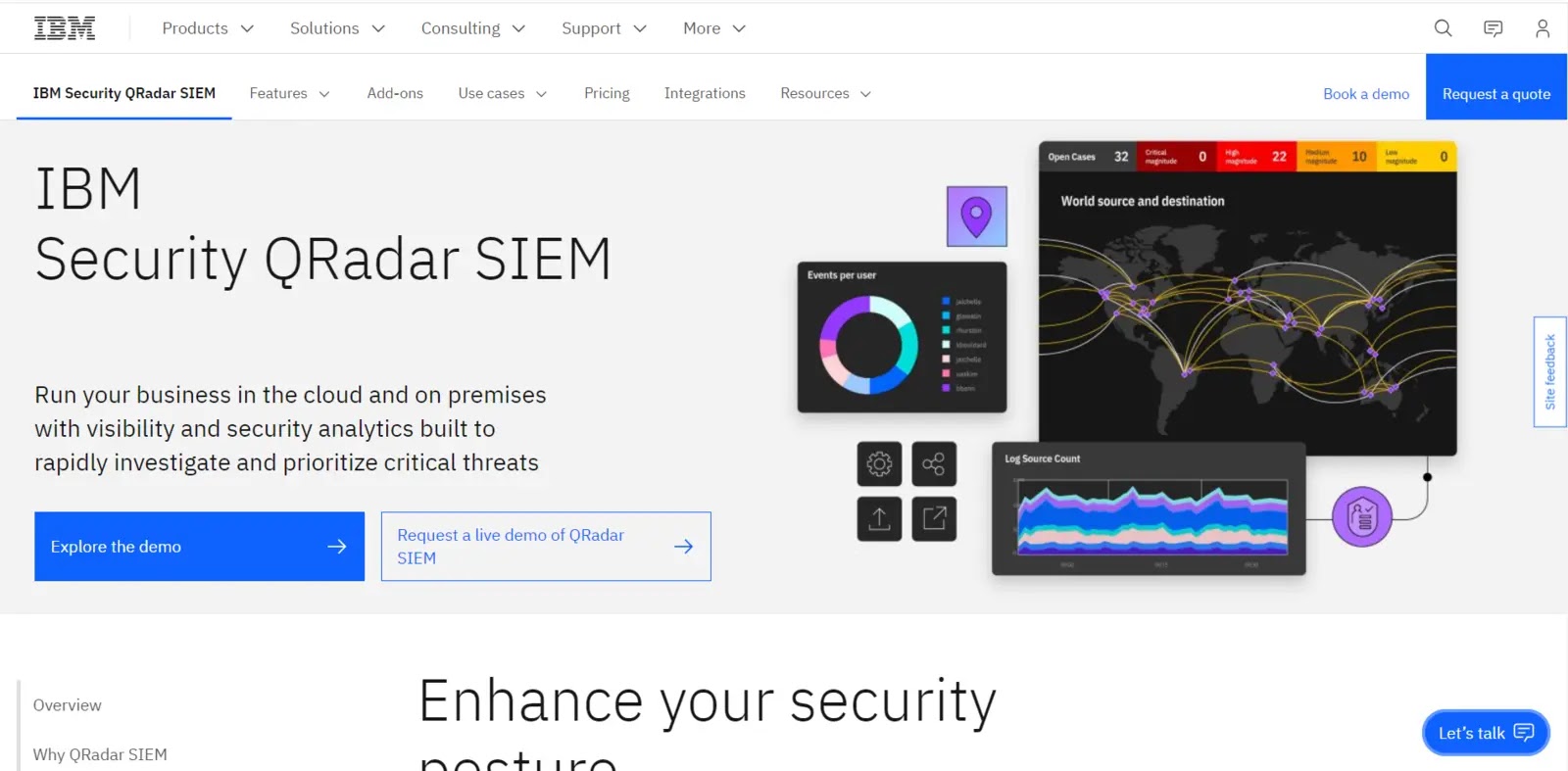
IBM Security QRadar SIEM is a digital forensics solution that enables enterprises to anticipate, respond to, and mitigate security issues. It functions as a SEIM solution by gathering and analyzing log data from multiple sources throughout your IT infrastructure.
QRadar SIEM provides a complete security picture by analyzing data from network devices, servers, apps, and endpoints. It helps firms meet regulatory requirements with robust compliance management.

It provides automated monitoring, reporting, and auditing tools to demonstrate your compliance with standards easily. This solution suits businesses with sizable budgets better since QRadar SIEM can have high licensing, hardware, and maintenance expenses.
Why Do We Recommend It?
- QRadar gathers, saves, and normalizes logs and events from various sources, including network devices, servers, apps, and security appliances.
- QRadar reliably correlates events from many sources to find patterns and potential security incidents.
- Based on previous data and user behavior, the platform employs behavioral analytics to detect odd activity and potential security issues.
- QRadar incident investigation capabilities enable security teams to investigate events, examine attack chains, and assess the impact of suspected occurrences.
| What is Good? | What Could Be Better? |
|---|---|
| Comprehensive Security Visibility | Event Data Processing |
| Real-time Threat Detection | Resource Intensive |
| Threat Intelligence Integration | User Interface Complexity |
| Scalability | Steep Learning Curve |
2. SandBlast Threat Extraction
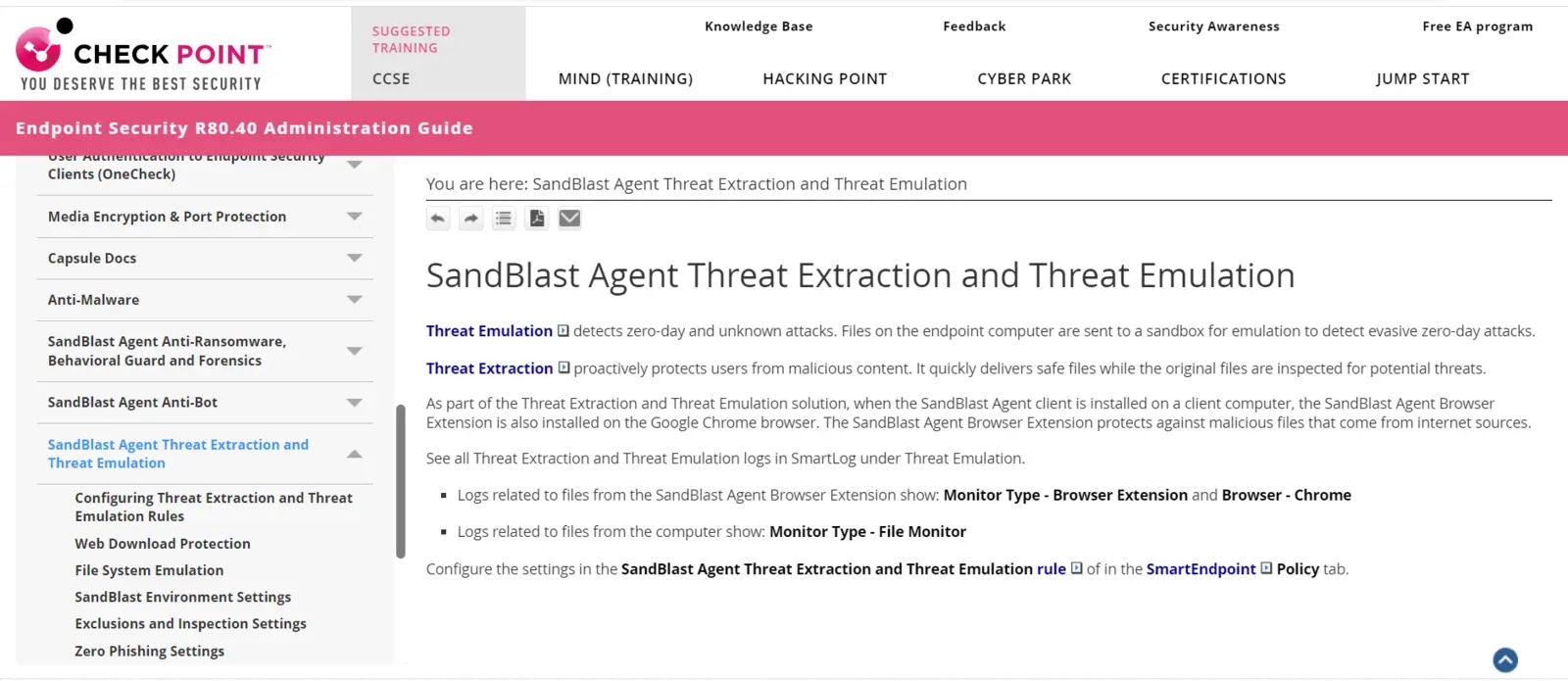
SandBlast Threat Extraction, a potent digital forensics tool created by Check Point Software Technologies, extracts potentially harmful components from files to stop transmitting malicious information.
Real-time analytics, cutting-edge algorithms, and machine learning can swiftly identify and remove threats to improve cybersecurity. The application seamlessly integrates with your security architecture, removing hazardous stuff while preserving file format.
The SandBlast Threat Extraction Forensics Investigation Tool can produce false positives, although frequent updates and fine-tuning reduce them. It focuses on file risks and integrating additional security products to handle other attack routes.
Why Do We Recommend It?
- SandBlast Threat Extraction automatically extracts the file’s content and creates a clean, sanitized version when a user uploads or downloads a file from the Internet or email.
- SandBlast Threat Extraction detects and prevents unknown, zero-day threats hidden within files.
- The solution functions in real-time, offering immediate danger protection without interfering with the user’s productivity.
- SandBlast Threat Extraction works with various file types, including Microsoft Office documents (Word, Excel, and PowerPoint), PDFs, pictures, and others.
| What is Good? | What Could Be Better? |
|---|---|
| Malware Prevention | File Modification |
| Real-time Protection | Dependency on Updates |
| File Type Agnostic | Adoption and User Awareness |
| User Transparency | False Positives |
3. Magnet Forensics
Magnet Forensics is a popular digital forensics tool that helps you collect, examine, and document digital evidence. It supports data extraction from desktops, laptops, smartphones, cloud, and social media sites.
Its powerful search and analytic features, user-friendly interface, and frequent upgrades make it popular with law enforcement agencies worldwide. Investigators can find crucial evidence using Magnet Forensics’ powerful keyword search, dating, and linkage analysis.
Intuitive navigation and visual data presentation simplify the investigative process, making it ideal for both experienced forensic scientists and novices in digital forensics.
Magnet Forensics is still an essential digital forensics tool for efficient digital evidence processing despite the license fees and learning curve for novice users.
Why Do We Recommend It?
- Magnet Forensics technologies can recover digital evidence from computers, mobile devices, cloud services, and other digital media, even if the contents have been erased or concealed.
- The software assists investigators in analyzing and interpreting artifacts of user activity such as internet browser history, application usage, chat chats, and file access.
- Magnet Forensics offers specialized tools for extracting and analyzing data from mobile devices, such as smartphones and tablets running iOS and Android.
- Magnet Forensics products offer the capture and analysis of data from popular cloud platforms such as Google Drive, Dropbox, and Microsoft OneDrive as cloud services become more prevalent.
| What is Good? | What Could Be Better? |
|---|---|
| User-Friendly Interface | Updates and Maintenance |
| Comprehensive Artifact Analysis | Support and Training |
| Mobile Device Forensics | Limited OS Compatibility |
| Memory Analysis |
4. FTK Forensic Toolkit
FTK (Forensic Toolkit) is a full digital forensics program developed by AccessData. Forensic scientists and investigators commonly use it to collect, investigate, and present digital evidence.
FTK provides powerful tools for collecting data from many devices, such as desktops, mobile phones, and cloud services. It also offers advanced analytics and search tools to help users quickly find relevant information.
FTK is compatible with various file systems and formats, making it suitable for multiple inquiries. Its user-friendly interface and robust reporting features simplify the forensic procedure and encourage collaboration.
Why Do We Recommend It?
- FTK enables investigators to gather and create forensic images of hard drives, mobile devices, and other digital media, ensuring evidence preservation.
- The software includes powerful search and filtering capabilities, allowing investigators to swiftly locate pertinent information and evidence amid enormous amounts of data.
- FTK can recover deleted emails and attachments and analyze various email formats, such as Microsoft Outlook PST files.
- The software can analyze Windows Registry data and provide helpful information about the system and user activity.
| What is Good? | What Could Be Better? |
|---|---|
| Comprehensive Digital Forensics | Limited Collaboration |
| User-Friendly Interface | Updates and Maintenance |
| Advanced Search and Filtering | Limited OS Compatibility |
| Artifact Analysis |
5. ExtraHop
ExtraHop, a network detection and response program, gives businesses real-time visibility. Utilize wire data analytics to record and examine network traffic to assist enterprises in identifying and responding to security risks, looking into incidents, and improving performance.
Network traffic analysis, behavior-based anomaly identification, threat hunting, and encrypted traffic analysis are just a few of the many features ExtraHop offers, and having a user-friendly UI and machine-learning skills
Security teams may use ExtraHop to acquire comprehensive visibility into network activity, spot possible threats, and take proactive measures to safeguard their infrastructure.
Why Do We Recommend It?
- ExtraHop passively monitors network traffic in real time, giving total visibility into all network communications and transactions.
- The platform automatically discovers and categorizes network devices, systems, and applications, delivering an up-to-date inventory of assets.
- ExtraHop employs machine learning and behavioral analytics to create baselines of normal network behavior and detect anomalies that could indicate possible security risks.
- The platform can detect and alert suspicious and malicious activities such as strange data transfers, command-and-control traffic, and other indicators of compromise.
| What is Good? | What Could Be Better? |
|---|---|
| Real-Time Visibility | Dependency on Network Visibility |
| Passive Monitoring | Ongoing Maintenance |
| AI-Powered Analytics | Hardware Requirements |
| Application Performance Monitoring: | Integration Complexity |
6. Wireshark
Wireshark protocol analyzer is a well-known digital forensics tool that allows users to capture and analyze network traffic in real-time. It contains a comprehensive set of functions that enable users to scan packets, decode protocols, and solve network problems.
Wireshark supports interfaces to multiple platforms and networks so that it can intercept traffic from various sources—extensive support for many protocols such as Ethernet, TCP, IP, DNS, and HTTP.
Wireshark also includes various advanced forensic analysis capabilities, such as session reconstruction, stream tracing, and message retrieval from network traffic.
It is an essential tool for network administrators, security professionals, developers, and wireshark users because of its comfortable user interface and powerful filtering capabilities.
Why Do We Recommend It?
- Wireshark can collect network packets in real-time from various interfaces, including Ethernet, Wi-Fi, and loopback, allowing users to study network activity as it occurs.
- Users can open and analyze pre-captured packet capture files (e.g., PCAP files) to explore past network occurrences.
- Wireshark includes advanced display filters that allow users to zero in on specific network traffic based on parameters such as IP addresses, protocols, port numbers, and packet content.
- The software can deconstruct and decode various network protocols, providing precise information about each packet’s structure and content.
| What is Good? | What Could Be Better? |
|---|---|
| Comprehensive Packet Analysis | Steep Learning Curve |
| Cross-Platform Support | Resource Intensive |
| Live Packet Capture | Capture Limitations |
| Filtering and Search Capabilities | Privacy and Legal Concerns |
7. EnCase Forensic
EnCase Forensic, created by Guide Software (now part of OpenText), is a strong digital forensics application used by detectives to collect, investigate, and safeguard digital evidence.
EnCase Forensic supports multiple file systems, allowing investigators to access and investigate data from different operating systems. It offers various possibilities for collecting and analyzing information from PCs, mobile devices, and other digital storage media.
EnCase Forensic’s robust reporting capabilities enable investigators to communicate their findings effectively and legally compliantly. The tool also provides advanced search and analysis tools, such as registry analysis, file splitting, and keyword searching.
Why Do We Recommend It?
- EnCase Forensic enables investigators to gather and make forensic photographs of hard drives, solid-state drives, mobile devices, and other digital media, thereby ensuring evidence preservation.
- The software allows investigators to inspect files, directories, and metadata in various file systems, including FAT, NTFS, exFAT, APFS, and others.
- EnCase Forensic has excellent search and filtering features, allowing investigators to swiftly identify important information and evidence amid enormous amounts of data.
- The software can analyze and recover lost emails, attachments, and email artifacts from multiple email formats, including Microsoft Outlook PST files.
| What is Good? | What Could Be Better? |
|---|---|
| Comprehensive Forensic Capabilities | Steep Hardware Requirements |
| Court-Validated Tool | Scripting Complexity |
| Advanced File Carving | Resource Intensive |
| Keyword Search and Filtering | Limited OS Compatibility |
8. Maltego
Maltego is a powerful Paterva digital forensics program widely used for link analysis and data mining. It allows investigators to compile data from various sources, including social networks, web databases, open APIs, etc.
It allows users to create and modify entities representing different data types, such as individuals, companies, websites, documents, etc. You can link these lessons to make them more relevant and give you a complete picture of what you are learning.
Maltego also provides collaboration tools for multiple people to collaborate on projects, share results, and improve research productivity. This tool’s extensibility allows modification through transformations, allowing the user to adapt her Maltego to her needs.
Why Do We Recommend It?
- Maltego is a graph-based interface that depicts relationships and connections between various data points, entities, and properties.
- Maltego users can import and integrate data from various sources, including public data sets, APIs, databases, and human input.
- Users can model connections and relationships by creating and manipulating entities (such as email addresses, IP addresses, domains, individuals, and so on) and linkages between these things.
- Maltego provides various transforms and pre-built connectors to online data sources and APIs.
| What is Good? | What Could Be Better? |
|---|---|
| Intuitive Data Visualization | Lack of Full-Fledged Forensic Features |
| Link Analysis and Pattern Recognition | Limited Real-Time Data |
| Integration with Various Data Sources | Limited Deep Analysis |
| Customizable Transforms | Limited Offline Use |
9. FireEye Network Security and Forensics
FireEye Network Security and Forensics is a strong digital forensics tool for backups and investigations into network setups. It combines advanced forensic analysis capabilities with comprehensive network security capabilities.
This technology helps organizations detect and respond to advanced cyber threats by tracking network activity, detecting malicious behavior, and conducting in-depth investigations. This technology will enable security professionals to investigate security events and breaches closely.
FireEye Network Security and Forensics prevent assaults via real-time threat intelligence, behavioral analysis, and signature-based detection. It maintains network traffic data to determine attack types and scope.
Why Do We Recommend It?
- The system employs many detection techniques, including signature-based detection, behavior-based analytics, machine learning, and threat intelligence, to identify and block known and new threats.
- FireEye Network Security and Forensics can detect suspicious activity, malware transmissions, and other harmful behaviors by capturing and analyzing network data in real-time.
- The solution includes sandboxing features to evaluate and detonate potentially dangerous files and URLs to establish their threat level in a controlled environment.
- FireEye provides both intrusion detection and prevention capabilities to detect and prevent unwanted network activity and potential intrusion attempts.
| What is Good? | What Could Be Better? |
|---|---|
| Advanced Threat Detection | Limited Focus on User and Entity Behavior |
| Multi-Vector Protection | Complex Implementation |
| Real-Time Threat Intelligence | Alert Overload |
| Centralized Management | |
10. FTK Imager
FTK Imager is a popular digital forensics tool from AccessData. It is specially made to locate and examine digital evidence from various storage systems.
The FTK Imager is an essential tool in digital forensics. It has a user-friendly interface and several functions. Investigators can use FTK Imager as a capture tool to make forensic photographs of storage devices such as hard disks and USB devices.
It provides options for compression and encryption and supports various picture formats. FTK Imager users may also take forensic photographs of RAM to analyze volatile data.
In addition to imaging capabilities, FTK Imager also provides powerful analysis capabilities. This allows users to mount forensic images as logical drives, browsing and searching captured data without altering the original evidence.
Why Do We Recommend It?
- Users can use FTK Imager to create forensic images of drives and storage devices.
- The utility can create forensic images from disks (DTOI) and restore images to disks (ITOD).
- In addition to image creation, FTK Imager can perform disk-to-disk imaging, which involves copying data from one disk to another.
- Through hash calculation and verification, FTK Imager gives tools for verifying and validating the integrity of produced images.
| What is Good? | What Could Be Better? |
|---|---|
| Disk Imaging and Data Acquisition | Limited Data Analysis Capabilities |
| Support for Various Image Formats | Resource Intensive for Memory Imaging |
| Live Memory Imaging | Single-Task Focus |
| Network Imaging | Learning Curve for Advanced Features |
11. Belkasoft Evidence Center
Belkasoft Evidence Center is a comprehensive digital forensics tool that Belkasoft developed. It is designed to help investigators acquire, analyze, and report on digital evidence from various sources.
This powerful digital forensics program can collect and handle information from desktops, mobile devices, cloud services, and more. It scans many file types, recovers deleted data, and analyzes web browser history, chat messages, and email.
Belkasoft Evidence Center offers extensive analytical capabilities such as timeline analysis, social graph analysis, and keyword search. It also incorporates advanced carving and decoding algorithms to recover deleted or encrypted data.
Why Do We Recommend It?
- The software can gather and generate forensic photos of hard drives, mobile devices, and other digital media, ensuring evidence retention.
- Belkasoft Evidence Center can analyze FAT, NTFS, HFS+, APFS, and others, allowing investigators to investigate files, directories, and metadata.
- The program can examine various digital artifacts left by user actions, including internet browser history, email correspondence, chat logs, social media activity, and more.
- Belkasoft Evidence Center can collect and analyze data from cloud services and popular social media platforms like Facebook and Twitter.
| What is Good? | What Could Be Better? |
|---|---|
| Wide Range of Data Sources | Interface Complexity |
| Comprehensive Artifact Analysis | Dependency on Data Sources |
| Advanced Carving and Data Recovery | Resource Intensive for Memory Analysis |
| Memory Analysis | Limited OS Compatibility for Memory Analysis |
12. DEFT
DEFT (Digital Evidence & Forensic Toolkit) is a prominent digital forensics tool that provides investigators with access to a Linux-based operating system tailored specifically for forensic investigations.
DEFT is widely known for its user-friendly interface and extensive support for traditional and modern forensic methods. We offer a comprehensive range of tools and services to help you collect, store, and conduct investigations on digital evidence.
It includes disk imaging and data recovery tools that allow investigators to create forensic images of storage devices and retrieve valuable information. It also offers analytical tools for keyword searching, file system access, and artifact investigation.
DEFT provides interoperability with popular forensic analysis tools and supports various file types.
Why Do We Recommend It?
- DEFT is a “live” distribution, which may be started directly from a DVD or USB device without installation.
- DEFT includes several digital forensics tools and utilities, including disk imaging and analysis tools, file carving utilities, and memory and network analysis tools.
- DEFT supports many file systems, allowing investigators to analyze data from diverse storage devices such as NTFS, FAT, exFAT, HFS+, Ext2/3/4, and others.
- DEFT contains mobile device forensics tools that allow investigators to collect and analyze data from smartphones and tablets running various operating systems, such as Android and iOS.
| What is Good? | What Could Be Better? |
|---|---|
| Open-Source and Free | Outdated or Limited Tool Versions |
| Comprehensive Digital Forensics Tools | Integration with Existing Workflows |
| Live Environment | Hardware Compatibility |
| User-Friendly Interface | Updates and Maintenance |
13. Change Auditor
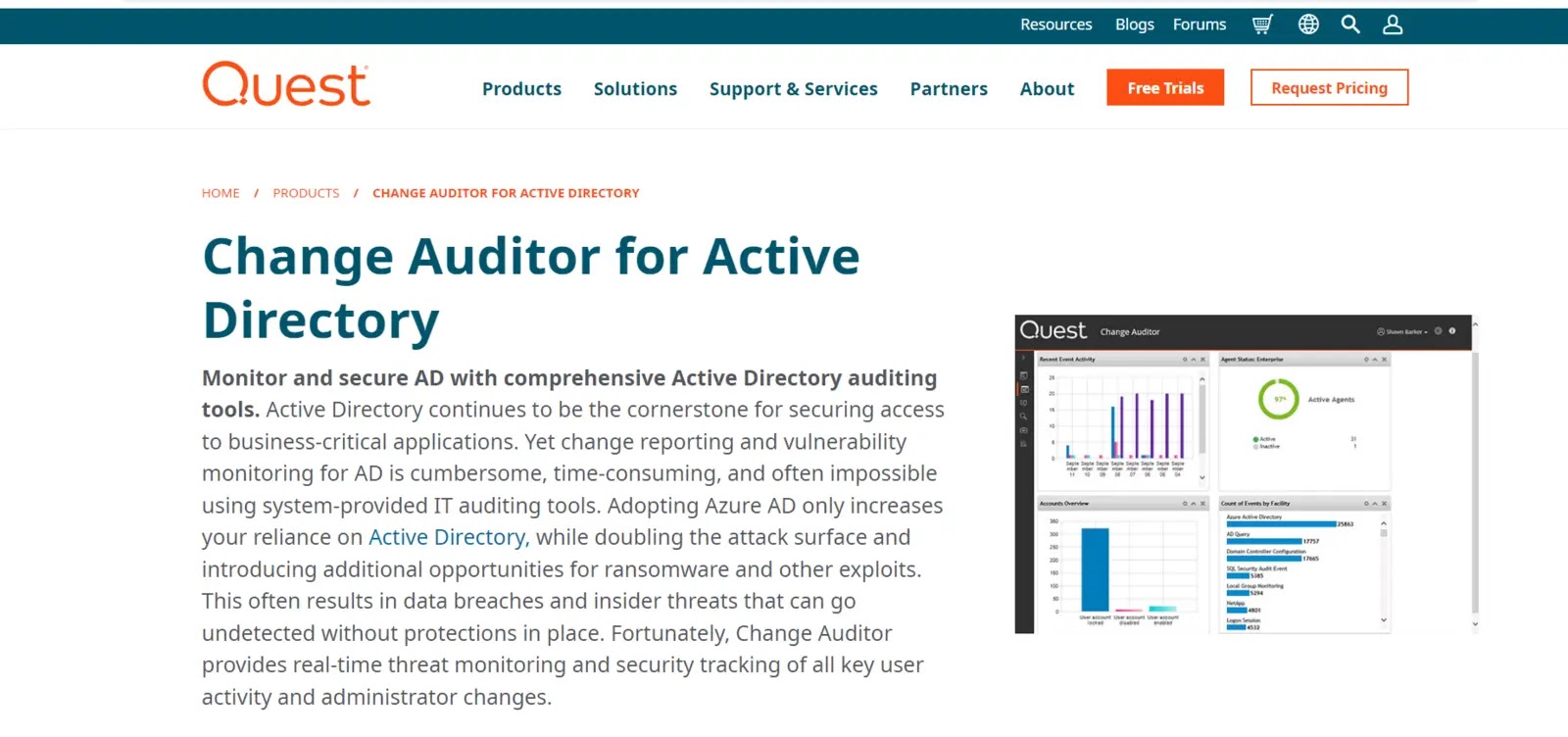
Change Auditor, a powerful digital forensics tool, was built by Quest Software. It specializes in auditing and keeping track of modifications to Active Directory, file servers, Exchange servers, and SQL databases, among other essential elements of the IT architecture.
With the help of a change auditor, organizations may proactively monitor and detect suspicious or illegal activities inside their IT infrastructure. Forensic investigators may quickly look into and evaluate security occurrences and compliance violations.
Investigators may produce thorough reports and carry out in-depth forensic analyses. It supports custom alerts and notifications to provide real-time alerts for critical events.
Change Auditor also integrates with SIEM (Security Information and Event Management) systems, enabling correlation and centralized monitoring of security events.
Why Do We Recommend It?
- Change Auditor monitors and audits crucial events and changes in various systems, including Active Directory, Windows File Servers, Exchange Server, SharePoint, SQL Server, VMware, and others.
- The software generates thorough and granular audit logs that record every change, access, and administrative action on the monitored systems.
- When specified essential events occur, the Change Auditor may send real-time alerts and notifications to administrators, allowing for a quick response to any security issues or suspicious activity.
- The service monitors and reports on user behavior, assisting businesses in identifying insider threats and potential security breaches.
| What is Good? | What Could Be Better? |
|---|---|
| Real-Time Monitoring | Dependency on Vendor Support |
| Comprehensive Audit Trai | Regulatory and Compliance Considerations |
| Pre-Configured Audit Reports | Complex Deployment |
| Customizable Alerts | Event Overload |
14. NETSCOUT Cyber Investigator
NETSCOUT Systems created the complete digital forensics software known as NETSCOUT Cyber Investigator. It is intended to offer thorough network visibility and analysis to aid in cyber investigations.
This program detects, investigates, and resolves security incidents. It quickly filters network data to find important information. Interactive diagrams and flowcharts help explain complex network links and relationships.
NETSCOUT Cyber Investigator’s broad reporting tools allow digital forensics investigations to develop detailed reports and supporting documents for legal and internal inquiries. It integrates with other forensic tools and incident response systems to improve collaboration and efficiency.
Why Do We Recommend It?
- NETSCOUT Cyber Investigator can capture, store, and analyze network traffic in real-time or using past data, giving you visibility into network activities and potential security concerns.
- Users can perform packet-level analysis with the software, studying individual network packets to analyze communication patterns and discover malicious actions.
- NETSCOUT Cyber Investigator detects anomalies and strange patterns in network data, assisting in detecting potential security incidents.
- The application aids incident response efforts by delivering actionable insights and data for speedy and effective security threat mitigation.
| What is Good? | What Could Be Better? |
|---|---|
| Network Visibility | Dependency on Network Traffic |
| Packet Analysis | Data Privacy and Compliance |
| Advanced Threat Intelligence | Deployment Complexity |
| Anomaly Detection |
15. Autopsy – Digital Forensics
Autopsy—Digital Forensics is an open-source GUI-based digital forensics software that provides investigators with various tools for investigating and analyzing digital data.
It lets investigators investigate FAT, NTFS, and HFS+ file systems to retrieve deleted files, extract data, and do keyword searches. This program has customizable analytical modules for your research.
These modules include keyword search, hash analysis, file snippets, and timeline analysis. Investigators can use Autopsy’s reporting capabilities to create comprehensive reports that include timelines, keyword hits, and file system information.
Why Do We Recommend It?
- Investigators can use Autopsy to create forensic photographs of storage devices and perform data carving to recover deleted or fragmented contents.
- The tool provides powerful search and filtering capabilities, enabling investigators to search for specific keywords, file names, metadata, and other criteria within the digital evidence.
- Autopsy can analyze digital artifacts and user behaviors, including internet history, email correspondence, chat logs, social media activity, and more.
- The platform has a timeline view to assist investigators in visualizing and comprehending the sequence of events and user activity on the system.
| What is Good? | What Could Be Better? |
|---|---|
| Open-Source and Free | Complex Investigations |
| Comprehensive Digital Forensics Features | Limited Commercial Support |
| User-Friendly Interface | Customization and Automation |
| Keyword Search and Filtering |
16. Cado Cloud Collector
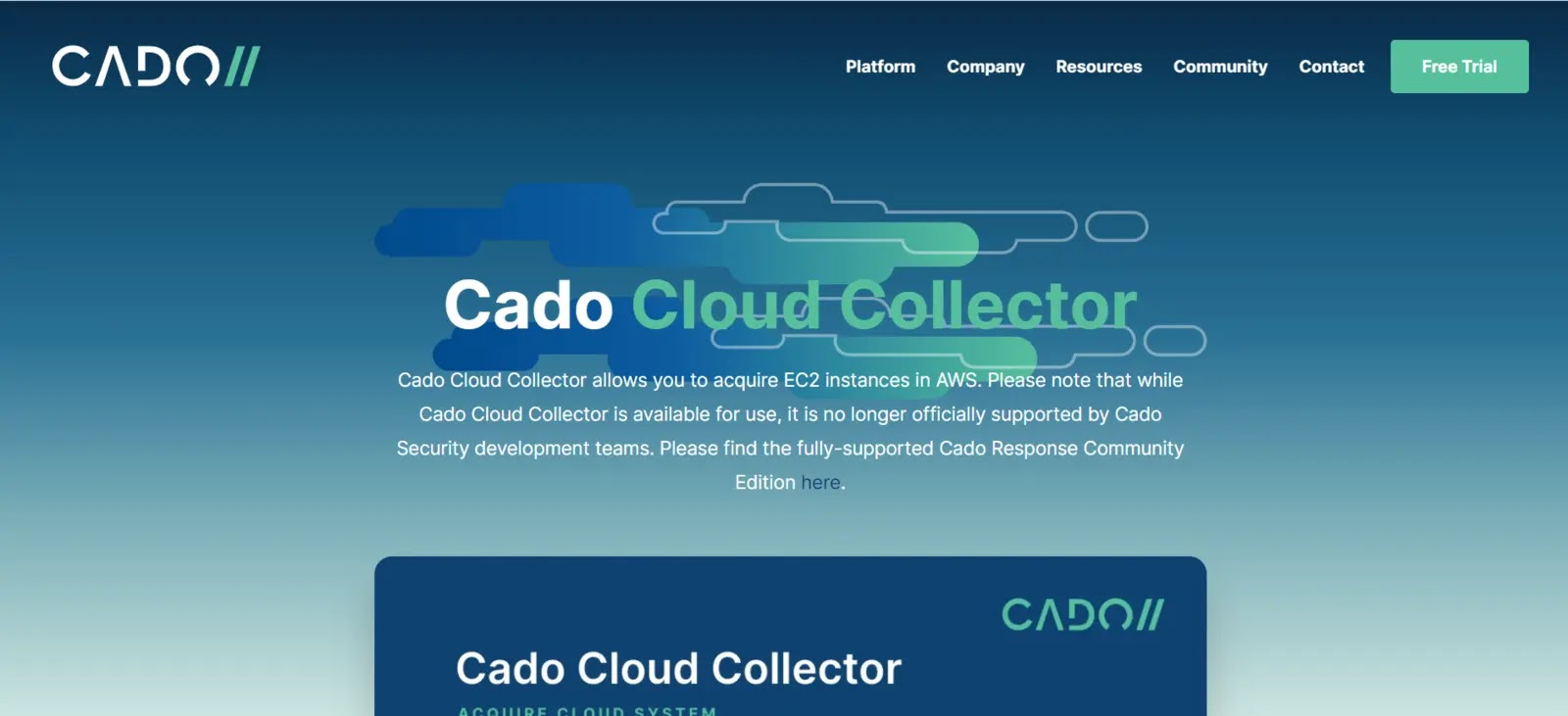
Cado Cloud Collector, created by Cado Security, enables investigators to safely gather and examine data from well-known cloud platforms such as AWS, Azure, and GCP.
Cado Cloud Collector automates the collecting procedure and reliably saves digital evidence without changing the original data. The tool supports several cloud artifacts, including logs, network traffic, storage buckets, virtual machines, and more.
This gives investigators a thorough understanding of cloud-based settings, allowing them to recreate and examine activities that could be pertinent to forensic investigations.
Why Do We Recommend It?
- Cado Cloud Collector is intended for data collection and analysis in various environments, including public cloud platforms such as Amazon Web Services (AWS), Microsoft Azure, and Google Cloud Platform (GCP).
- The system continuously monitors cloud environments, allowing investigators to collect data and events in real-time or over a specified period.
- Cado Cloud Collector can automatically collect essential data from cloud instances, virtual machines, containers, and other cloud-based resources, simplifying the research process.
- The platform can generate forensic photos of cloud instances and storage volumes, preserving evidence for subsequent examination.
| What is Good ? | What Could Be Better? |
|---|---|
| Cloud-Specific Forensics | Limited User Community |
| Automated Data Collection | Dependency on Cloud APIs |
| Broad Cloud Platform Support | Cloud-Specific Knowledge Required |
| Live Response Capabilities | Dependency on Cloud Platform APIs |
17. Registry Recon
Arsenal Recon has developed Registry Recon, a powerful digital forensics software. His focus is on investigating and analyzing the Windows Registry; his artifact is an essential source of information for forensic investigations.
It offers a complete registry analysis module suite that converts registry information into a human-readable format. Registry versions that Registry Recon can analyze include Windows 7, 8, 10, and Server editions.
Registry Recon’s powerful search and filter capabilities allow investigators to easily search and extract specific registry keys, values, or data patterns. It also provides timeline analysis capabilities to understand better the history of events and user activity in your registry.
Why Do We Recommend It?
- To extract essential data, Registry Recon can analyze and interpret Windows Registry hives, such as SYSTEM, SOFTWARE, SAM, NTUSER.DAT, and others.
- The program includes powerful keyword search capabilities, allowing users to search the Registry hives for specific strings, values, or artifacts.
- The software can recognize and retrieve valuable data and artifacts from the Registry, such as user accounts, installed programs, USB device information, and recently accessed files.
- Registry Recon includes report production features, which enable investigators to construct extensive reports detailing their findings and analyses.
| What is Good? | What Could Be Better? |
|---|---|
| Focused on Windows Registry | Windows-Specific |
| Artifact Extraction | Dependency on Registry Artifacts |
| Advanced Search and Filtering | Dependency on Other Forensic Tools |
| Timeline Analysis |
18. e-fence
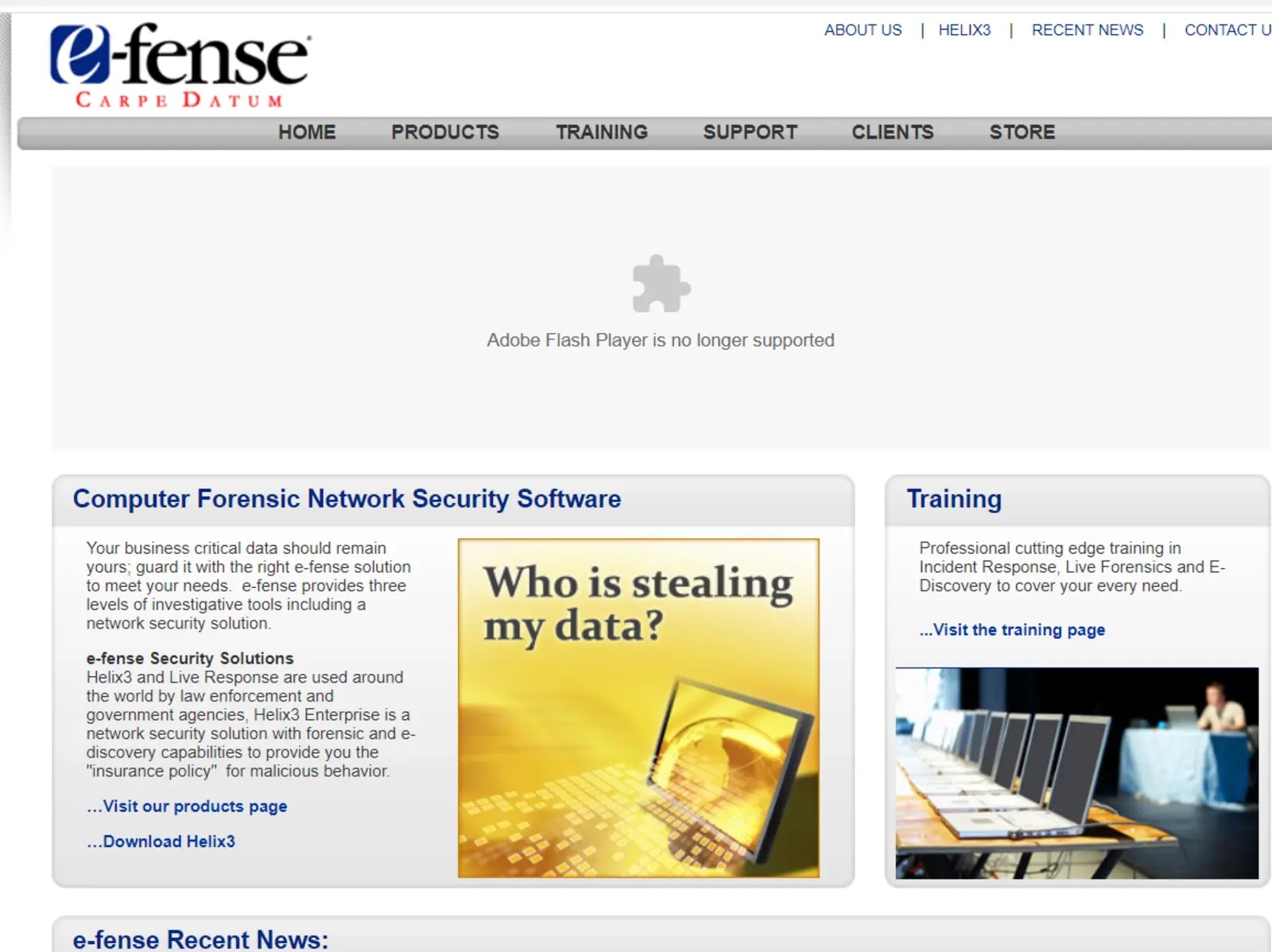
e-fence creates digital forensic software solutions for businesses, law enforcement, and other organizations. Its flagship product is Helix3 Pro, a digital forensics and incident response tool with various features for analyzing and examining digital data.
Digital forensics experts may gather, store, and analyze digital evidence with the help of Helix3 Pro, a collection of tools and utilities.
Hard drives and other storage devices may be turned into forensic photos using Helix3 Pro, which allows investigators to record the device’s current state for subsequent study.
Connect data and artifacts may be easily found using the software’s capabilities for examining files and registry entries. Helix3 Pro can examine the memory of an active system to find open files, processes, and network connections.
Why Do We Recommend It?
- Intrusion detection features may be included in e-fence to monitor network traffic and identify potential unwanted access attempts or security breaches.
- E-fence may incorporate intrusion detection features to monitor network traffic and identify potential unauthorized access attempts or security breaches.
- When security issues or abnormalities are detected, e-fence could offer administrators real-time warnings and notifications, allowing for quick response.
- The tool may gather, store, and analyze logs from various network devices and systems to gain insights into security incidents and trends.
| What is Good? | What Could Be Better? |
|---|---|
| Open-Source and Free | Outdated or Limited Tool Versions |
| Comprehensive Digital Forensics Tools | Integration with Existing Workflows |
| Live Environment | Hardware Compatibility |
| User-Friendly Interface | Updates and Maintenance |
19. CAINE
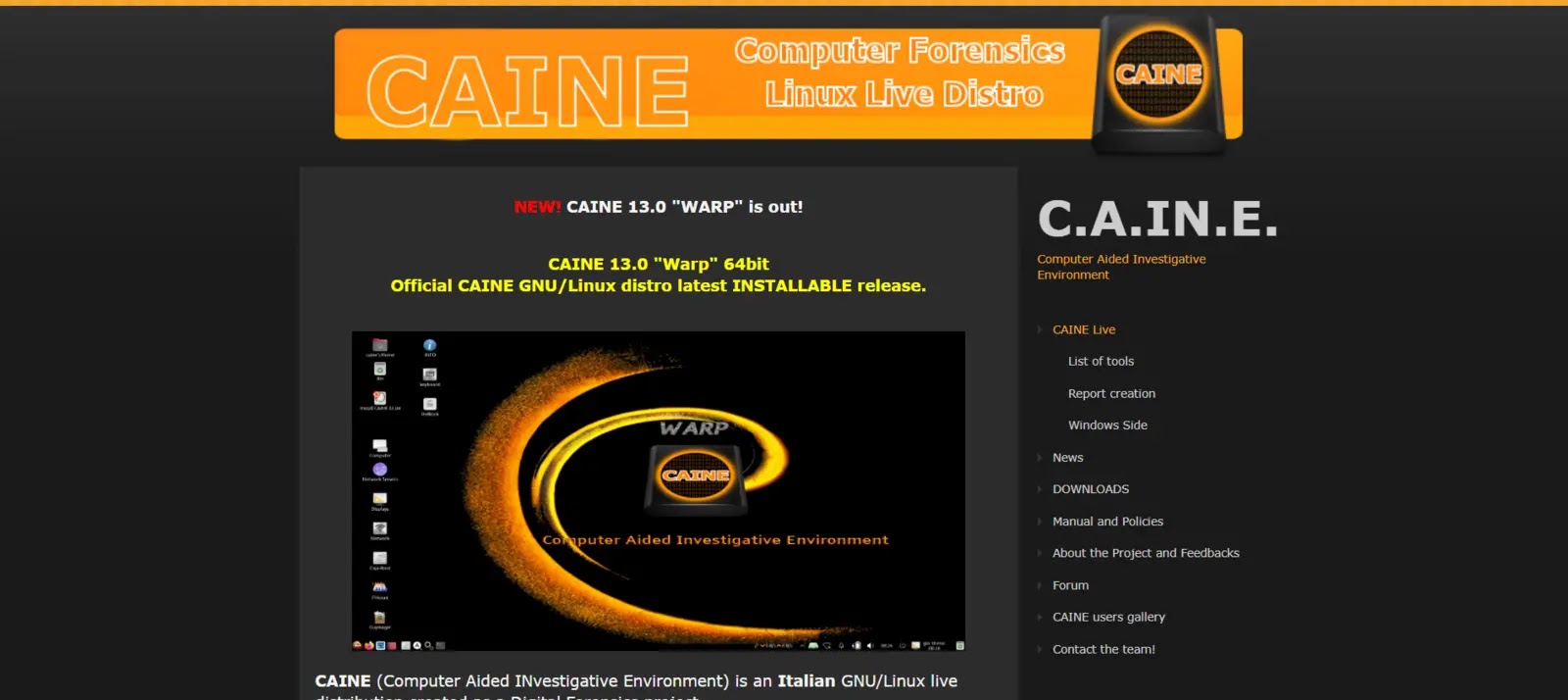
CAINE (Computer Aided INvestigative Environment) is a Linux-based digital forensics software tool designed to assist investigators in performing digital investigations and analysis.
It comes with various pre-installed tools and software packages useful for digital forensics investigations, including tools for imaging and data acquisition, file analysis, memory analysis, network analysis, and mobile device analysis.
CAINE includes tools for analyzing a running system’s memory, including the ability to identify running processes, open files, and network connections. The digital forensics software also includes tools for analyzing network traffic and identifying potential security threats.
Why Do We Recommend It?
- CAINE can be started in a “live” environment, allowing investigators to run it immediately from a USB device or DVD, ensuring data integrity.
- It offers various digital forensics tools and utilities for data acquisition, disk imaging, file system analysis, memory analysis, network analysis, and other tasks.
- The platform’s user-friendly interface makes it easy for investigators of all competence levels to use and navigate.
- CAINE allows you to create forensic images of storage media and perform data carving to recover deleted or fragmented files.
| What is Good? | What Could Be Better? |
|---|---|
| Open-Source and Free | Compatibility and Hardware Support |
| Comprehensive Forensic Toolset | Regulatory and Compliance Considerations |
| User-Friendly Interface | Dependency on External Tools |
| Live Environment and Bootable Media |
20. PlainSight

PlainSight is digital forensics software developed by PlainSight Solutions, LLC. It is designed to assist digital forensics investigations by analyzing systems running on the Microsoft Windows operating system.
PlainSight provides a range of features for collecting and analyzing digital evidence, including the ability to create forensic images of hard drives and other storage devices, conduct file analysis, and analyze system memory.
PlainSight includes various digital forensics tools for analyzing files, including file viewers, file carving tools, and metadata analysis tools. Its user-friendly interface and powerful capabilities make it a popular choice among digital forensics investigation tools.
Why Do We Recommend It?
- The software could allow disk imaging to produce precise copies of storage media, assuring data integrity and evidence retention.
- PlainSight may be able to scan files, directories, and metadata for evidence by analyzing various file systems.
- The program may include the capability of analyzing digital artifacts and user behaviors, such as internet history, email correspondence, chat logs, and social media activity.
- PlainSight could provide powerful search and filtering capabilities within digital evidence to discover specific phrases, file names, or other criteria.
| What is Good? | What Could Be Better? |
|---|---|
| Cross-Platform | Limited Commercial Support |
| Modular Approach | Dependency on Community |
| Active Community | Regulatory and Compliance Considerations |