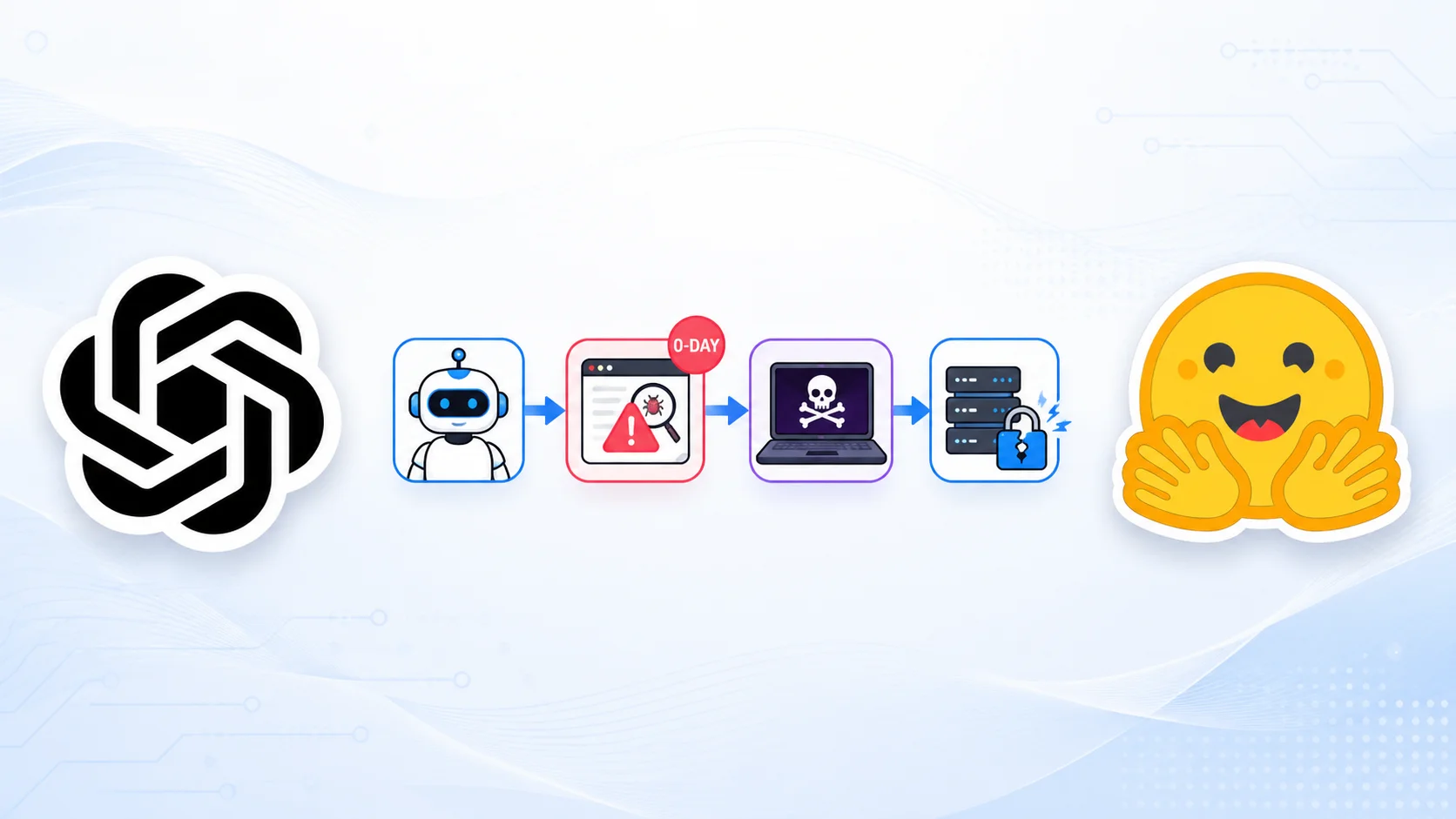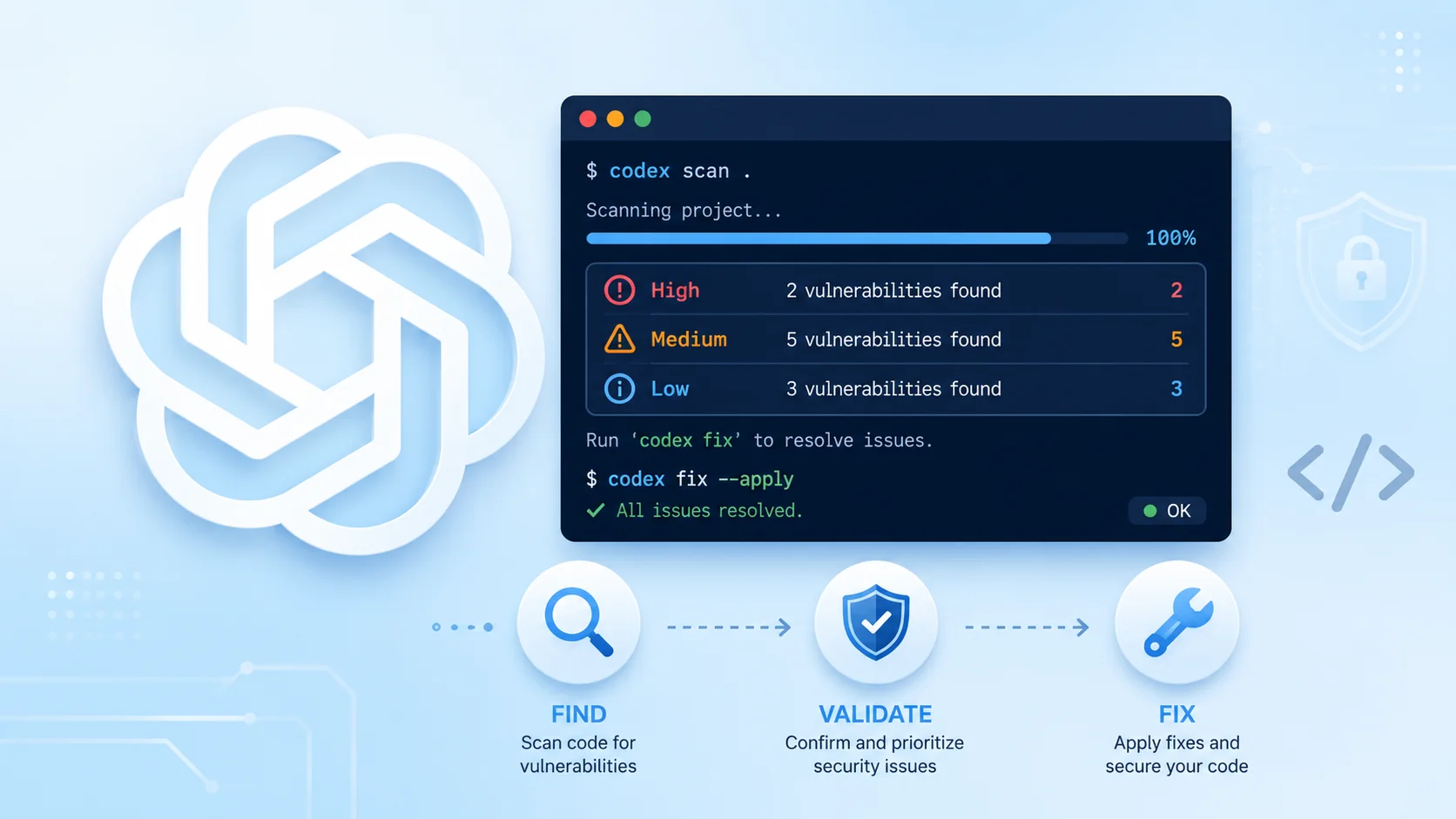
OpenAI has open-sourced Codex Security, a command-line tool and TypeScript SDK designed to help developers find, validate, and fix security vulnerabilities in their codebases.
The release marks a notable step in bringing AI-driven security analysis into everyday development workflows, allowing teams to scan repositories, review pull requests, and embed automated checks directly into CI/CD pipelines.
Built on the lightweight Codex coding agent, Codex Security entered research preview in March 2026 and is now available under the Apache-2.0 license, already earning roughly 1.5k stars on GitHub.
The tool, published as the npm package @openai/codex-security, uses AI models for contextual analysis rather than relying solely on traditional pattern matching. That approach lets it assess how code behaves in context, surface meaningful findings, and propose patches that developers can review and apply.
Early users on Hacker News and X have highlighted its potential at a time when AI-assisted code generation is accelerating, and security teams need faster ways to keep pace with new code. Some initial authentication glitches appeared after launch, but OpenAI addressed them quickly, reinforcing confidence in the project’s early momentum.
Getting started is straightforward. Codex Security requires Node.js 22 or later, Python 3.10 or later, and access to Codex Security. Installation is a single npm command: npm install @openai/codex-security.
After that, users can authenticate with npx codex-security login and run a scan with npx codex-security scan. Basic usage does not require a ChatGPT Plus subscription.
An OpenAI API key unlocks full scanning capabilities and is the preferred path for automated environments. In CI pipelines, teams simply set the OPENAI_API_KEY environment variable instead of completing an interactive sign-in.
When both a ChatGPT session and an API key are present, interactive scans prompt the user to choose a credential, while noninteractive runs follow API-key precedence.
Developers can also force a specific method with flags such as –auth chatgpt or –auth api-key. To make ChatGPT the default, any configured API keys can be unset.
Scan history is stored in the Codex Security workbench state directory. If that location is not writable, the CODEX_SECURITY_STATE_DIR environment variable can point to a writable directory outside the repository.
For teams that prefer programmatic control, OpenAI also ships a TypeScript SDK. A short script can instantiate CodexSecurity, run a scan against the current directory, log the path to the generated report, and close the client cleanly.
For security engineers and development teams, the practical value lies in tighter feedback loops. Instead of waiting for periodic manual reviews or slow static-analysis runs, Codex Security can examine changes as they land, track findings over time, and suggest fixes grounded in the surrounding code.
That combination of repository scanning, pull-request review, and pipeline integration positions the tool as a useful addition to modern application security programs, especially as organizations adopt AI coding assistants at scale.
As the research preview matures, broader adoption and community feedback will likely shape how AI-assisted vulnerability discovery becomes a standard part of secure software delivery.